
AI Outage Checklist 2026: Fix It or Wait It Out
I’ve spent 33 years in IT watching systems fail in every way imaginable, and I can tell you the panic of an AI outage hits differently. You’re mid-sentence on a client brief, your cursor is blinking in ChatGPT, and suddenly nothing loads. Is it your Wi-Fi? Your account? Or is the whole thing down and you’re about to lose the last twenty minutes of context you built up in that chat? That sinking feeling — the fear of losing unsaved work, missing a deadline, and realizing how dependent you’ve become on one AI vendor — is exactly why I put together this AI Outage Checklist.
AI Outage Checklist is a step-by-step diagnostic sequence for determining whether an AI tool like ChatGPT or Claude is experiencing a real service-wide incident history event or a local connection problem, then taking the correct action for each case. For example, checking the provider’s service status page before assuming your browser or account is broken can save you twenty or more minutes of wasted retries.
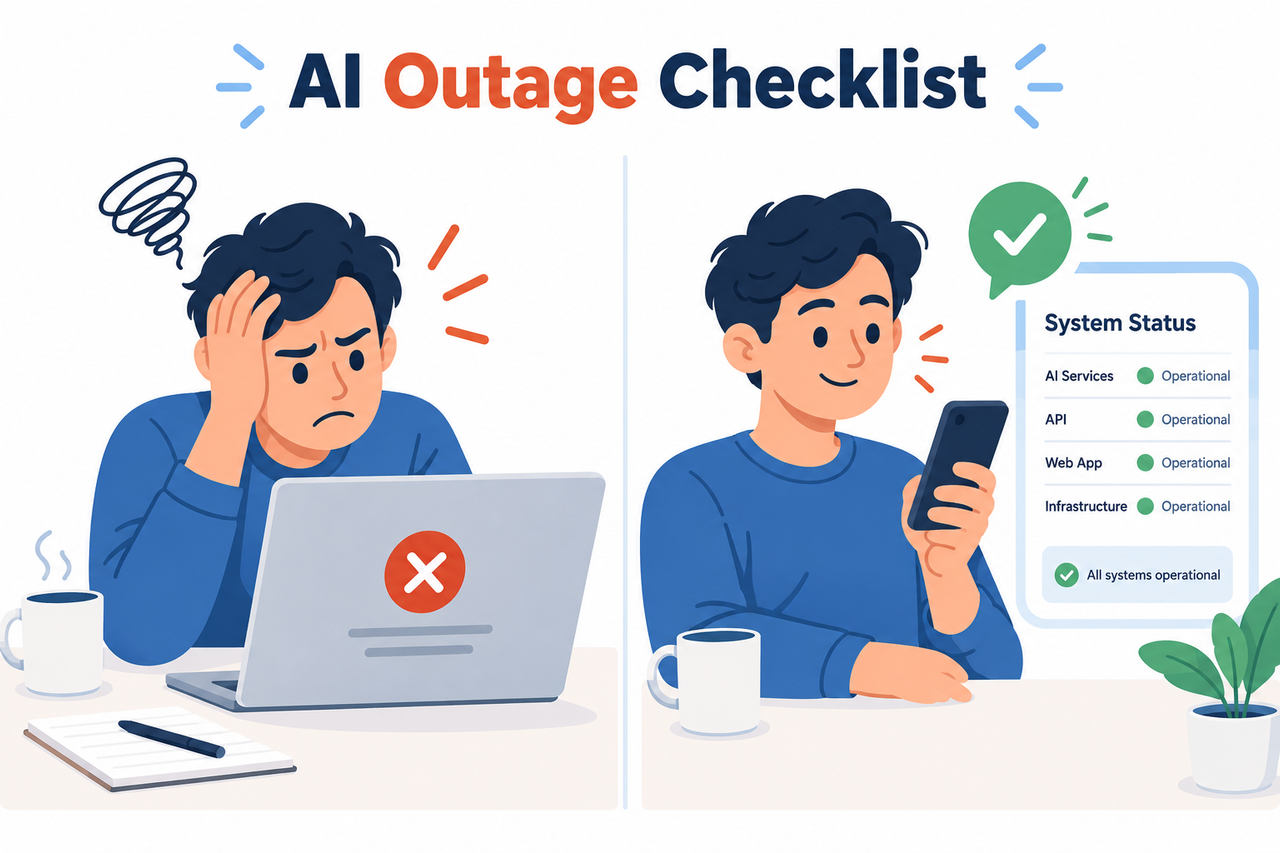
I built this checklist after watching my own workflow get disrupted during a real, documented event. On September 3, 2026, OpenAI, Anthropic, and xAI all reported elevated error rates at roughly the same time, across ChatGPT, Codex, and Claude models. It wasn’t a rumor — it showed up on both company service status pages and in a wave of user reports Chicago Tribune. If you promote AI tools, build content around them, or just rely on them daily like I do, that day was a wake-up call about single-vendor dependency.
Is ChatGPT or Claude Actually Down Right Now? (Quick Answer)
Quick Answer
Check the provider’s official service status page first — status.openai.com for ChatGPT and Codex, or status.anthropic.com for Claude. A yellow or red indicator confirms a real multi-vendor outage or single-vendor incident; if the page is green but you still can’t connect, the problem is local — your browser, an extension, a VPN, or your network — not the AI service itself.
I want to be blunt about something I see constantly in forums: people assume the AI is broken when really it’s a cached cookie or an overzealous ad blocker. In my tests, checking the status page takes fifteen seconds and eliminates half of the guesswork immediately.
Why Do AI Outages Happen? (Core Concept)

Understanding the why behind an outage changes how you react to it. Not every red banner means the same thing, and not every broken screen means the vendor is at fault. Here’s what I’ve learned from tracking these incidents over the years.
Vendor-side incidents affect thousands at once
When a real API downtime event hits, it’s not just you — it’s everyone hitting that endpoint. The September 3, 2026 incident is a textbook case: OpenAI, Anthropic, and xAI all reported degraded performance simultaneously, confirmed by both company status pages and independent user reports Chicago Tribune. Anthropic’s own incident log for that day recorded a cascading multi-model failure that took roughly three hours to fully resolve Anthropic Status. These events are rare, but when they happen, they hit every user of that model at once, regardless of your plan, your prompt, or your account history.
Local issues mimic outages but aren’t
Here’s the mistake I see most often: someone gets a blank screen or a spinning loader and immediately assumes the AI vendor is down. In reality, browser cache buildup, an ad-blocker extension, or a flagged VPN IP range can all produce symptoms that look identical to a real outage — timeouts, failed logins, or requests that just hang. The service can be perfectly healthy on the backend while your local session is the actual point of failure.
503 vs 429 errors mean different things
If you’re working with an API directly rather than a chat interface, the exact error code tells you what’s actually happening. A 503 Service Unavailable error means the server itself is overloaded, restarting, or under maintenance — the fix is to wait and retry MDN Web Docs. A 429 rate limit exceeded error means you personally have sent too many requests too quickly — the fix is to slow down, not hammer the endpoint harder. Treating these the same way is one of the most common troubleshooting mistakes I see developers make.
| Error Code | What It Means | Correct Response |
|---|---|---|
| 503 Service Unavailable | Server is overloaded, restarting, or in maintenance | Wait and retry with exponential backoff |
| 429 Too Many Requests | You’ve exceeded your rate limit | Slow your request rate; do not retry immediately |
| 500 Internal Server Error | Unexpected server-side failure | Retry once after a short delay; report if persistent |
| Connection Timeout (local) | Network, VPN, or browser issue on your end | Clear cache, disable extensions, disconnect VPN |
How Do You Troubleshoot an AI Outage Step by Step?
This is the exact sequence I run through myself when a tool stops responding mid-task. I’ve ordered it from fastest-to-check to most time-consuming, so you’re not wasting minutes on local fixes when the real answer is sitting on a service status page.
Step 1 — Check the official status page
Go straight to status.openai.com or status.anthropic.com and look for an active incident banner — not just the homepage badge, since some incidents show degraded performance without ever flipping fully red OpenAI Status.
Step 2 — Read the incident timeline

Real incidents move through four stages: Investigating, Identified, Monitoring, and Resolved. This progression matters because it tells you roughly how far along the fix is. Anthropic’s September 3, 2026 incident moved through all four stages over about three hours before full resolution Anthropic Status.
Step 3 — Cross-check with Downdetector
Third-party aggregators like Downdetector reports confirm whether an issue is widespread or isolated to your account or region. If the official status page is quiet but Downdetector is spiking, it’s often an early sign of an unreported or just-emerging incident.
Step 4 — Clear cache and disable extensions
If the status page shows everything green and you still can’t connect, the problem is almost certainly local:
- Clear your browser cache and cookies for the AI tool’s domain.
- Disable extensions one at a time, especially ad blockers and privacy tools.
- Retest in an incognito or private browsing window.
Step 5 — Disconnect VPN or proxy
Many AI providers actively block data-center or flagged VPN IP ranges to prevent abuse. If you’re on a VPN or a corporate proxy, disconnect and retry directly — this single step resolves a surprising number of “outages” that were never real outages at all.
Step 6 — Apply exponential backoff for API errors
For developers and marketers running automated pipelines, treat a 503 service unavailable response as “server overloaded, retry with retry with exponential backoff” and a 429 rate limit exceeded response as “you’re being rate-limited, slow down” MDN Web Docs. Retrying a 429 aggressively usually makes the block worse, not better.
Step 7 — Activate your fallback AI tool
I never rely on a single AI vendor anymore, and after the September 2026 multi-vendor outage, I don’t think anyone should. Keep a secondary tool — Claude, Gemini, or another LLM — queued for time-sensitive tasks, and save long chat sessions or drafts externally so a mid-task outage doesn’t cost you the work you’ve already built.
Step 8 — Subscribe to status alerts
Set up email, SMS, or webhook alerts on your primary AI vendor’s status page so you’re notified the instant an incident opens or resolves, instead of manually refreshing a browser tab every few minutes.
If you want the complete troubleshooting framework beyond just outages — covering login errors, billing issues, and performance degradation — see our complete guide for the full picture.
What Does a Real Outage Error Log Look Like?
I think it helps to see the actual language a provider uses during a live incident, rather than a hypothetical. Here’s the verbatim incident log from Anthropic’s official incident history for September 3, 2026 Anthropic Status:
We are investigating elevated errors on requests to Claude Mythos 5.1,
Claude Fable 5.1, and Claude Opus 5. We will provide an update as soon
as possible.

We have identified the cause of elevated errors on requests to Claude
Mythos 5.1, Claude Fable 5.1, and Claude Opus 5 and are working on a fix.

The issue affecting Claude Mythos 5.1, Claude Fable 5.1, and Claude
Opus 5 has been resolved. Impact has ended as of 9:16 PT / 16:16 UTC.
Notice the structure: acknowledgment, cause identification, then resolution with a precise timestamp. That’s the pattern to watch for on any provider’s status page — if you see the first message but not the third, the incident is still active and no local fix will help you.
Bad Habit vs Good Habit: A Side-by-Side Comparison
| Scenario | Bad Approach | Good Approach |
|---|---|---|
| Tool won’t respond | Repeatedly refresh or spam API retries for 20+ minutes without checking status | Check the status page first, confirm incident state, then decide to wait or switch tools |
| 429 error received | Retry immediately and repeatedly | Pause, apply exponential backoff, reduce request frequency |
| Status page is green | Assume the AI vendor is lying and keep troubleshooting the wrong layer | Clear cache, disable extensions, disconnect VPN, retest in incognito |
| Mid-task outage | Lose the unsaved draft or chat context entirely | Keep drafts saved externally and switch to a backup AI tool immediately |
In my own workflow, the “bad” column used to be my default behavior years ago — I’d just keep hammering refresh, assuming persistence would win. It doesn’t. The service status page almost always knows before you do. dev.to
Frequently Asked Questions
Q1: How do I know if ChatGPT is down or if it’s just my connection?
A1: Visit the OpenAI service status page first. If it shows a yellow or red incident banner, it’s a real outage; if it’s green, clear your browser cache, disable extensions, and disconnect any VPN before assuming it’s a wider problem. OpenAI Status
Q2: What’s the difference between a 503 and a 429 error from an AI API?
A2: A 503 service unavailable error means the server itself is overloaded or restarting and you should retry with exponential backoff; a 429 rate limit exceeded error means you’ve personally hit a rate limit and need to slow your request rate, not retry faster. MDN Web Docs
Q3: How long do AI outages usually last?
A3: It varies by severity, but the September 3, 2026 multi-vendor outage affecting OpenAI, Anthropic, and xAI models took roughly three hours from initial investigation to full resolution. Anthropic Status
Q4: Can multiple AI providers go down at the same time?
A4: Yes. On September 3, 2026, OpenAI, Anthropic, and xAI all experienced simultaneous service disruptions, which is exactly why relying on a single AI vendor carries real risk during shared infrastructure incidents. Chicago Tribune
Q5: What should I do to avoid losing work during an AI outage?
A5: Save long chat threads or in-progress drafts externally as you go, and keep a backup AI tool ready to switch to for time-sensitive tasks so an outage doesn’t stall your entire workflow.
Q6: Should I keep retrying if I get a 503 error?
A6: Not immediately and not aggressively. A 503 means the server is overloaded, so retrying with a short, increasing delay — exponential backoff — gives the system room to recover instead of adding to the overload. MDN Web Docs
I’ve been troubleshooting systems since long before “AI outage” was a phrase anyone searched for, and the fundamentals haven’t changed: verify the source of truth first, isolate variables second, and always have a fallback ready. That’s the whole philosophy behind this checklist, condensed from thirty-three years of watching systems break and recover.
Leave a Reply