
Transparency Note: This article may contain affiliate links. If you click through and make a purchase, I may earn a commission at no additional cost to you. However, our core mission is to empower you with local, open-source solutions.
How to Generate NSFW AI Images: The Ultimate “No-Filter” Guide for 2025
You’ve seen the message. It’s sterile, polite, and deeply frustrating: “I’m sorry, I can’t fulfill this request.” Whether you’re a digital artist exploring the human form or an erotic roleplayer looking to visualize a character, mainstream giants like DALL-E 3 and Midjourney have built “safety walls” so high they’ve effectively sanitized the creative process.
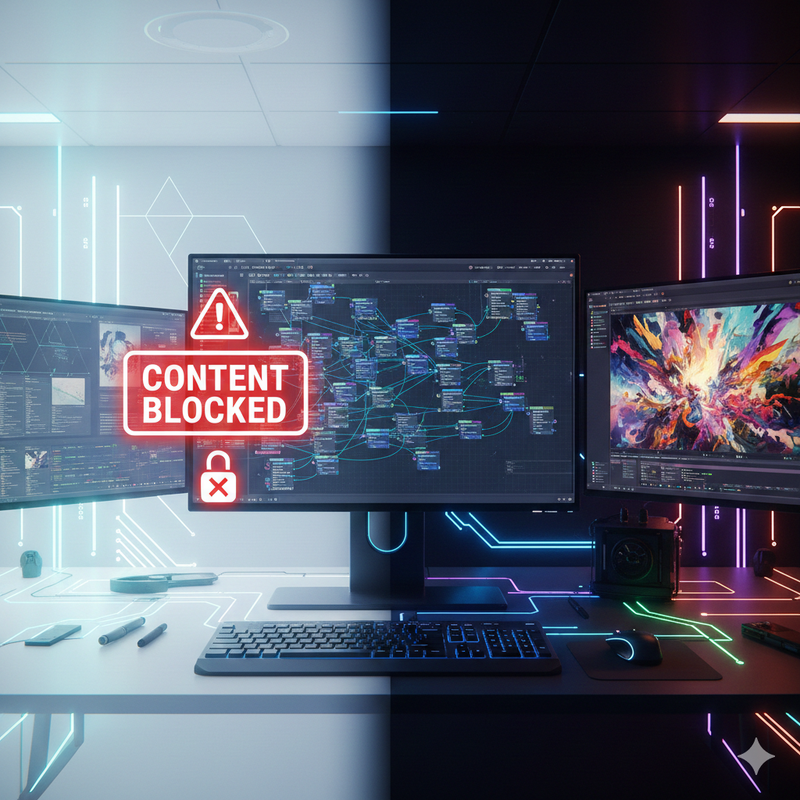
The truth is, the most powerful AI tools aren’t locked behind a subscription. They are open-source, and they belong to you. This guide skips the “paid wrapper” scams and shows you exactly how to reclaim total creative autonomy by running AI locally.
The “Bleeding Neck” Problem: Why Your Prompts Are Failing
The immediate technical block isn’t a lack of imagination—it’s Safety Classifiers. Every time you send a prompt to a cloud-based AI, it passes through text and pixel filters. If either one detects NSFW content, the process is killed instantly.
The Solution: Move from Closed Ecosystems to Open-Source Infrastructure. Running AI locally removes the middleman and the filters forever.
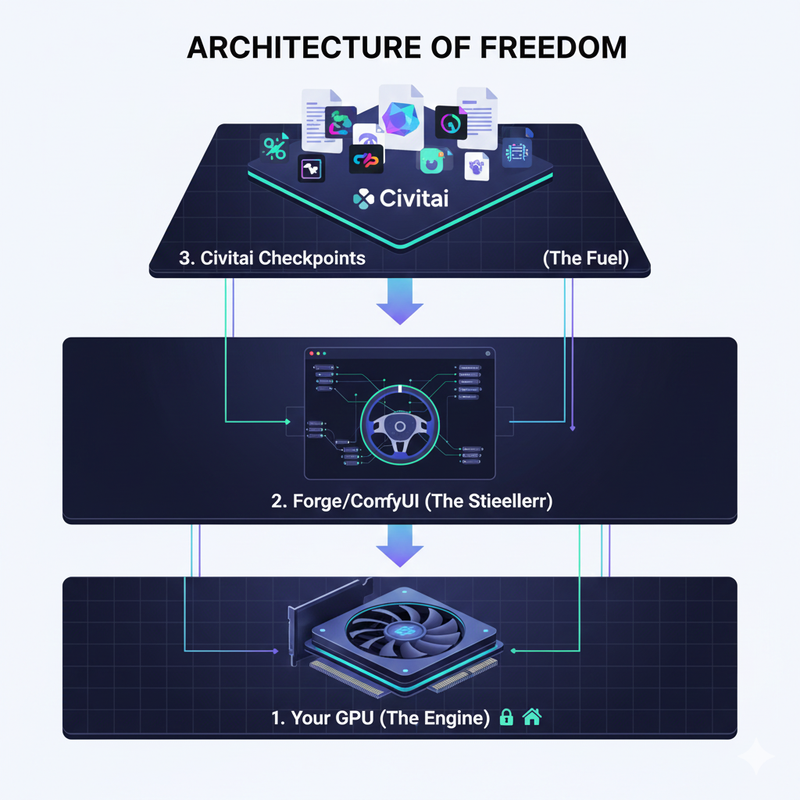
Step 1: Building Your Uncensored Engine (Hardware & Software)
To run a filter-free AI, you need a local “engine.”
- The Baseline: NVIDIA GPU with 8GB VRAM (RTX 3060/4060).
- The Pro Setup: 16GB+ VRAM (RTX 4080/4090) for high-speed FLUX models.
Choosing Your Interface
- Forge UI (Recommended): Optimized for speed and low VRAM usage.
- ComfyUI: Node-based control for professional workflows.
Step 2: Sourcing the “Unfiltered” Brains (Civitai & Models)
Civitai is the “Wild West” of AI where you can find uncensored checkpoints:
- Pony Diffusion V6 XL: The king of NSFW; excels at anatomy and complex poses.
- Realistic Vision V6: Best for photorealistic skin and lighting.
- FLUX.1 [Dev] + Uncensored LoRAs: The 2025 heavyweight for ultra-fidelity.
Step 3: Mastering the “Tag-Based” Prompting System
Uncensored models prefer tags over natural language. For Pony XL, use the quality header: score_9, score_8_up, score_7_up, rating_explicit.
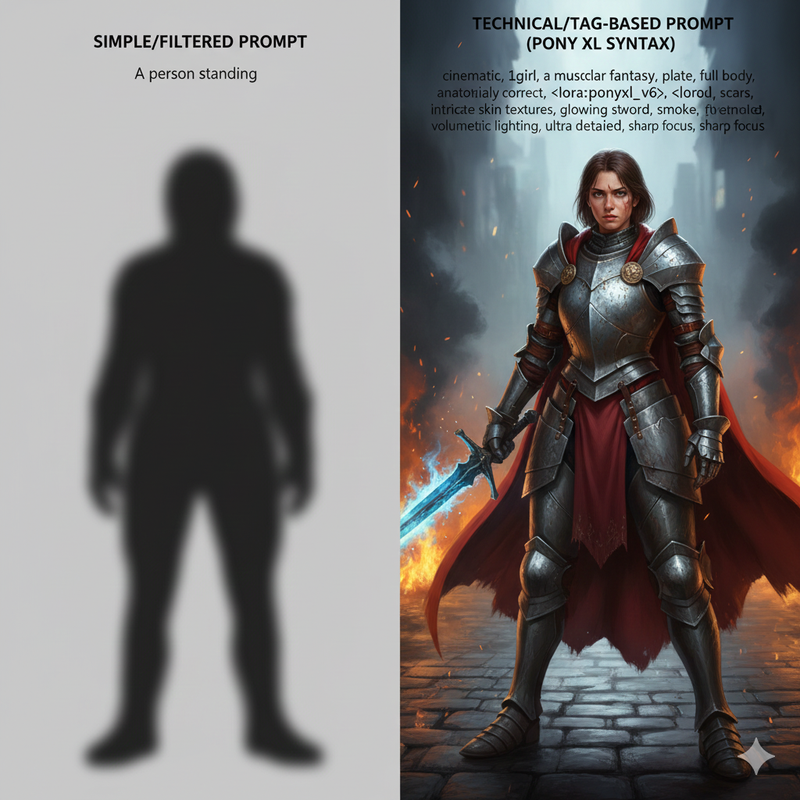
| Feature | Bad Prompt Style | Good (Uncensored) Style |
|---|---|---|
| Logic | Descriptive sentences | Comma-separated tags |
| Control | Vague (“Very hot”) | Weighted (curvy:1.3) |
| Anatomy | Hope for the best | Negative: bad-hands-5, deformed |
The “Hidden Fear”: Privacy & Ethical Safety
Running locally means your images never hit a server. No logs, no leaks. However, creative freedom requires responsibility. Focus on creative autonomy and original characters—avoid deepfakes or harmful content to keep the open-source community safe.
Summary & Quick-Start Checklist
- [ ] Check VRAM (8GB+ NVIDIA).
- [ ] Install Forge UI via Stability Matrix.
- [ ] Download Pony V6 XL from Civitai.
- [ ] Use the quality tags:
score_9, rating_explicit.
Leave a Reply