
Transparency Note: This article contains affiliate links. If you choose to purchase or sign up through these links, we may receive a small commission at no extra cost to you.
How to Install OpenClaw (Fix Common Errors on Windows, macOS, and Linux)
You copied the viral curl | bash command, hit Enter, and now you’re staring at weird Node.js errors or the dreaded “command not found” message. You’re probably wondering if you just broke your machine or leaked your API keys.
In my experience helping indie devs and creators self-host their own AI, the “one-click” dream often hits a wall of environment variables and version conflicts. I’ve lived through these terminal headaches so you don’t have to. Let’s get OpenClaw running the right way.
Quick Answer – How Do I Install OpenClaw Safely?
To install OpenClaw, first ensure Node.js 22+ is installed on your system. Run the official installer script for your OS (e.g., curl -fsSL [https://openclaw.ai/install.sh](https://openclaw.ai/install.sh) | bash on macOS/Linux) to install the OpenClaw CLI and launch the onboarding wizard. If you see “openclaw: command not found,” you need to fix your PATH or reinstall globally via npm i -g openclaw, then run openclaw onboard to complete the setup.
Before You Start – Requirements and Safety
I always tell my students: don’t treat OpenClaw like a simple “bot script.” It’s a full-featured, open-source personal AI assistant with a gateway service. Because it handles your API keys and interacts with your local files, you need to understand what’s happening under the hood.
According to the official OpenClaw GitHub documentation, the installer script handles OS detection and dependency checks, but it’s not magic.
System Requirements Checklist
| Requirement | Minimum Specification |
|---|---|
| Node.js | Version 22.0.0 or higher |
| Package Manager | npm (comes with Node.js) |
| OS | Windows 10/11, macOS, or Linux (Ubuntu/WSL2 preferred) |
| Disk Space | ~500MB for installation |
| Network | Reliable internet for model API calls |
Is the OpenClaw Installer Script Safe?
The install.sh (Linux/macOS) and install.ps1 (Windows) scripts are designed to automate the Node.js minimum version requirement check and perform a global npm install.
- Trust the source: Only run commands directly from
openclaw.aior the official docs. - Inspect first: You can always download the script and read it before piping it to bash.
- Permissions: On Windows, I recommend an elevated (Admin) PowerShell to ensure winget can install Node properly.
Method 1 – One‑Line Installer (Recommended)
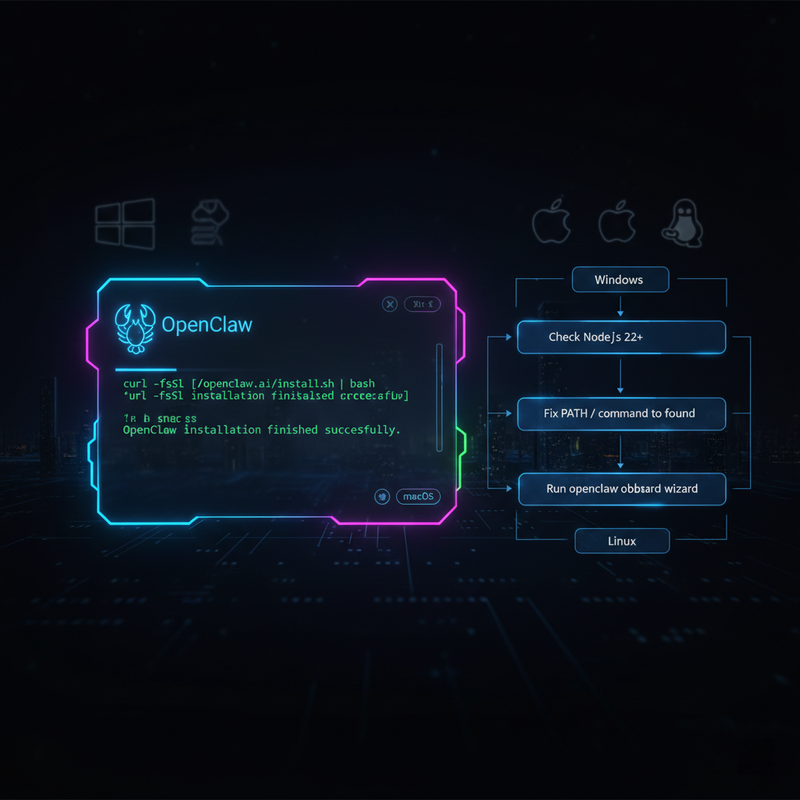
This is the fastest path. If your environment is clean, this usually takes less than two minutes.
macOS and Linux – curl | bash
Open your terminal and paste:
curl -fsSL [https://openclaw.ai/install.sh](https://openclaw.ai/install.sh) | bashThe -fsSL flags ensure the download is silent but shows errors if they occur. Once finished, the onboarding wizard (TUI) should launch automatically. Choose QuickStart to get your first chat running immediately.
Windows – install.cmd / install.ps1
On Windows, I’ve seen the best results using an elevated PowerShell. The script will attempt to use winget to install Node.js if you don’t have it.
curl -fsSL [https://openclaw.ai/install.cmd](https://openclaw.ai/install.cmd) -o install.cmd; .\install.cmd; del install.cmdNote: If you are an advanced user, I highly recommend using WSL2 (Windows Subsystem for Linux) with Ubuntu for a smoother experience.
Verifying the Install
Once the script finishes, run these to confirm:
openclaw --versionopenclaw gateway status
Method 2 – Manual npm Install (When the Script Fails)
Sometimes automated scripts fail due to permission locks. In my tests, the manual route is the “Old Reliable” of installations.
- Install Node.js 22+: Download it from nodejs.org or use
brew install node@22on macOS. - Install the CLI: Run the following command:
npm install -g openclaw@latest - Run Onboarding:
openclaw onboard --install-daemon
Installing the daemon allows OpenClaw to run in the background, which is essential for messaging channels like Telegram.
Method 3 – Docker-Based OpenClaw Setup
For those who value isolation and security, Docker is the way to go. This avoids cluttering your main OS with Node and npm dependencies.
As verified by PromptLayer , the Docker flow looks like this:
- Clone the Repo:
git clone [https://github.com/openclaw/openclaw](https://github.com/openclaw/openclaw) && cd openclaw - Run Setup: Execute
./docker-setup.sh. This script generates yourdocker-compose.ymland manages environment variables. - Launch:
docker-compose up -d.
Fixing Common Install Errors (Troubleshooting)
I’ve seen hundreds of “install openclaw” failures. Most of them fall into these three buckets:
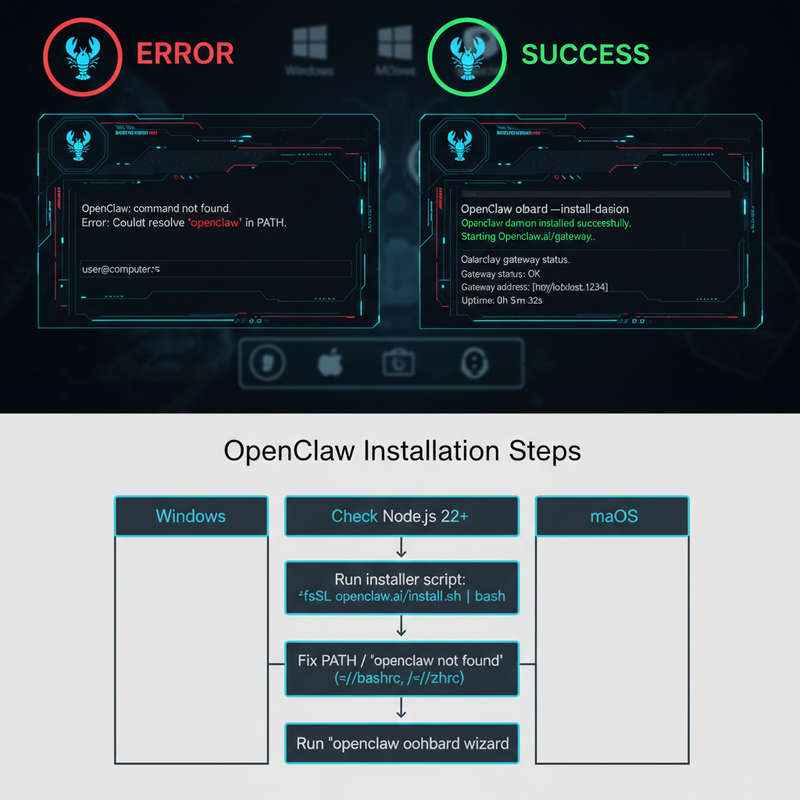
1. “openclaw: command not found”
This happens when npm’s global bin directory isn’t in your PATH.
- The Fix: Find your npm path by running
npm prefix -g. You’ll need to add the/binfolder within that path to your.zshrc,.bashrc, or Windows Environment Variables.
2. Node.js Version Mismatch
OpenClaw strictly requires Node 22+. If you have version 18 or 20, the CLI will throw syntax errors. Use node -v to check. If it’s low, install openclaw will fail until you upgrade via your package manager or download the latest LTS.
3. Windows-Specific: Missing Git or winget
If the Windows install.cmd fails, it’s often because Git isn’t installed. Run:
winget install Git.Git
Restart your terminal and try the installer again.
Post‑Install – Onboarding and First Chat
Once the installation is successful, run openclaw onboard. This interactive TUI will ask for:
- Auth keys: To secure your gateway.
- Provider API Keys: (OpenAI, Anthropic, etc.).
- Channels: Setting up your Telegram or Slack connection.
Security Tip: Never share your gateway token. If you suspect it’s leaked, re-run the onboarding to rotate your keys.
FAQ – Quick Answers
Can I install OpenClaw without curl | bash?
Absolutely. Use the manual npm install or Docker methods mentioned above. These are often preferred by power users.
Do I need a VPS to run OpenClaw?
No, you can run it locally on your laptop. However, if you want your AI assistant to be available 24/7 on Telegram, a cheap $5/month VPS is a great investment.
How do I update OpenClaw?
Simply run npm install -g openclaw@latest or pull the latest changes if using Docker.
Leave a Reply