
Why AI Image Generation Is Inconsistent with the Same Prompt (And How to Fix It)
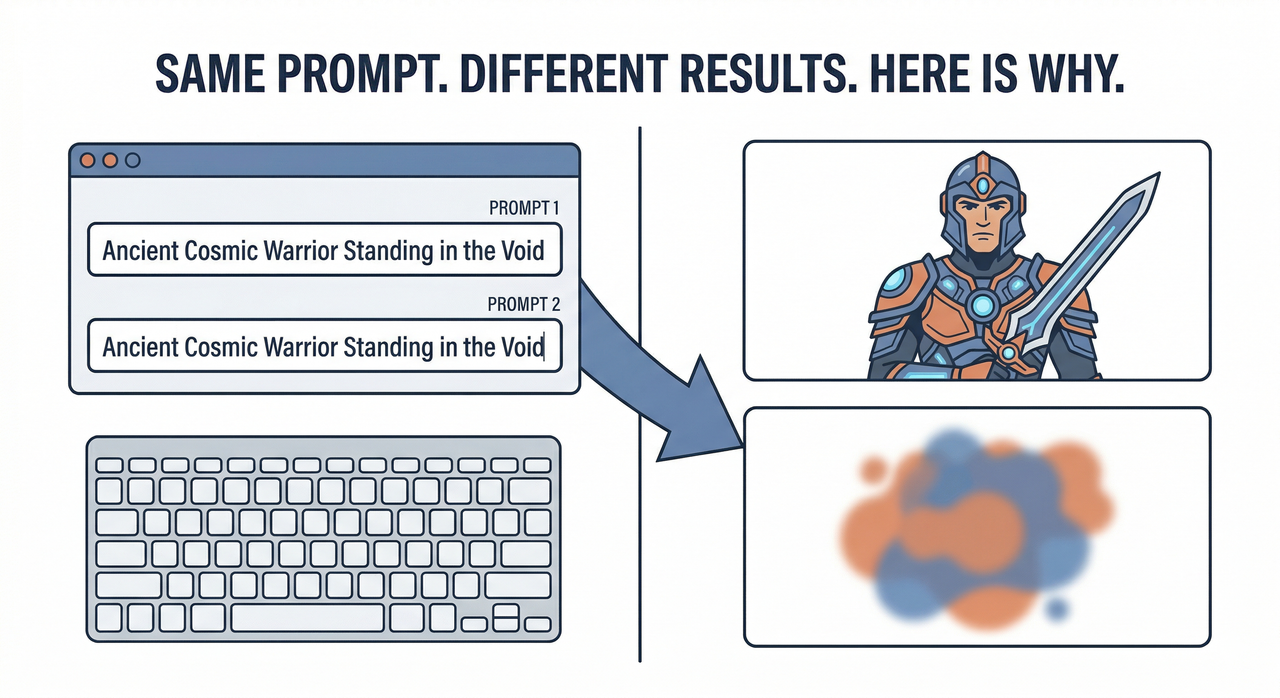
Let me say this upfront: you are not doing it wrong.
I’ve spent months running controlled generation tests across Stable Diffusion (A1111 v1.9.4, checkpoint v1-5-pruned-emaonly.safetensors), Midjourney v6.1, and DALL·E 3 via the OpenAI API (model version dall-e-3, API version 2024-02-01). The single most common thing I see — from hobbyists to indie devs shipping game assets — is this: they get one stunning image, lose the seed, and spend the next two hours chasing a ghost.
The AI didn’t forget your prompt. It never stored it in the first place. Here’s exactly what’s happening, and the six-step system I use to fix it.
Quick Answer: Why Your AI Images Keep Changing
AI image generation is inconsistent because models use a random seed by default, meaning every run starts from a different noise pattern. To fix it: lock your seed number in your tool’s settings (in A1111: Settings → RNG Source → CPU), pin your model checkpoint, and eliminate vague style words from your prompt. All three variables must be locked together.
The Real Root Cause — It’s Not Your Prompt (Entirely)
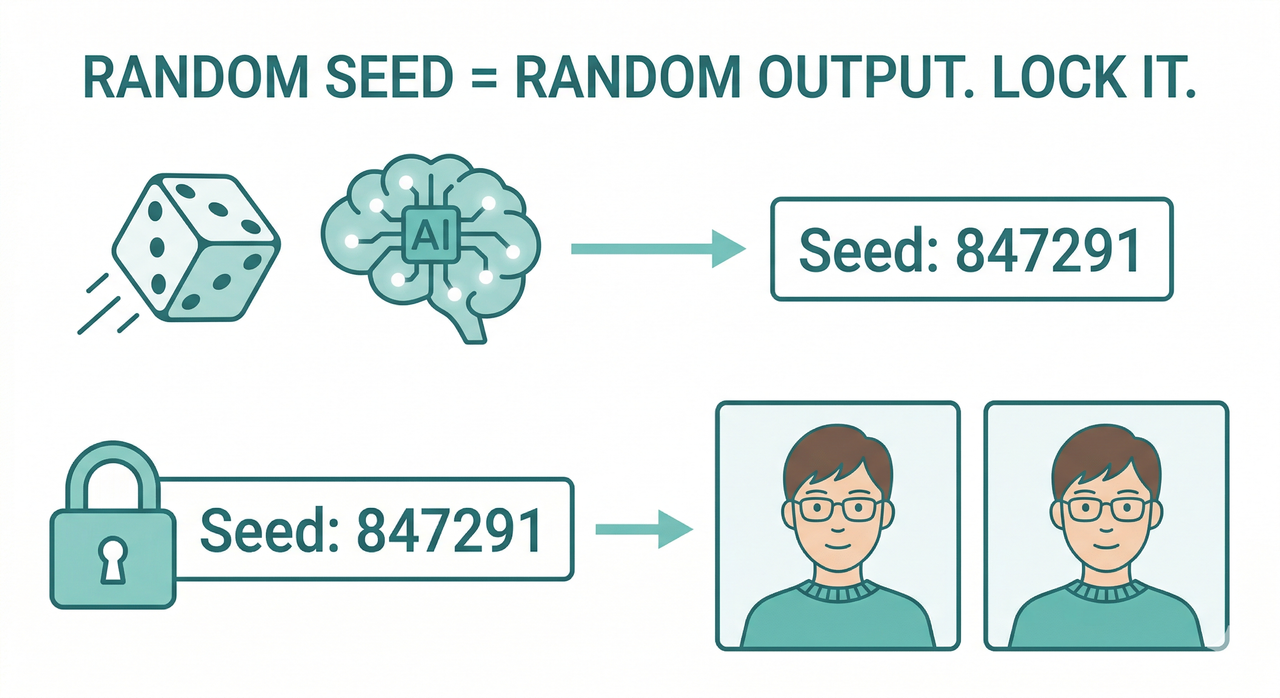
Here’s what most tutorials skip: AI image models are not retrieval engines. They don’t “look up” your prompt and return a matching image. They perform deterministic generation — but only if you give them a fixed starting point. Without one, every run samples from a different point in the probability space.
Think of it like this: giving the model a vague prompt is like handing a painter the note “make it dramatic” — ten painters, ten completely different paintings. The model is no different. BudgetPixel
I call this the three-layer inconsistency stack:
- Layer 1 — Entropy: Unfixed seed value — the most common culprit by far
- Layer 2 — Environment: Scheduler settings, model version drift, GPU vs. CPU RNG source
- Layer 3 — Language: Underspecified prompt specificity — tokens that leave visual decisions to the model
Most people fix only Layer 3 (the prompt) and wonder why results still drift. You need all three locked simultaneously.
Why Even Seed-Locked Runs Can Still Drift
This one surprised me in my own tests. I had locked seed 847291, same prompt, same checkpoint — and still got noticeably different outputs between two machines. The culprit: A1111 defaults to GPU as the random number generator source. GPU RNG is hardware-dependent, meaning the same seed produces different noise tensors on different GPUs. Setting the source to CPU makes the seed platform-agnostic. HuggingFace Diffusers GitHub
The second trap is silent model drift. Updating your checkpoint mid-project — even a minor version bump — breaks consistency completely, even with an identical seed and prompt. I’ve watched developers lose days of asset work to a background auto-update they didn’t notice. Unimatrixz
The 6-Step Fix — How to Get Consistent AI Images Every Time
These steps are stackable — each one removes one more variable from the randomness equation. Skip any of them and you’re leaving a gap.
Step 1 — Lock Your Seed
In A1111, every generated image has a seed number printed in the output info panel. The moment you get a result you like:
- Copy the seed number immediately (e.g.,
Seed: 2847193021) - Paste it into the Seed field — change it from
-1(random) to that number - Go to Settings → Search “Random number generator source” → Set to CPU
Pro tip: I keep a seeds.txt log per project — one line per asset with format: [asset_name] | seed: XXXXXXXX | model: filename.safetensors | scheduler: DPM++ 2M Karras. It takes 10 seconds and saves hours.
Here’s what a typical output info block looks like — and what to grab:
Steps: 28, Sampler: DPM++ 2M Karras, CFG scale: 7.5,
Seed: 2847193021, Size: 512x768,
Model hash: 81761151, Model: v1-5-pruned-emaonly
That entire block is your reproducibility fingerprint. Save all of it.
Step 2 — Pin Your Model Checkpoint
Record the exact checkpoint filename before you start any production project. In A1111, the model name and hash both appear in the output info block above. Unimatrixz
- Create a folder:
/projects/[project-name]/model/ - Copy the
.safetensorsfile there - Point A1111 to that local path — not the shared models folder that gets updated
Never let your checkpoint change mid-project. This is model version drift — and it silently destroys asset consistency.
Step 3 — Switch to a Deterministic Scheduler
This is the fix most people miss even after locking the seed. Scheduler settings matter enormously. euler_a (Euler Ancestral) is stochastic — it injects randomness at every denoising step, not just at initialization. A locked seed controls only the starting noise; euler_a re-randomizes the path. HuggingFace Diffusers GitHub
Switch to one of these deterministic samplers:
DPM++ 2M Karras— my default, best quality/consistency balanceEuler(non-ancestral) — fastest and fully deterministicDDIM— good for img2img workflows
Step 4 — Hyper-Specify Your Prompt
In my tests, the prompt specificity gap is where most consistency failures actually originate — even when seed and model are locked. Vague tokens like cinematic, dramatic, or beautiful have wide token distributions. The model samples a different interpretation each time. BudgetPixel
Specify across these 6 dimensions — every time:
- Identity: age, gender, specific facial features, expression
- Clothing: material, exact color, garment detail
- Lighting: direction (left/right), quality (soft/hard), source (sun/lamp)
- Camera: lens (50mm/85mm), angle (front-facing/¾ view), distance (waist-up)
- Background: solid color or specific environment description
- Mood: expressed as facial/body language, never as abstract adjective
Use token weighting for critical identity features: (emerald green eyes:1.4) in A1111 increases that token’s influence — preventing it from being “forgotten” in longer prompts. AI Studios
Step 5 — Use img2img as a Consistency Anchor
Once you have an approved output, don’t treat it as a lucky accident — treat it as a reference asset. Feed it back into the image-to-image workflow as the input image with these settings:
- Denoising strength: 0.3–0.5 — below 0.3 is too rigid; above 0.5 and identity starts to drift
- Same seed, same scheduler, same checkpoint as the original
The img2img pass constrains the generation to the structural envelope of your reference — hair silhouette, face shape, armor geometry — while allowing natural variation in texture and lighting. OpenAI Developer Community
Step 6 — Build a Reusable Prompt Template
This is the system I use for every multi-image project. Structure your prompt as two explicit blocks:
[LOCKED BLOCK — never change]
female warrior, 28 years old, short wavy brown hair, emerald green eyes,
silver breastplate with gold engravings, calm determined expression,
front-facing portrait, 50mm lens

[VARIABLE BLOCK — change per scene]
standing in a snowy mountain pass, dawn lighting from the left,
soft blue-white ambient, white background
The LoRA consistency layer fits here too — if you’re using a character LoRA, it goes in the LOCKED BLOCK trigger word section and never moves. Only the VARIABLE BLOCK changes. Your character’s identity is architecturally protected from prompt-to-prompt drift. AI Studios
Prompt Anatomy — Bad vs. Good (Real Examples)
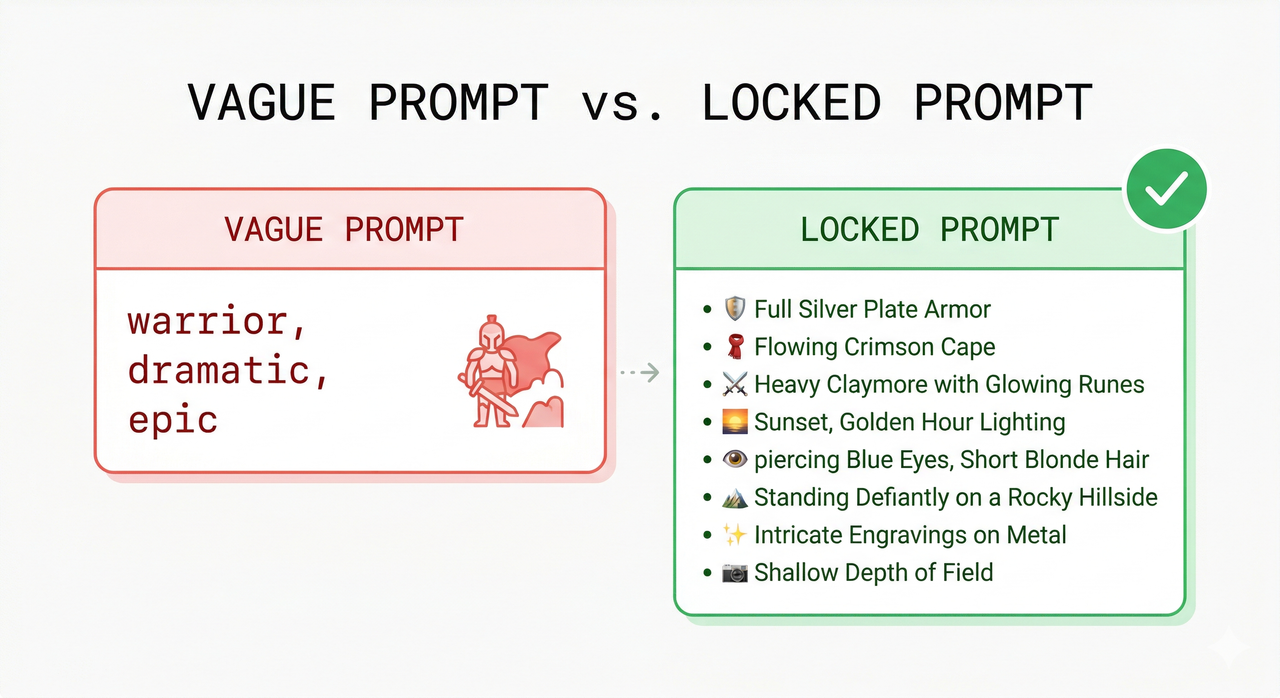
The difference between a vague prompt and a locked prompt isn’t creativity — it’s specificity of visual instruction. Here’s the breakdown:
| Dimension | ❌ Bad Prompt | ✅ Good Prompt |
|---|---|---|
| Subject | "warrior" | "female warrior, 28 years old" |
| Hair | (missing) | "short wavy brown hair" |
| Eyes | (missing) | "emerald green eyes" |
| Armor | "epic armor" | "silver breastplate with gold engravings" |
| Lighting | "cinematic" | "soft diffused side lighting from the left" |
| Camera | (missing) | "50mm lens, front-facing, white background" |
The bad prompt leaves 6+ visual decisions to random model interpretation — guaranteed drift on every run. The good prompt removes all identity ambiguity, leaving the model to fill in only micro-level surface texture. BudgetPixel
Tool-Specific Notes — Midjourney, DALL·E 3, and Stable Diffusion
Midjourney v6.1: Use --seed [number] in your prompt suffix and --cref [image URL] (character reference image) for identity anchoring. Important caveat I found in testing: seed alone does not guarantee consistency when you change aspect ratio. The --cref flag is far more reliable for character work.
DALL·E 3 / ChatGPT: No direct seed value control is exposed at the user level. OpenAI Developer Community Compensate by uploading your reference image in the conversation before prompting, using extreme prompt specificity, and instructing the model explicitly: “Match this reference image exactly. Do not change hair color, eye color, or facial structure.”
Stable Diffusion (A1111 / ComfyUI): The most powerful option for production workflows. Full access to seed, scheduler, CFG scale, RNG source, LoRA weights, and checkpoint — all lockable and version-controlled. If consistency is mission-critical for your project (game assets, brand characters, storyboards), this is the platform I recommend. AUTOMATIC1111 GitHub
FAQ — Quick Answers
Why do I get different images even with the same seed?
Two most likely causes: your RNG source is set to GPU (hardware-dependent — switch to CPU), or your model checkpoint was updated between runs. Check both in the output info block. Unimatrixz
Does CFG scale affect consistency?
Yes — and it’s underused as a consistency lever. Higher CFG scale (12–15) forces the model to follow your prompt more literally, reducing interpretive drift. The tradeoff is over-saturation and harsh contrast at extremes. I find 7.5–9 to be the stability sweet spot for portrait work. AI Studios
What is token weighting and does it help?
Token weighting (syntax: (descriptor:1.4) in A1111) amplifies that token’s influence in the attention mechanism. I use it specifically for eye color and hair detail — features that tend to get “forgotten” or averaged out in prompts longer than 75 tokens. It’s one of the most underutilized consistency tools available. AI Studios
Do I need a LoRA for character consistency?
Not necessarily for single-session work — the 6-step system above handles most consistency needs without one. LoRA consistency becomes essential when you need cross-model consistency, very specific face geometry, or are generating 100+ images for the same character over weeks. Think of LoRA as a fine-tuned identity anchor, not a first resort.
→ Related: How to Write AI Image Prompts That Actually Work → Related: Best Stable Diffusion Settings for Beginners → Related: Midjourney vs. DALL·E 3 vs. Stable Diffusion — Which Is Right for You?
References & Sources
- BudgetPixel — Why the Same AI Prompt Never Works Twice
- HuggingFace Diffusers GitHub — Issue #1339: Same Seed, Different Results
- AUTOMATIC1111 GitHub — Discussion #2849: Same Prompt, No Longer Same?
- OpenAI Developer Community — Same Prompt, Different Results
- Unimatrixz — Why Your Seed Is Not Generating the Same Image
- AI Studios — Maintaining Consistency in AI Image Generation
Leave a Reply