
Table of Contents
Stop “Chatting,” Start Building
The Problem: Open LinkedIn right now, and you’ll see thousands of profiles with the title “Prompt Engineer.” But 90% of them are just professional Googlers treating AI like a Magic 8-Ball.
The Agitation: This “Prompt and Pray” method destroys business automation. If your prompt works today but breaks tomorrow because you changed one adjective, you haven’t built a system; you’ve built a liability.
The Solution: True Prompt Engineering is Constraint Management. This guide moves you from “chatting with a bot” to building reliable, version-controlled systems.
The Mindset Shift: It’s Not “Magic,” It’s “Soft Code”
If you take one thing away from this guide, let it be this: Treat English as a programming language with a “fuzzy” compiler.
When you write Python or JavaScript, you expect 100% consistency. When you write a prompt, you are fighting against probability. Your job is to reduce that probability curve until the output is boringly predictable.

Here is the difference between a “Chatter” and an “Engineer”:
| Feature | The Chatter | The Engineer |
|---|---|---|
| Focus | The Output (“Did it sound good?”) | The Process (“Can I reproduce this 100 times?”) |
| Method | Adjectives (“Make it professional”) | Constraints (“Use grade 8 reading level”) |
| Failure | “The AI is dumb today.” | “My system instructions were loose.” |
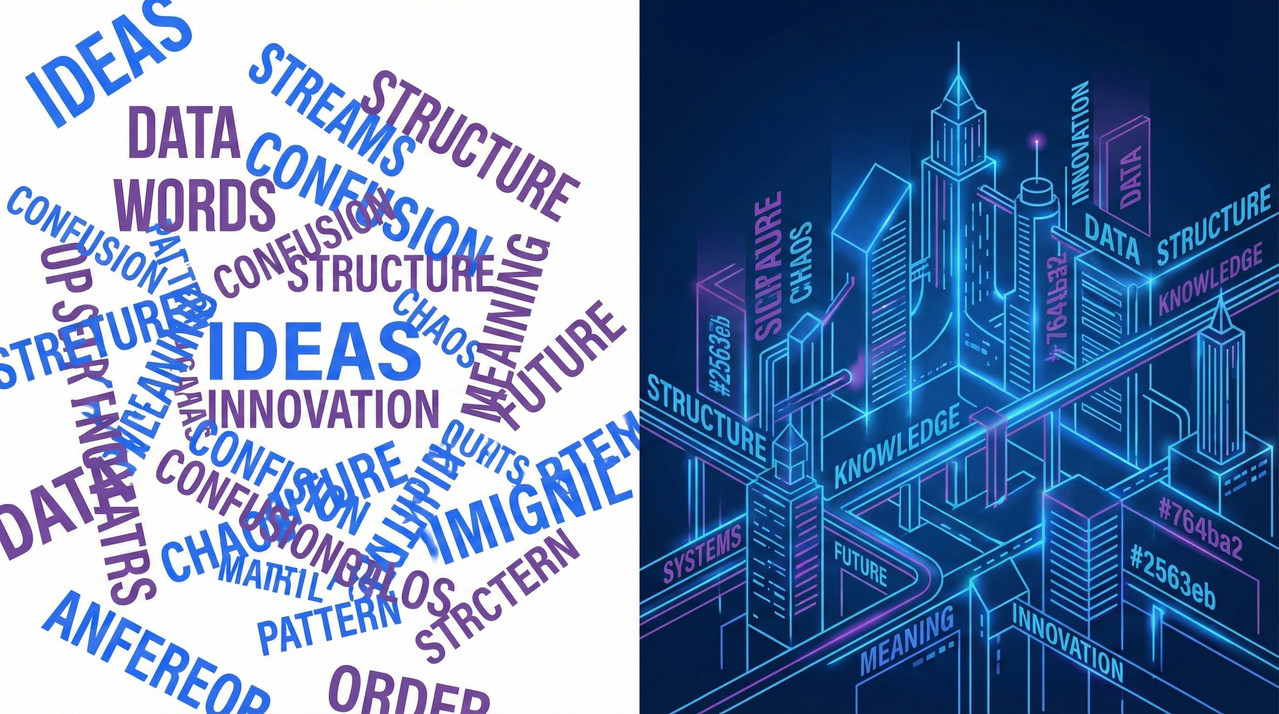
Stop using subjective words. “Witty,” “Professional,” and “Short” mean nothing to a machine. Start using hard constraints: “Max 50 words,” “Do not use the word ‘delve’,” and “Format as Markdown H2.”
The Tool Stack (Beyond the Web UI)
If you are only using the standard ChatGPT web interface, you are playing with one hand tied behind your back. The web UI hides the controls you need to actually engineer a response.
1. The “Real” Workbench
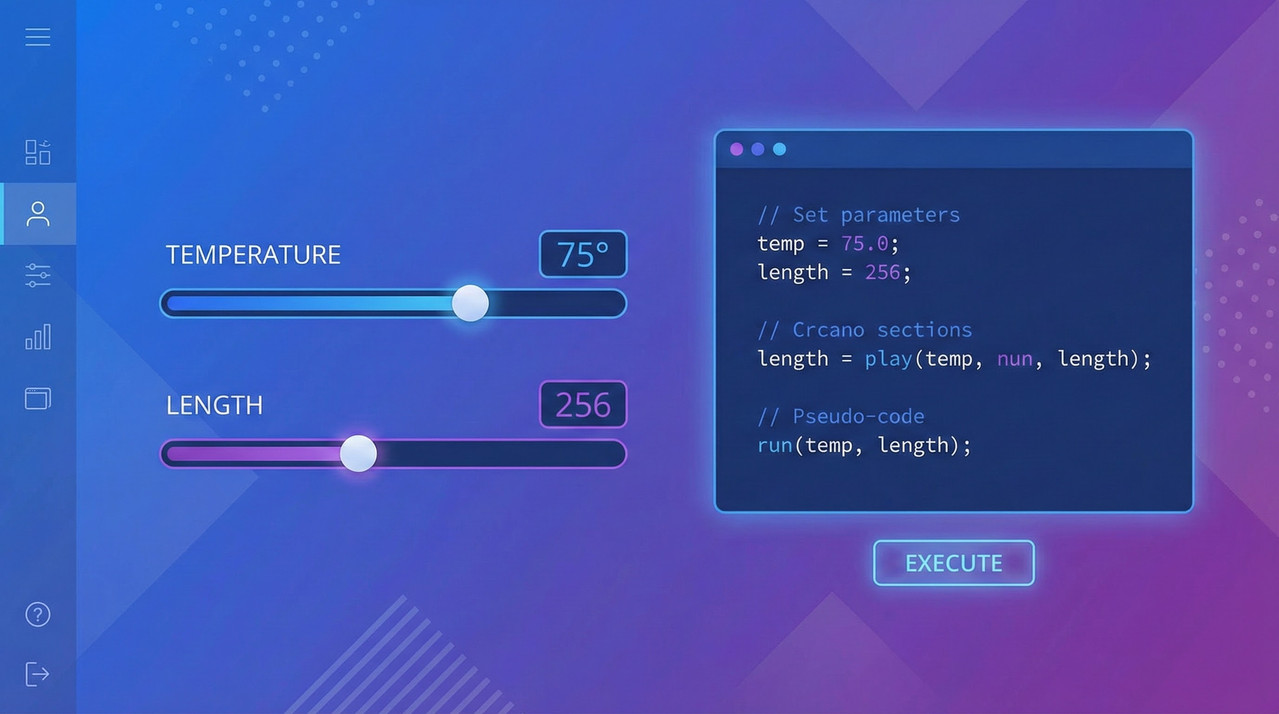
To build systems, you need to use the OpenAI Playground or the Anthropic Console. These environments give you access to the “System Prompt”—a hidden instruction layer that overrides the user’s chat.
- System Prompt: “You are a JSON-only parser.” (The AI’s permanent identity).
- User Prompt: “Here is a resume…” (The variable input).
2. Variables & Token Economics
In the Playground, you stop hard-coding text and start using variables like {{input_data}}. This allows you to test your prompt against 50 different inputs instantly.
Every word you force the AI to generate costs money and adds latency (lag). An engineer doesn’t say “Please rewrite this nicely”; an engineer says “Rewrite. Concise. No filler.” It saves milliseconds and margins.
Core Skill: Structural Prompting (The “Secret Sauce”)
The biggest mistake I see? Writing paragraphs. AI models struggle to find instructions buried in a wall of text.
Stop Writing Prose. Start Writing Pseudo-Code.
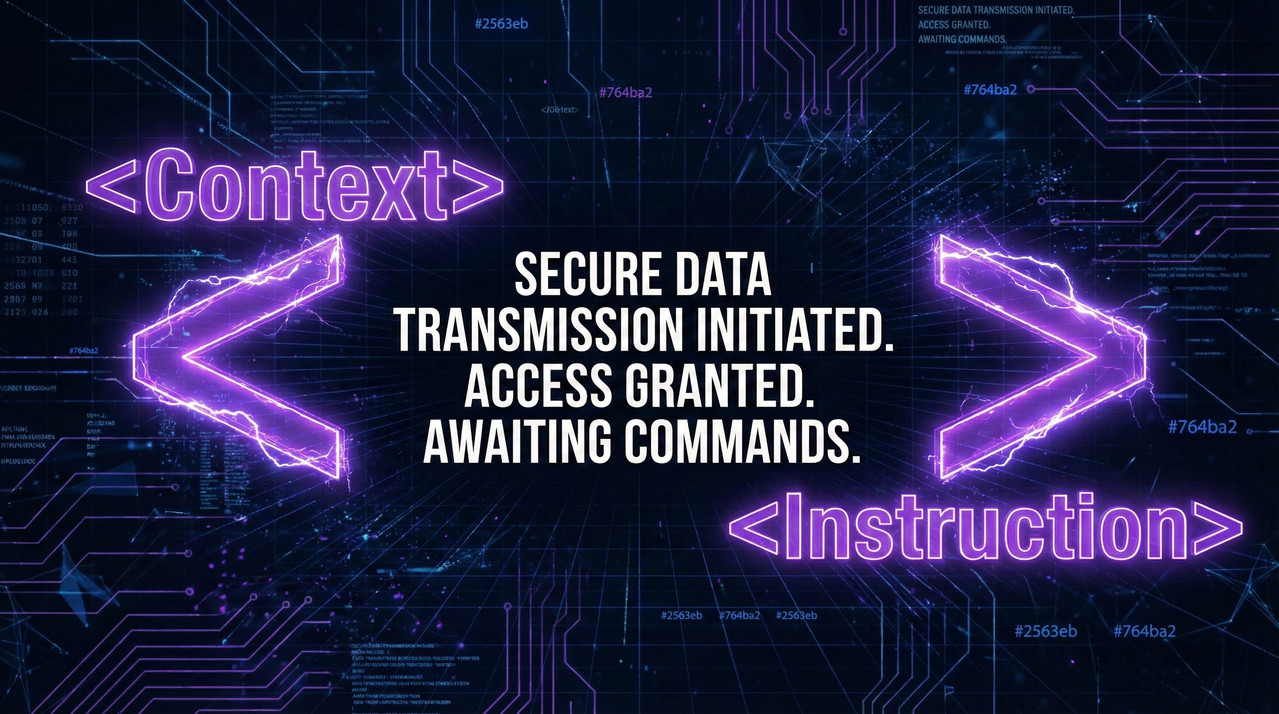
I use XML Tagging for almost every production prompt. It creates clear visual boundaries that the model understands perfectly.
 and
and “Write a blog post about coffee. Make it sound professional and include some history. Oh, and use some keywords like espresso and crema.”
<role>
You are an SEO Content Specialist for a 'Third Wave' coffee roaster.
</role>

<context>
Target Audience: Coffee enthusiasts.
Tone: Informative but conversational (Grade 8 reading level).
</context>

<task>
Write a 500-word blog post about 'The History of Espresso.'
</task>

<constraints>
1. Use H2 headers for each century.
2. Include exactly 3 keywords: 'pressure profiling', 'crema', 'Milan'.
3. OUTPUT FORMAT: Markdown.
</constraints>
The “Few-Shot” Technique
If your prompt isn’t working, don’t argue with the bot. Give it examples. Few-Shot Prompting means providing 3+ examples of Input -> Desired Output inside the prompt. It forces the model to pattern-match rather than guess.
Building the “3-Tier” Portfolio (To Get Hired)
Employers do not care about your screenshots of funny conversations. They want to see reliability. To prove you are an engineer, build these three specific projects:

Project A: The Brand Guardrail (Text)
- The Task: Build a generator that writes articles strictly adhering to a complex Brand Style Guide.
- The Engineering: Use Negative Constraints. Prove you can stop the AI from using forbidden words and force it to follow specific formatting rules.
Project B: The Data Alchemist (Structure)
- The Task: Convert messy, unstructured text (like a pasted Resume or Invoice) into clean, valid JSON code.
- The Engineering: This is high-value automation. You must ensure the output is only JSON. If the JSON breaks, the system fails. Check out my guide on [FUTURE: How to Use XML Tags for Perfect AI Outputs] for deep tactics on this.
Project C: The Logic Gate (Safety)
- The Task: A Customer Support chatbot for a specific product.
- The Engineering: Build “Guardrails.” The bot must refuse to answer questions about competitors or politics. It must strictly follow a “If X, then Y” logic flow.
Advanced Engineering: Evals & Versioning
Once you have a working prompt, how do you know it’s actually “good”?
- Unit Testing (Evals): In software, you test code. In Prompt Engineering, you run “Evals.” You run your prompt against 50 different test cases to measure the failure rate. If it fails 5% of the time, you iterate.
- Versioning: Never overwrite a working prompt. Use tools (or just a simple spreadsheet) to track
Prompt v1.0vsPrompt v1.1. If v1.1 is smarter but 20% more expensive (tokens), you need to know that.
Conclusion & Next Steps
You are now ready to stop guessing and start building. The difference between a hobbyist and a pro is that the pro assumes the AI will fail and builds a structure to prevent it.
Your Immediate Action: Open the OpenAI Playground today. Do not use the chat interface. Take a simple prompt you use often, rewrite it using the XML tags I showed you above, and save it as a “System Preset.”
Leave a Reply