
Transparency Note: This article may contain affiliate links. If you make a purchase through these links, we may earn a commission at no extra cost to you.
How to Incorporate Yourself in AI Image Generators: 3 Proven Methods
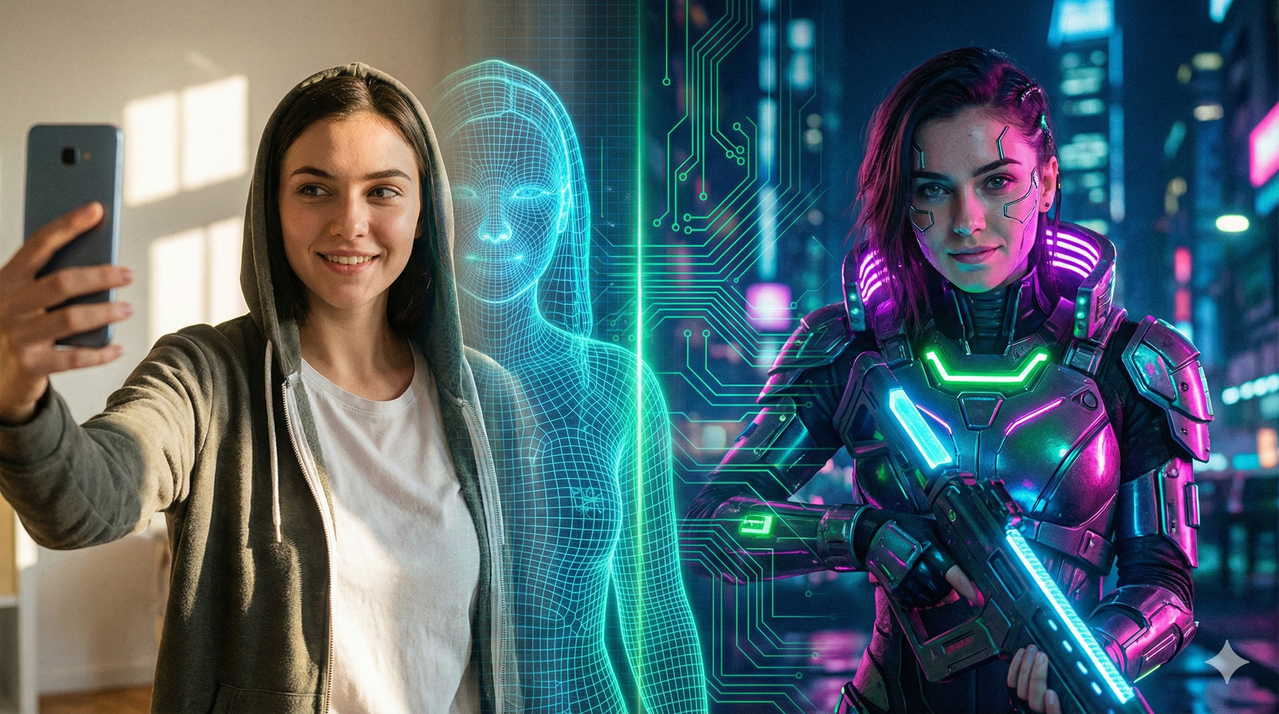
You’ve seen the trend: friends turning themselves into rugged Vikings, professional headshots generated entirely from selfies, or influencers starring in their own high-fidelity AI comics. But when you try it? The AI generates a random stranger who looks vaguely like your cousin, but definitely not you.
The frustration of wasting credits on generic faces ends today. Learning how to incorporate yourself in ai image generator workflows is the single most valuable skill you can master in the current generative art landscape. Whether you want a quick meme or a professional avatar, this guide breaks down the three specific paths to putting your face into AI art—ranging from instant face-swaps to training a professional custom model.
Why Standard Prompts Fail to Look Like You
Here is the hard truth: typing “a picture of me” into Midjourney, DALL-E, or Stable Diffusion will never work. The AI doesn’t know who “me” is. When you rely solely on text, the model creates an amalgamation of thousands of faces it has seen during training, resulting in a generic “average” person.
It is incredibly frustrating to spend hours tweaking text descriptors (“brown eyes,” “oval face,” “freckles”) only to get a result that lacks your soul. To fix this, you need to provide the AI with visual data, not just text. You must move up the hierarchy of likeness.

Method 1: The “Face Swap” (Quick & Easy)
Best For: Quick memes, fun social media posts, and placing your face on an existing, highly stylized image.
If you are wondering how to incorporate yourself in ai image generator outputs without any technical setup, face swapping is your answer. In this workflow, you aren’t asking the AI to generate you; you are asking it to digitally paste your facial features onto a pre-existing image.
Step-by-Step Workflow:
- Generate the Base: First, create your target image (e.g., “A hyper-realistic astronaut standing on Mars”). It doesn’t matter what the face looks like here.
- Select a Tool: Use dedicated apps like Reface, Remaker AI, or Discord-based swappers like InsightFace.
- Upload & Swap: Upload a clear, front-facing selfie as the “Source” and your AI-generated astronaut as the “Target.” The software maps your features onto the target face.
Pros: Instant results; no training time; works great for “putting me in a movie poster.”
Cons: Can sometimes look “pasted on” if lighting doesn’t match; doesn’t always capture your head shape perfectly.
Method 2: Image Reference Prompting (The Stylized Approach)
Best For: Midjourney or Leonardo.ai users who want an artistic likeness without training a full model.
This method bridges the gap between random generation and a full custom model. By using “Image-to-Image” or “Character Reference” features, you feed the AI a photo of yourself to serve as a visual anchor.
The Workflow:
- Upload Reference: Upload a photo of yourself to the platform (or copy the image URL).
- Set the Weight: This is critical. Use settings like “Image Weight” (IW) in Midjourney to tell the AI how strictly to follow the photo vs. your text prompt. A higher weight means it looks more like the photo; a lower weight allows for more artistic freedom.
- The Prompt: Structure your prompt to combine the reference with the style.
- Formula:
[Link to Your Photo] + "A watercolor painting of a man/woman wearing a tuxedo..." --iw 2
- Formula:
Realistic Expectations: This method captures your vibe—your hair color, glasses, and general face shape—but it is rarely a pixel-perfect clone. It is excellent for artistic, stylized interpretations of yourself.
Method 3: Training a Personal Model/LoRA (The Pro Way)
Best For: Consistent characters, professional avatars, and high-fidelity portraits where you are the subject in every shot.
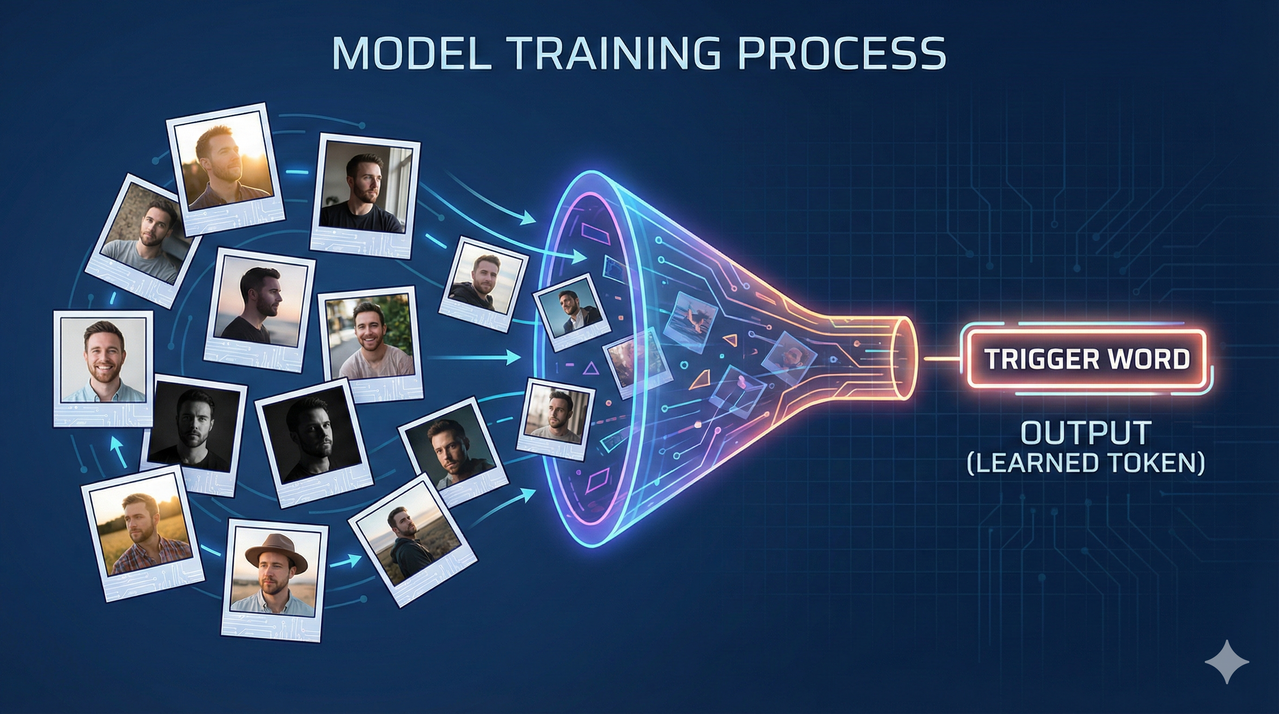
If you want to know how to incorporate yourself in ai image generator tools with professional consistency, you need a LoRA (Low-Rank Adaptation). A LoRA is a mini-model trained specifically on your face that plugs into a main generator like Stable Diffusion.
The “Training” Process:
- Gather Data: Collect 10–20 high-quality photos of yourself.
- Crucial: You need varied angles (profiles, straight on), different lighting conditions, and different clothing. However, YOU must be the only person in the frame. No sunglasses, no hats (unless you want them in every result).
- Choose a Service: You don’t need a powerful PC. Use accessible cloud platforms like ImagineMe, Astria, or Replicate.
- The “Trigger Word”: You will assign a unique code (e.g., “Ohduser person”) to your face.
- Generate: Once trained, you simply type: “A portrait of [Trigger Word] as a Jedi Knight.” The AI now creates you from scratch, allowing for perfect blending of your face into any environment.
Prompting for Likeness: Good vs. Bad Examples
Even with the best tools, a lazy prompt will ruin the likeness. The “Gap Strategy” involves describing your features in the text to reinforce the visual data you provided.
- Bad Prompt: “Make an AI picture of me as a superhero.”
- Why it fails: It is too vague. The AI has to guess too much.
- Good Prompt: “Using the uploaded reference: A hyper-realistic portrait of a man with short brown curly hair and a square jaw, wearing a modern blue superhero suit with a glowing logo, standing in a nighttime city skyline, cinematic lighting, 8k.”
Tip: Explicitly describe your distinctive features (e.g., “wearing thick black glasses,” “facial scar,” “blonde bob cut”) in the text. This “doubles up” the signal to the AI, ensuring those features aren’t lost during generation.
Important: Privacy and Safety
Before you dive in, a serious note on safety. When you upload photos to these services, you are sharing biometric data.
- Data Usage: Always check the platform’s Terms of Service regarding data retention. reputable platforms will delete your photos after the model is trained.
- Deepfake Ethics: These tools are powerful. Never use them to impersonate others, create non-consensual content, or mislead people. Stick to using your own face or generic characters to keep the ecosystem safe for everyone.
Which Method Should You Choose?
Deciding how to incorporate yourself in ai image generator projects depends entirely on your goal:
| Method | Best For | Quality | Difficulty |
|---|---|---|---|
| Face Swap | Quick memes, placing face on existing art | Medium (can look pasted) | Easy |
| Image Reference | Artistic experiments, style transfers | Good (Stylized likeness) | Medium |
| Custom Model (LoRA) | Professional avatars, consistent characters | Best (High fidelity) | High (Requires setup) |
Next Steps: Start with Method 1 today—it is often free and takes five minutes to see magic happen. If you find yourself wanting more control and higher quality, consider investing the time into Method 3 to build your own personal AI twin.
Leave a Reply