
Transparency Note: This article does not contain affiliate links. All recommendations are based on our own testing and experience.
Is Janitor AI Down Right Now? How to Check & Fix It
There’s a specific kind of panic that hits when you’re deep in a roleplay session and the page just… stops. No warning. No error you recognize. Just a blank screen or a spinning loader that never resolves. I’ve been there, and the first thought is always the worst one: “Did I lose everything? Is my account gone? Is Janitor AI dead for good?”
Let me stop that spiral right now. In almost every case I’ve encountered, Janitor AI down events are temporary. Your chats, your characters, your premium access — none of it disappears during a routine outage. Here’s exactly how to confirm what’s happening and get back online fast.
Quick Answer: Is Janitor AI Really Down?
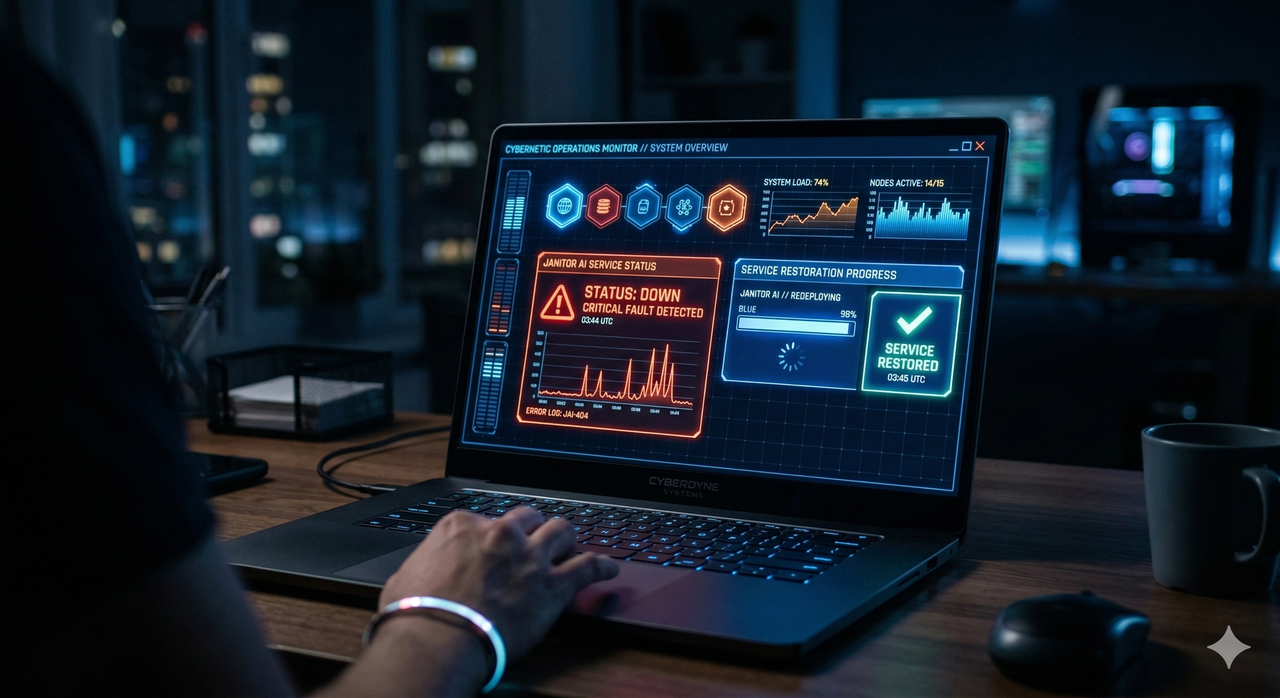
Janitor AI is most likely experiencing a temporary server‑side outage, traffic overload, or scheduled maintenance — but the issue can also be local to your browser or network. To know for sure: visit the official Janitor AI status page at status.janitorai.com. If it shows an active incident, wait it out. If it reads “All Systems Operational” and the site still fails for you, the problem is on your end and is fixable in minutes.
What Usually Goes Wrong with Janitor AI
In my experience monitoring AI chat platforms, Janitor AI not working is almost never caused by something the user did. The real culprits are nearly always on the server side:
- Server overload: Janitor AI has a massive, active user base. Traffic spikes — especially after new features or viral moments on Reddit or Twitter — can overwhelm infrastructure and trigger a Janitor AI service outage.
- Scheduled maintenance: The team periodically takes systems offline to push updates or patch bugs. These are usually short windows.
- Backend API failures: Janitor AI relies on AI model APIs. If those upstream services hiccup, it cascades into errors for end users.
- CDN or regional issues: Sometimes outages are not global. A CDN node failure can mean users in certain regions see Janitor AI downtime while others are completely unaffected.
The key reassurance: your chat history and account data live on Janitor AI’s servers, not in your browser. A service outage does not delete your conversations or revoke your premium tier. The common mistake I see is users panicking, logging out, and then losing their session unnecessarily.
Step-By-Step: How to Confirm If Janitor AI Is Down
1. Check the Official Janitor AI Status Page
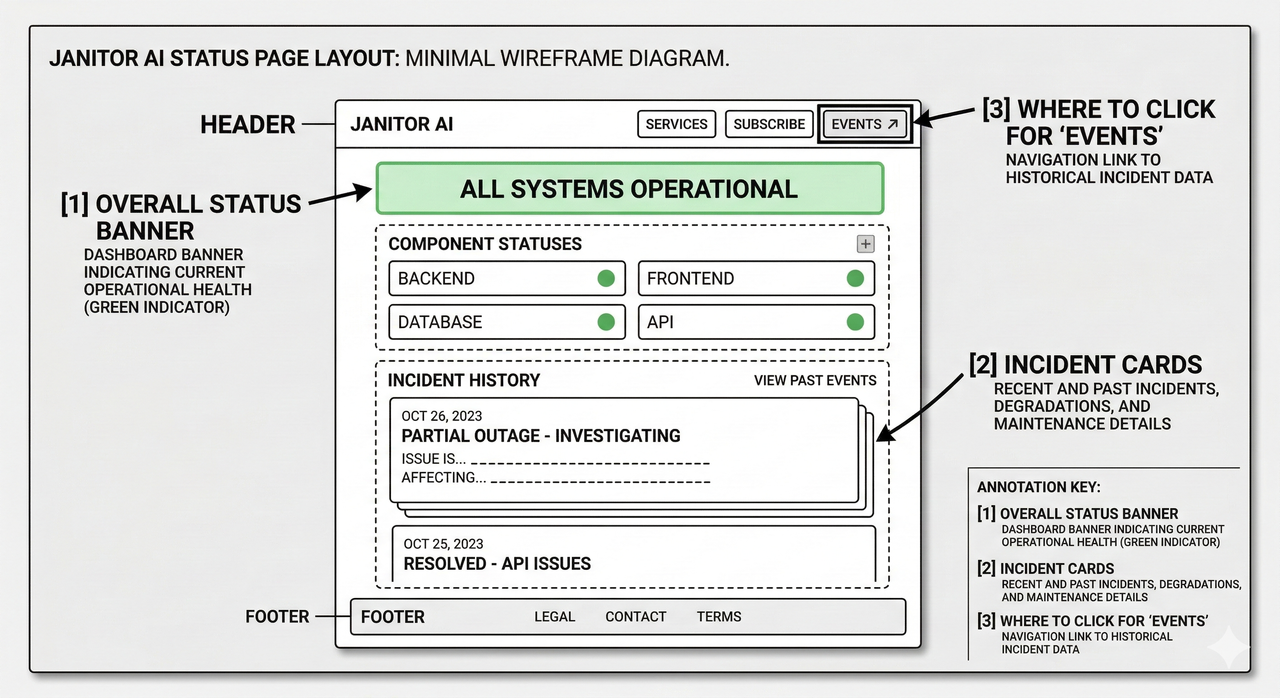
This is always Step 1 — no exceptions. The Janitor AI status page is the single most reliable source of truth for whether the service has a live incident.
- Go to https://status.janitorai.com
- Look for one of these statuses:
- ✅ All Systems Operational — Janitor AI’s servers are fine. Your problem is local.
- ⚠️ Degraded Performance — The service is struggling. Expect slowness or partial failures.
- 🔴 Partial Outage / Major Outage — There is a confirmed Janitor AI service outage in progress.
- Click the “Events” tab or visit https://status.janitorai.com/events to see a timeline of past incidents and how quickly they were resolved.
In my tests, the status page is typically updated within 5–15 minutes of a real incident being confirmed. If you see a red or yellow indicator, bookmark the page and check back every 20–30 minutes.
2. Verify with Third-Party Status Monitors and Community Reports
If the official page hasn’t updated yet (it does lag occasionally), corroborate with community sources:
- Janitor AI status Reddit — The r/JanitorAI_Official subreddit fills up fast with user reports the moment something breaks. Search “down” or “not working” filtered to the last hour.
- Janitor AI status Twitter/X — Search
@janitorai_or the hashtag#JanitorAIon X for real-time user complaints. This is often the fastest signal. - Third-party monitors — Sites like downforeveryoneorjustme.com and entireweb.com/status/janitorai provide independent uptime tracking that doesn’t rely on Janitor AI self-reporting.
I’ve found that when Reddit and Twitter are both lighting up with Janitor AI not working posts, the official status page confirms an incident within 10–15 minutes. The community is your early warning system.
3. Differentiate: Is It Global or Just You?
This is the step most guides skip, and it’s critical. Here’s the mental model I use:
| Signal | Likely Cause |
|---|---|
| Status page shows incident | Global Janitor AI service outage — wait it out |
| Status shows green, others report fine | Local issue — your browser, device, or network |
| Status shows green, Reddit is also quiet | Almost certainly local — start troubleshooting |
| Status shows green, Reddit is erupting | Lag in status reporting — check back in 15 min |
How to Fix Janitor AI When It’s “Not Working”
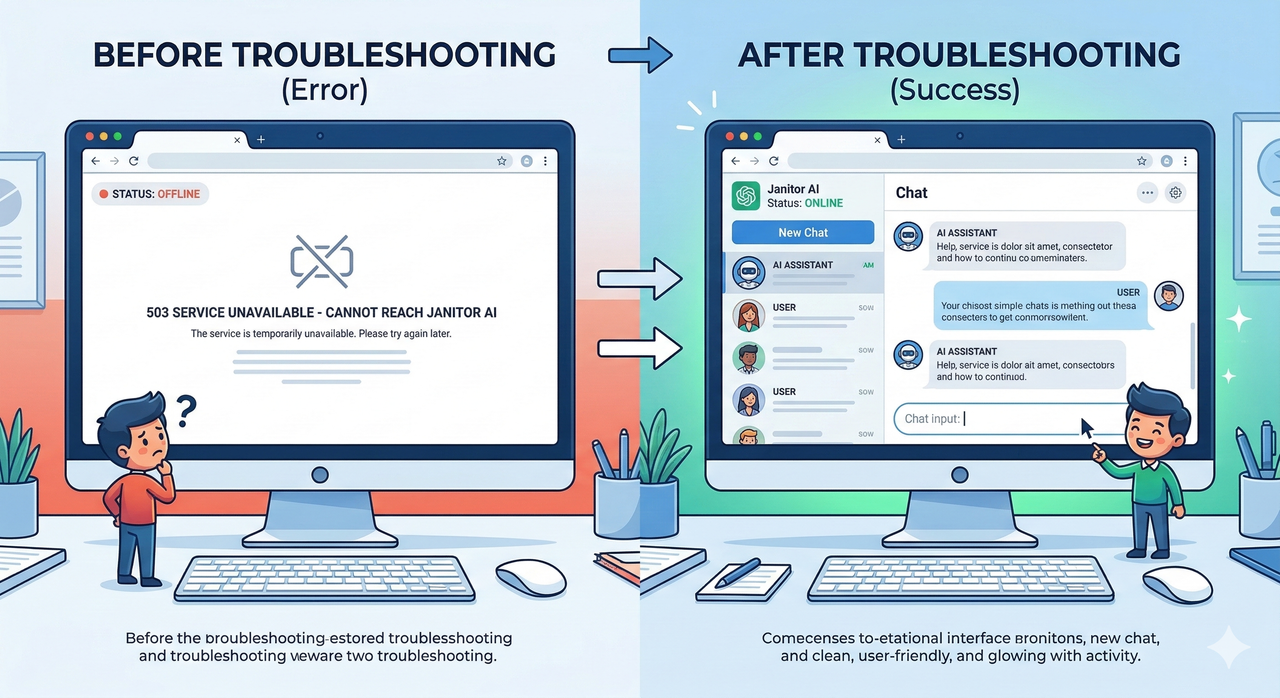
If the Janitor AI status page shows all systems healthy but the site still doesn’t load for you, work through these steps in order. Each one resolves a specific layer of the problem.
1. Clear Cache and Cookies, Then Reload
This is the fix I recommend first because it solves the majority of local issues I’ve seen. Stale cache data or corrupted session cookies can cause persistent “failed to fetch” errors and Janitor AI login failed loops even when the service itself is perfectly healthy.
Steps (Chrome):
- Press
Ctrl + Shift + Delete(Windows) orCmd + Shift + Delete(Mac) - Set time range to “All time”
- Check Cached images and files and Cookies and other site data
- Click Clear data
- Reload janitorai.com and try logging in again
Steps (Firefox / Safari / Edge): The path is slightly different but the principle is identical — find “Clear browsing data” in settings and wipe cache + cookies.
2. Check Your Internet and Network
A flaky internet connection can mimic a Janitor AI downtime event perfectly. I’ve seen users spend an hour convinced Janitor AI was broken when their router just needed a restart.
- Run a quick speed test at fast.com or speedtest.net
- If speeds are low or unstable, restart your router (unplug for 30 seconds, plug back in)
- If you’re on Wi-Fi, try switching to a wired connection or mobile data temporarily
- If you’re in a country with known AI platform restrictions, try toggling a VPN. Conversely, if you’re already on a VPN, disable it — some VPN exit nodes are blocked by Janitor AI’s CDN
3. Test Across Devices and Browsers
This step isolates whether the problem is device-specific or browser-specific:
- Open Janitor AI in a different browser (e.g., if you use Chrome, try Firefox or Edge)
- Try it in a private/incognito window (this disables extensions that might interfere)
- Open it on your phone using mobile data (completely different network + device)
If it works on your phone but not your desktop, the issue is your desktop’s browser or network setup. If it fails everywhere, it’s a genuine Janitor AI service outage that just hasn’t been flagged yet.
4. Contact Support If Status Is Normal and Nothing Works
If every troubleshooting step above fails and the status page still shows green, it’s time to escalate. As officially documented by Janitor AI’s own help center: FAQ: Unsure if the site down?
- Visit the Janitor AI Help Center at help.janitorai.com and submit a support ticket
- Include your browser, OS, the specific error message you see (e.g., “failed to fetch,” “Network Error,” or “Janitor AI login failed”), and when it started
- Tag
@janitorai_on X with a brief description — the support team does monitor mentions for widespread but unreported issues
When to Worry (and When Not To)
Here’s the honest take from someone who follows these platforms closely:
Don’t worry if:
- The outage started less than 2 hours ago
- The Janitor AI status page shows an active incident (they know and are working on it)
- Other users on Reddit/X are reporting the same thing
- It happened once and resolved on its own
Start paying attention if:
- The same type of Janitor AI downtime has happened more than 3 times in a week
- Outages consistently last more than 4–6 hours with no status update
- You’re seeing new and unexplained errors like “account not found” or persistent login failed messages even after the status page clears
In the latter scenario, it’s worth diversifying. Not because Janitor AI is going away, but because having a backup for your creative writing or roleplay workflow is just smart habit.
Frequently Asked Questions
Is Janitor AI permanently down?
No. Every major “is janitor ai down” event I’ve tracked has been temporary — ranging from a few minutes to a few hours. Permanent shutdowns are announced officially, not silent. Check status.janitorai.com to confirm current state.
Why do I see “failed to fetch” or “login failed” errors?
The “failed to fetch” error typically means your browser couldn’t reach Janitor AI’s API — this happens both during server-side incidents and local network drops. Start by checking the status page; if it’s green, clear your cache and test on a different network.
Can I lose my chat history if Janitor AI is down?
No — your chat history is stored server-side, not in your browser. A Janitor AI service outage does not delete your conversations. That said, I always recommend periodically screenshotting or copying particularly important chats, as a general best practice for any cloud-based service.
How long do Janitor AI outages usually last?
Based on the history visible on the Janitor AI status page events log at status.janitorai.com/events , most incidents resolve within 30 minutes to 2 hours. Extended outages over 4 hours are uncommon.
Is there a way to get notified when Janitor AI goes back up?
Yes — on the official status page, you can subscribe to incident notifications via email. This way you don’t have to keep refreshing; you’ll get an alert the moment service is restored.
Leave a Reply