
Transparency Note: This article contains affiliate links. If you make a purchase through these links, I may earn a commission at no extra cost to you.
Is Murf AI Safe? (Security, Privacy, and Voice Cloning Explained)

If you’re scared that uploading scripts or voices into Murf could leak client work, break NDAs, or fuel deepfake misuse, you’re not paranoid—those are valid concerns you should assess before hitting export.
In my years of auditing AI voice tools for enterprise workflows, I’ve learned that “Is it safe?” usually translates to “Will this get me sued?” or “Is my data private?” When you are dealing with client contracts, proprietary training modules, or sensitive voice data, you can’t just trust a marketing landing page.
Here is the deep dive into Murf AI security, infrastructure, and privacy policies to help you decide if it’s safe for your specific needs.
Short Answer – Is Murf AI Safe to Use?
Murf AI is generally safe for typical commercial use. The platform runs on secure Murf data residency AWS infrastructure, encrypts data in transit and at rest, and holds major certifications like SOC 2 Type II and GDPR compliance.
However, its policies acknowledge that no cloud platform is 100% risk-free. If you are handling highly sensitive or regulated data (e.g., medical records, financial data, or strict NDA content), you must review Murf’s privacy policy, data retention terms, and voice‑cloning safeguards before trusting it with confidential material.
The Real Risk: What Users Worry About
Most creators I talk to aren’t asking “What is Murf?” but “Can this tool leak my client work?” The safety question is about privacy, compliance, and deepfake misuse, not just malware.
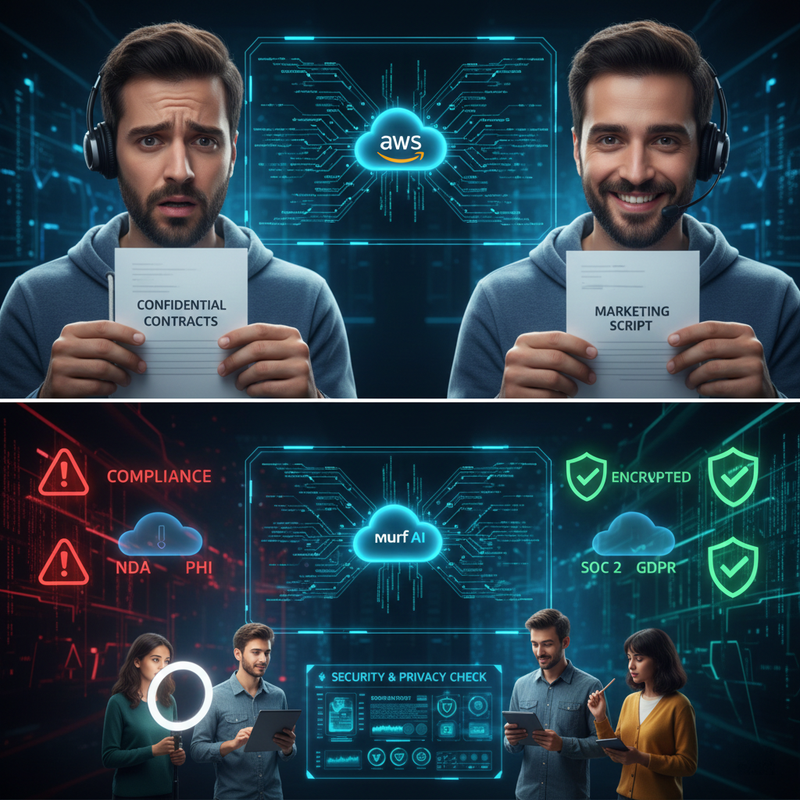
Bleeding‑Neck Problems Behind “Is Murf AI Safe?”
- Data Leaks: Concerns about confidential ad copy, course content, or internal training material being stored on third‑party servers.
- Legal Exposure: Anxiety that using Murf could violate NDAs, contracts, or platform rules (YouTube, client policies, corporate infosec guidelines).
- Voice Misuse: Fear that voice cloning could be misused to impersonate people, damage reputations, or create deepfake audio.
Hidden Fears: Compliance, Data Leaks, and Reputation
- Worry that Murf isn’t “enterprise‑grade” enough (weak encryption, unclear data retention).
- Uncertainty about Murf GDPR compliance, CCPA, and cross‑border transfers—especially for my readers in the EU or regulated industries.
How Murf AI Handles Security (Murf AI Security Overview)
Murf positions itself as a secure, enterprise‑ready SaaS platform hosted on AWS with strong encryption, access controls, and formal security governance. Here is what that actually looks like under the hood.

Cloud Infrastructure and Data Residency (AWS US-East-2)
Murf doesn’t run on a laptop in a garage. It operates entirely in a secured Murf data residency AWS cloud environment.
- Location: Customer data is stored and processed in AWS’s US-East-2 region (Ohio).
- Resilience: Daily encrypted backups and point‑in‑time recovery provide resilience against data loss.
Encryption in Transit and at Rest (Murf Data Encryption)
This is the baseline for any serious tool, and Murf meets the standard.
- At Rest: All customer data sitting on their servers is encrypted using AES‑256. This is the industry standard.
- In Transit: Data is encrypted using TLS 1.2+ for API calls and HTTPS connections. This prevents “snooping” when you upload your script from the coffee shop Wi-Fi.
- Keys: According to Murf AI Security & Trust , encryption keys are managed by AWS KMS and protected by FIPS 140‑2 validated hardware security modules.
Access Controls and Monitoring
- Internal Access: Role‑based access control (RBAC) ensures that Murf employees can’t just browse your projects for fun.
- 2FA: Mandatory 2FA and strict access segregation are used for system access in enterprise contexts.
Compliance: SOC 2, ISO, GDPR, and More (Murf GDPR Compliance)
Murf invests in recognized security and privacy certifications so businesses can rely on externally audited controls, not just marketing claims.
SOC 2, ISO 27001, and GDPR
- SOC 2: Murf SOC 2 certification is a big deal for enterprise users. It means an independent auditor has verified their security controls. As verified by the Murf AI SOC 2 Certification Announcement , they have achieved SOC 2 Type II compliance.
- GDPR: For EU data transfers, Murf has announced certification under the EU‑US Data Privacy Framework.
What This Means (and Doesn’t Mean) for You
Certifications indicate structured security programs. However, they do not guarantee zero breaches. If you are in a highly regulated sector (health, finance, public sector), you should still seek a Data Processing Agreement (DPA).
HIPAA and Regulated Data (Murf HIPAA Compliance)
I often get asked about Murf HIPAA compliance. Here is the reality:
- Murf markets “enterprise-grade security,” but it does not universally position itself as a full HIPAA Business Associate for all users.
- Warning: Storing Protected Health Information (PHI) in Murf without a signed BAA is a compliance risk.
- Best Practice: Anonymize scripts. Do not use patient names or real medical records in your voiceovers.
Murf Privacy Policy and Data Retention
Murf’s privacy policy outlines data collection, use, and deletion—but also explicitly reminds users that no system is completely secure.
What Data Murf Collects
According to the Murf AI Privacy & Legal Hub , Murf collects account information, usage data, and content necessary to provide services (scripts, audio files).
Retention and Deletion Timelines
- Murf data retention policy: After account termination, customer data is typically deleted within a standard period (e.g., 90 days) if no explicit deletion request is made.
- Right to be Forgotten: You can proactively delete projects or request erasure under privacy laws like GDPR.
“No System Is Perfectly Secure”
I appreciate Murf’s transparency here. Their policy underscores that despite encryption, they cannot guarantee data will never be accessed by a breach. This is standard legal language for SaaS, but it means you should treat Murf as a secure vendor—not a vault.
Voice Cloning Safety and Deepfake Concerns
Murf voice cloning safety is a hot topic. Murf’s features are protected with extra controls, but ethical and legal responsibility rests heavily on you, the user.
Murf’s Voice Cloning Security Controls
- Access: Exclusive team access with 2FA.
- Encryption: Voice samples are stored on secure infrastructure.
- Ethics: Murf maintains explicit “ethical AI” practices regarding consent.
Consent, Misuse, and Legal Risk
Regardless of technical safeguards, cloning a voice without proper consent can violate privacy rights. Murf terms of service strictly prohibit unlawful usage.
- Best Practice: Always obtain documented consent from any person whose voice you plan to clone.
Practical Safety Guidelines for Different Users
“Is Murf AI safe?” has a different answer for a solo YouTuber vs. a hospital.
For Creators and Small Businesses
For typical marketing, YouTube, or podcasting scripts that don’t contain secrets, Murf’s encryption and SOC 2 posture are likely sufficient.
- Action: Focus on account security (unique passwords) and deleting old projects.
For Enterprises and Regulated Sectors
Large organizations should request detailed security documentation.
- Action: Verify if Murf supports your specific regulatory needs (HIPAA, etc.) and avoid entering sensitive data unless formal agreements are in place.
Red‑Flag Scenarios: When Not to Upload
- Do Not Upload: Raw legal contracts, unredacted medical records, financial account numbers, or trade secrets.
- Why: If your organization’s security policy forbids unapproved SaaS tools, using Murf could be a policy violation, even if Murf is technically secure.
How to Make Murf AI Safer for Your Workflow
You can significantly reduce risk by combining Murf’s built‑in protections with sensible operational practices.
- Configure Strong Account Security: Enable multi‑factor authentication (MFA) immediately. Use a unique password managed by a password manager.
- Classify and Minimize Data: Adopt a simple internal schema (e.g., Public vs. Confidential). Strip direct identifiers (names, addresses) from scripts.
- Document Your Policy: Write a short internal policy covering when Murf can be used and who approves voice cloning.
FAQ: Common “Is Murf AI Safe?” Questions
Can Murf AI See or Use My Scripts?
Scripts are processed on Murf’s AWS infrastructure. While access is restricted via Murf AI security controls, specific terms regarding data usage for model training should be verified in your specific plan’s agreement.
Has Murf Had Any Major Breaches?
As of my latest review, no widely reported catastrophic breach has defined its reputation. However, SOC 2 and ISO certifications reduce, but do not eliminate, risk.
Is Murf AI Safe for Kids’ Content and Education?
For generic educational content, Murf is generally adequate. However, schools should check COPPA‑related obligations and avoid using identifiable student data in scripts.
Leave a Reply