
Transparency Note: This article may contain affiliate links. If you make a purchase through these links, we may earn a small commission at no extra cost to you.
Lovo vs Murf in 2026: Which AI Voice Tool Is Best for Creators and Teams?
You have scripts ready, deadlines looming, and two tabs open—Lovo and Murf—but every comparison sounds the same. They both promise “human-like” voices. They both claim to be the best. Yet, you still do not know which one will actually fit your budget and workflow.
[TOC]Choosing between lovo vs murf isn’t just about picking a voice; it’s about choosing a production partner. Make the wrong call, and you might be stuck paying for features you never touch, or worse, spending hours fixing robotic pronunciations. In this guide, we cut through the marketing noise to help you decide exactly which tool belongs in your tech stack in 2026.
The Real Problem: “Both Look Great… Which One Won’t Burn Me?”
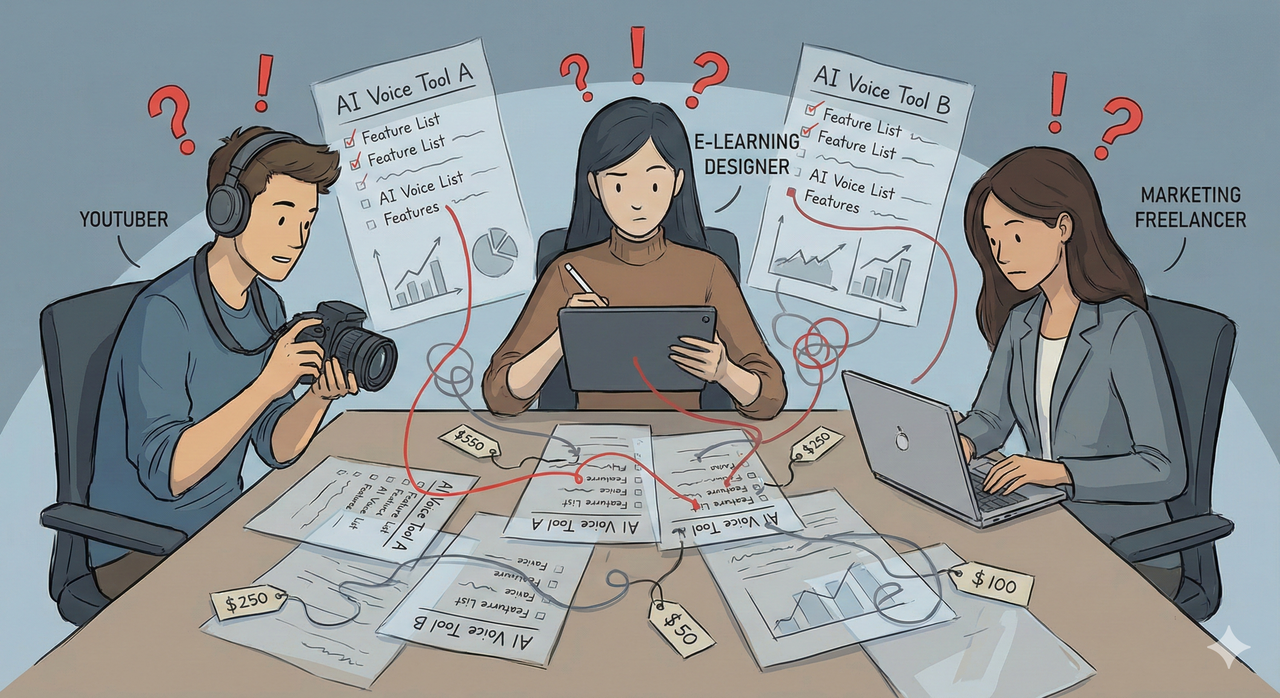
Let’s be honest: Solo creators and small teams are not just picking a tool—they are committing their entire content pipeline (and budget) to a platform they might be stuck with for months or years.
The feature pages for Lovo and Murf are full of identical buzzwords—studio‑quality, realistic, multilingual, collaboration—that blur together. It makes it incredibly hard to see practical differences until you’ve already swiped your credit card.
What “Wrong Choice” Feels Like in Real Life
If you pick the wrong platform, the friction is immediate.
- For a YouTuber: The wrong pick means voices that lack emotional punch, forcing you to spend extra hours in editing trying to hide the “robot” sound.
- For an L&D Team: It means collaboration nightmares where team members can’t easily review audio, or finding out your minutes have run out halfway through a critical project.
- Financially: Overbuying on a “Pro” plan you barely use is just as painful as under‑buying and having to upgrade unexpectedly because you hit a hidden limit.
Agitation – Why Typical “Lovo vs Murf” Articles Are Not Helping
If you’ve Googled lovo vs murf before landing here, you’ve likely seen the same thing: generic lists of features without context. Many top results simply repeat the marketing copy on the landing pages. They don’t tell you how the pricing feels at different production volumes, or how the tool behaves when you’re 40 minutes into a rush project.
Very few comparisons speak directly to specific personas. A solo bilingual YouTuber has completely different needs than a 5‑person corporate training team, yet most reviews treat them as the same user.
Hidden Fears Behind the Search
When you are hesitating at the checkout page, it’s usually because of three hidden fears:
- Fear of sounding cheap: You worry that using AI will make your brand sound robotic, causing you to lose audience trust—especially for courses or client work.
- Fear of “Shelfware”: Paying for collaboration tools or advanced controls you never touch. Or the opposite: realizing too late that your chosen tool doesn’t scale as you hire more people.
- Vendor Lock-in: The fear of picking a platform that is hard to switch away from because all your projects, custom voices, and brand audio assets live inside that specific walled garden.
Solution Overview – When Lovo Wins, When Murf Wins (High-Level)
Let’s simplify this immediately.
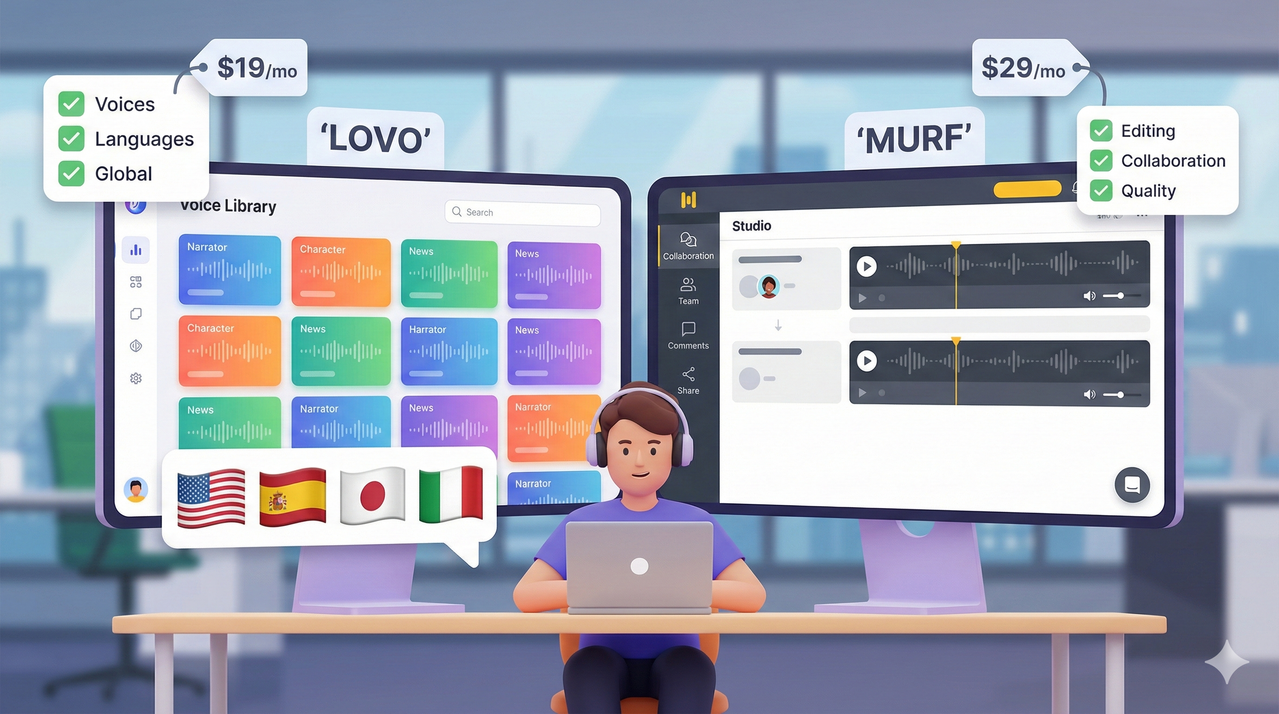
At a glance, Murf is better oriented toward polished business voiceovers and team workflows where consistency is king. Lovo, on the other hand, leans into huge voice variety, over 100 languages, and an all‑in‑one creative suite for solo or small teams who want to do everything in one tab.
Before we dive into the details, anchor yourself in this simple rule of thumb:
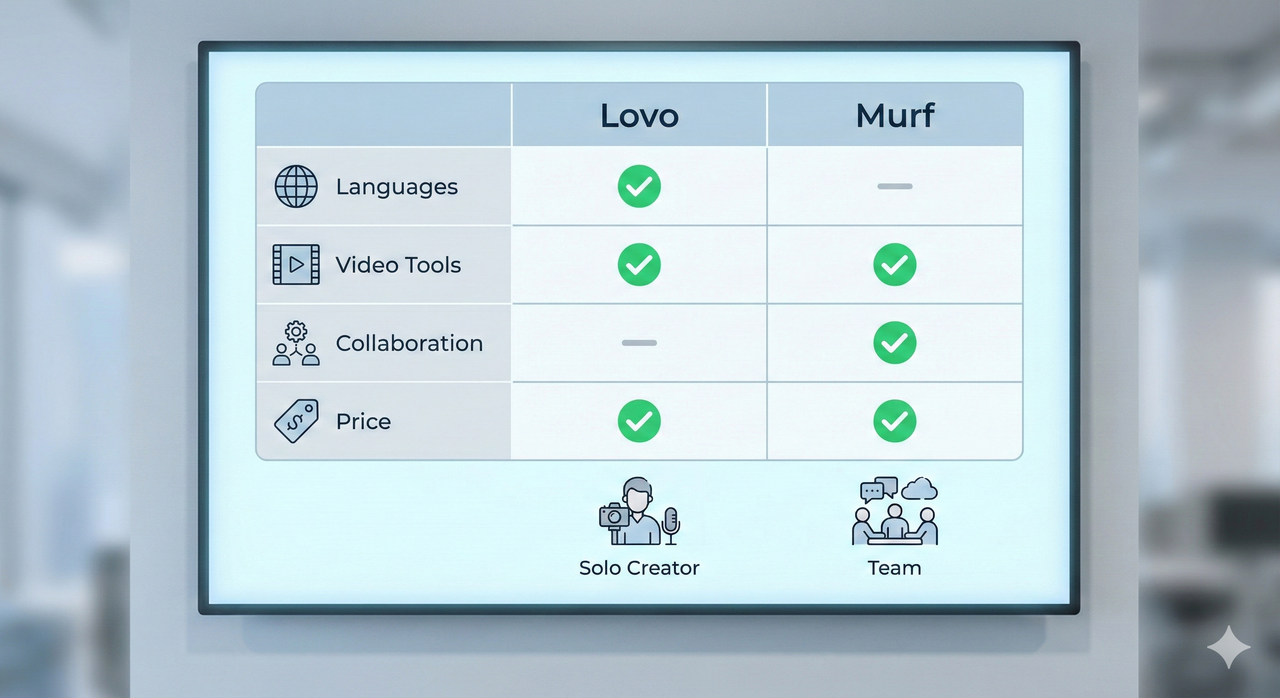
- Start with Lovo if you are a creator needing range, character voices, and built‑in video tools.
- Start with Murf if you are a team needing reliable, studio‑style narration and strict collaboration features.
Quick Persona-Based Cheat Sheet
| Who Are You? | Recommended Tool | Why? |
|---|---|---|
| Solo YouTuber / Creator | Lovo (Genny) | You get script writing, video editing, and emotional voices in one place. |
| Course Creator | Lovo | The variety of 500+ voices helps keep long courses engaging and diverse. |
| L&D / Corporate Team | Murf | Collaboration features allow multiple people to review/edit audio together seamlessly. |
| Marketing Agency | Murf | Studio-quality consistency is better for high-stakes brand commercials and explainers. |
Deep Dive into Lovo – Strengths, Pricing, and Ideal Use Cases
Lovo’s core strength lies in its sheer volume and versatility. With 500+ voices in 100+ languages, it offers a massive palette for creatives. But the real kicker is the Genny workspace. It combines TTS, an AI script writer, a video editor, subtitle generation, and voice cloning.
For a creator, this is huge. It means you can stay in one browser tab from the moment you write “Hello everyone” to the moment you export a finished video file.
Lovo Pricing in Plain English
Lovo’s pricing can be tricky to navigate. Here is the translation for 2026:
- Free: Good for testing, but watermarked and limited.
- Basic: Covers essential TTS needs, but often lacks the priority processing or advanced cloning.
- Pro (The Sweet Spot): Usually covers about 5+ hours of voice generation per month. This is where you get unlimited downloads and FHD video export. If you are making 10 explainer videos a month, this is your tier.
- Pro+: For high-volume agencies needing massive storage and generation time.
Lovo’s Best Fits: Who Should Choose It?
Lovo is the ideal choice for solo entrepreneurs and small content teams. If you are making multilingual content, need specific character voices (like a “gruff old wizard” or “cheerful child”), or produce social content where the video and audio are built together, Lovo wins. The voice cloning and API are also fantastic bonuses for developers or brands wanting a custom avatar voice.
Lovo Downsides You Need to Know
It’s not all sunshine. Users often complain that the UI is less intuitive than Murf’s clean dashboard. While the voices are emotional, they can sometimes be inconsistent—one sentence sounds perfect, the next sounds robotic, requiring you to tweak spelling or punctuation to fix it. This “manual fine-tuning” can eat up time on long-form content.
Deep Dive into Murf – Strengths, Pricing, and Ideal Use Cases
Murf positions itself differently. It isn’t trying to be a video editor; it’s trying to be a professional studio. Its strength is fine-grained control over prosody—pitch, speed, emphasis, and pauses. It also features a robust voice changer and a dedicated script editor.
However, Murf’s killer feature is collaboration. It offers shared projects, review flows, and business-oriented integrations that make it the heavyweight champion for corporate environments.
Murf Pricing in Plain English
- Free: strictly for trying the voices; you cannot download the audio for commercial use.
- Creator/Basic: Good for individuals, but often limits the best voices or collaboration features.
- Business: This is where the real power lies. It includes team management, more generation hours, and commercial rights.
- Enterprise: Custom pricing for large orgs needing SSO and security reviews.
Warning: Costs on Murf can spike if you are a light user who needs “Business” features (like team access) but only generates 10 minutes of audio a month.
Murf’s Best Fits: Who Should Choose It?
Murf is the go-to for L&D teams, agencies, and marketing departments. If you are producing training modules, polished explainers, or brand videos where a consistent, neutral-professional narration is required, Murf is safer. It is also the best fit when multiple stakeholders need to log in and tweak a script or voiceover in a shared environment.
Murf Downsides You Need to Know
The main complaint with Murf is the cost-to-value ratio for casual users. It feels expensive if you aren’t using it daily. Additionally, while the quality is high, the voice variety (number of accents/languages) is solid but not as extensive as Lovo’s. If you need a very niche accent or a crazy character voice, you might not find it here.
Side-by-Side: Lovo vs Murf for Real Workflows
When we compare lovo vs murf directly, the differences become clear in the workflow.
| Feature | Lovo (Genny) | Murf AI |
|---|---|---|
| Voice Variety | Winner: 500+ voices, distinct characters. | Solid: 200+ voices, professional focus. |
| Audio Control | Good emotional control. | Winner: Precision pitch/timing control. |
| Video Tools | Winner: Full editor & AI art generation. | Basic: Sync audio to video/images only. |
| Collaboration | Basic team features. | Winner: Enterprise-grade sharing/review. |
| Learning Curve | Moderate (many tools). | Low (clean, focused UI). |
| Best For… | Creative Creators & YouTubers. | Corporate Training & Business Pros. |
Workflow 1 – Solo YouTuber / Content Creator
The Scenario: You are making a Top 10 video.
- In Lovo: You paste your script into Genny. You assign different voices to different paragraphs. You use the AI artist to generate background images, overlay subtitles, and export the final MP4 directly.
- In Murf: You generate the voiceover, perfect the timing, download the WAV file, and then open Premiere Pro or DaVinci Resolve to edit the video separately.
- Verdict: Lovo saves you time by keeping it all in one place.
Workflow 2 – E-Learning or Corporate Training Team
The Scenario: A compliance training module needs an update.
- In Lovo: You might struggle to have three different managers review the audio project simultaneously without sharing login details.
- In Murf: You share the project link. The legal team reviews the script inside Murf, makes a text edit, and the audio automatically updates without re-recording.
- Verdict: Murf prevents version control headaches.
Workflow 3 – Multilingual Marketing Campaigns
The Scenario: Launching an ad in English, Spanish, and German.
- Lovo: Offers a wider range of distinct local accents and “street” style voices that might fit a B2C ad better.
- Murf: Great for “Standard” business German or Spanish, but might lack the colloquial flair needed for a hip social media campaign.
Decision Matrix – Choose in 60 Seconds
Still undecided? Use this simple “If This, Then That” checklist.
- Do you need to edit video and audio in one tool?
- Yes -> Lovo
- No -> Murf (or test both)
- Is this for a corporate team requiring approval workflows?
- Yes -> Murf
- No -> Lovo
- Do you need over 20+ languages with multiple distinct accents?
- Yes -> Lovo (Broader library)
- Is your priority absolute precision over pause duration and pitch?
- Yes -> Murf
When It Makes Sense to Use Both (or Neither)
Some large agencies actually use both. They use Murf for their internal corporate training and client presentations (where polish matters), and Lovo for their creative social media spots (where character and emotion matter).
Note: If you just need a voice for a 10-second TikTok and have zero budget, neither might be right—look for simple TTS apps. But for professional work, these two are the leaders.
Practical Next Steps – Test Drives That Actually Tell You Something
Don’t just sign up for the free plan and type “Hello World.” That tells you nothing.
Here is your 1-2 day test plan:
- Select a Script: Take one actual paragraph from your last project.
- The “Stress Test”: Put that same paragraph into both Lovo and Murf.
- The Edit: Try to change the emphasis on one specific word. See which interface feels less frustrating to you.
- The Export: Download the file and put it over your video. Ask a colleague, “Which one sounds more like us?”
Your ears—and your workflow—will make the decision for you.
Leave a Reply