
Build an AI Workflow for Legal PDF Extraction (2026)
I’ve spent over three decades in IT, and if there’s one principle that’s saved me from disaster more times than any other, it’s this: a process that looks like it’s working and a process you’ve actually verified are two completely different things, and the gap between them is exactly where expensive mistakes hide. How can I build an AI workflow to extract information from hundreds of dense legal complaint PDFs? is a question I want to answer with real architecture, not a shortcut, because the stakes here are genuinely too high for anything less.
How can I build an AI workflow to extract information from hundreds of dense legal complaint PDFs? means combining structured output enforcement, batch processing, and proportional human verification into one pipeline, rather than manually copying each document into a chatbot one at a time. For example, peer-reviewed Stanford research found that even purpose-built legal AI research tools hallucinate between 17% and 33% of the time, confirming why a verification layer is not optional in this specific use case.
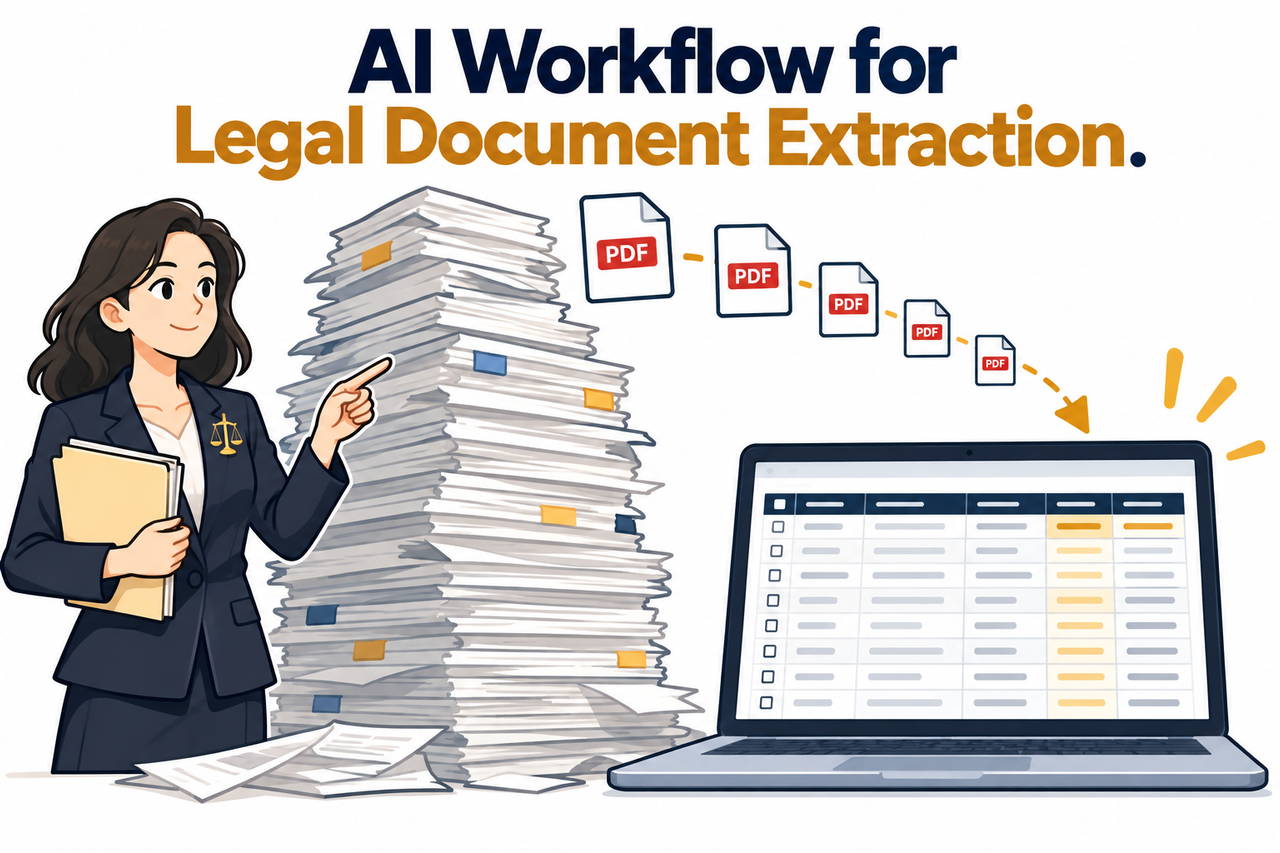
If you’re staring down hundreds of dense legal complaints with a filing deadline that manual review simply can’t meet, I want to be direct about the real risk here. It isn’t moving too slowly — it’s building something that looks like it’s working and only discovering months later, in a deposition or a court filing, that the AI silently got a detail wrong in one of those hundreds of documents.
How Can I Build an AI Workflow to Extract Information From Hundreds of Dense Legal Complaint PDFs?
Quick Answer
Build the workflow around three components: a defined JSON Schema that forces every document to return identical, structured fields; Claude’s Batch API to process hundreds of files in parallel at a 50% cost discount; and human verification scaled to each field’s legal risk. This architecture directly addresses documented hallucination rates of 17-33% found even in purpose-built legal AI tools.
In my experience architecting data pipelines long before AI entered the picture, the fundamental engineering problem here hasn’t actually changed. You need consistent structure, you need to process at scale rather than one record at a time, and you need a verification layer that catches errors before they reach something irreversible. AI changes the tools, not the underlying discipline.
Why Can’t You Just Paste Each PDF Into a Chatbot One at a Time?
Before getting into the actual build, I want to address the obvious shortcut, because I know it’s tempting under deadline pressure.
Manual Chat-by-Chat Extraction Doesn’t Scale or Stay Consistent
Processing hundreds of documents one conversation at a time produces inconsistent formatting, no audit trail, and no realistic way to verify output at volume before a deadline. I’ve watched this exact pattern play out in other industries for decades: a manual process that technically works for ten records falls apart completely at three hundred, not because the tool got worse, but because human attention and consistency simply don’t scale linearly.
Even Purpose-Built Legal AI Tools Hallucinate Frequently
Peer-reviewed research found leading legal AI research tools hallucinate between 17% and 33% of the time, with one system providing incomplete or unresponsive answers on over 60% of queries tested. Stanford RegLab I want to sit with that number for a moment, because these are tools specifically marketed as reducing or eliminating exactly this problem, built by established legal technology vendors, and independent researchers still found failure rates this high.
The Most Dangerous Errors Look Completely Verified
Research identifies “misgrounded” responses — where an AI cites a real source that doesn’t actually say what’s claimed — as more dangerous than obvious fabrications, since they pass a superficial check. Stanford RegLab This is the detail that changed how I think about verification entirely: a fabricated case name is relatively easy to catch, but a correctly formatted citation pointing to a real document that simply doesn’t support the claim is exactly the kind of error that slips through a quick review.
What Does the Actual Extraction Architecture Look Like?
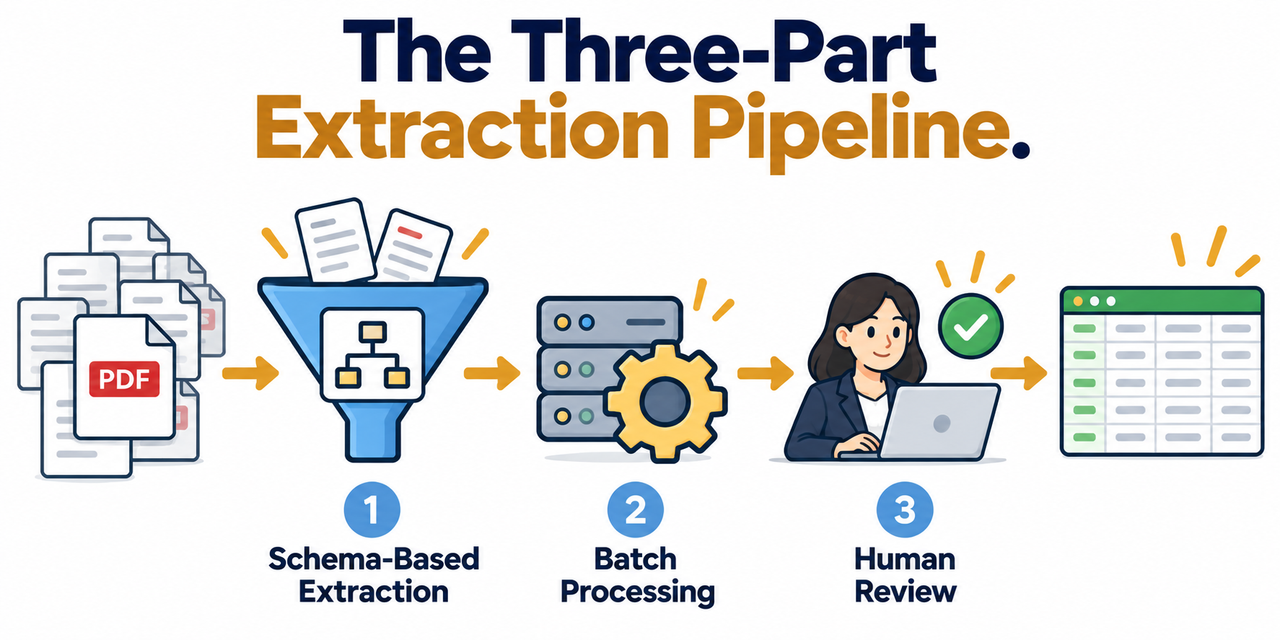
I think it helps to see the complete picture before diving into individual steps, since each component solves a distinct problem that the others don’t. Structured data extraction is the first piece: instead of asking an AI to summarize a document in free-text prose, you define a strict schema that forces every single document to return the exact same fields in the exact same format.
Claude’s own official documentation explains why this matters mechanically: “Without structured outputs, Claude can generate malformed JSON responses or invalid tool inputs that break your applications… Structured outputs guarantee schema-compliant responses through constrained decoding.” Claude Platform Docs That’s not a minor convenience — it’s the difference between data you can actually load into a spreadsheet or case management system reliably, and output you have to manually reformat document by document.
The second piece is genuine batch processing rather than individual requests, and the third is a verification layer scaled to risk rather than applied uniformly or skipped entirely. All three pieces working together is what separates a real production workflow from a demo that happens to work on the first few documents you try it on.
How Do You Build an AI Workflow to Extract Information From Hundreds of Dense Legal Complaint PDFs? Step by Step
Here’s the exact sequence I’d walk a legal team through, start to finish.
- Classify your document set and confirm text extractability. Confirm whether complaints are text-based PDFs or scanned images requiring OCR text extraction preprocessing before any AI extraction step can work.
- Define your exact extraction schema first. List every required field — plaintiff name, filing date, cause of action, damages claimed — as a structured JSON schema extraction format before writing a single prompt.
- Pilot the schema on 15-25 documents first. Manually verify every extracted field from a small representative batch, including difficult examples, before running the full document set.
- Run the validated schema through the Batch API. Process the full document set using Claude’s batch processing API, which handles structured outputs at scale with a 50% cost discount compared to individual requests. Claude Platform Docs
- Require source citations built into the schema itself. Make every legally significant field — dates, dollar amounts, named parties — return a direct quote or page reference so claims can be spot-checked without re-reading the full document.
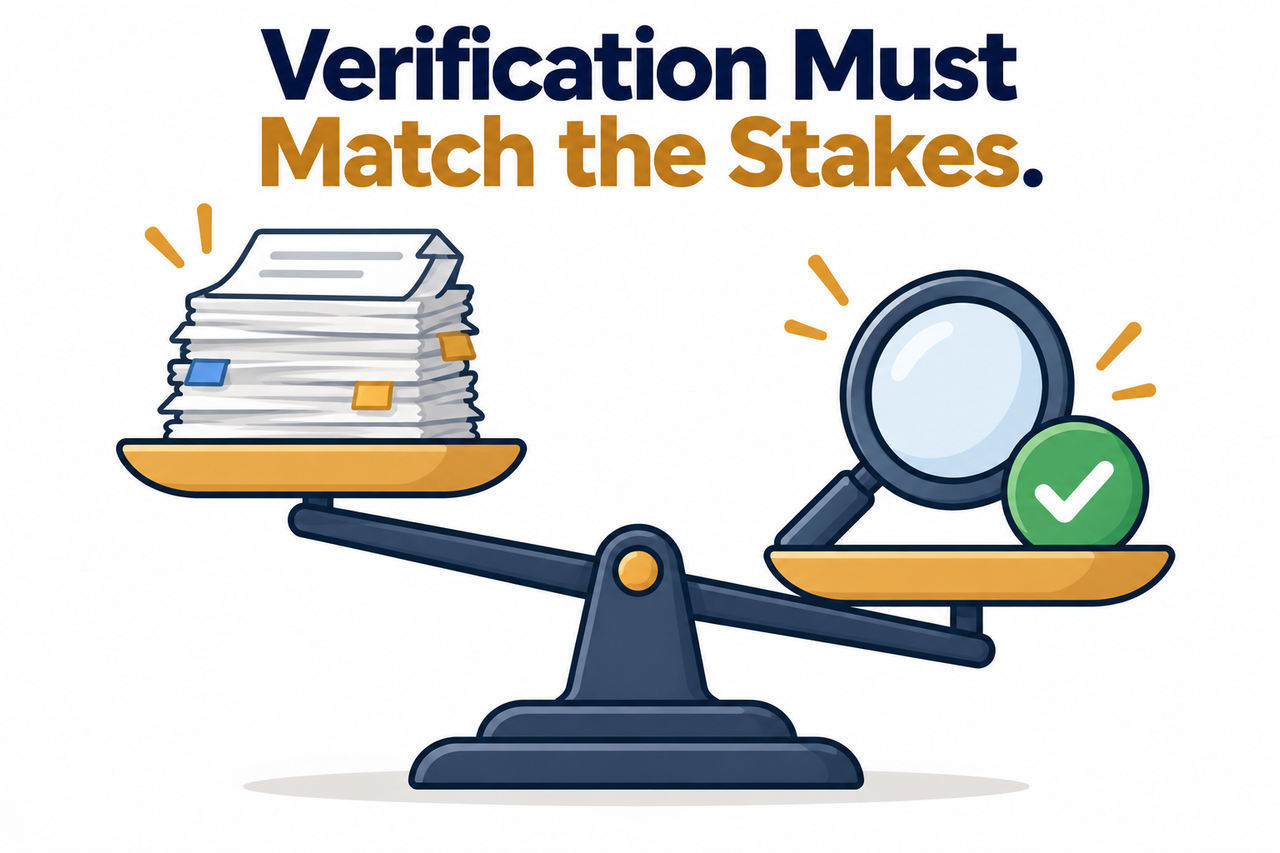
- Scale human verification to each field’s risk level. Apply light spot-checking to low-stakes fields and mandatory review to any field destined for a court filing or client report.
- Watch specifically for misgrounded results. Check that cited quotes and page references actually support the extracted claim, not just that a citation exists in the correct format.
- Run an automated consistency pass before human review. Flag empty required fields, out-of-range dates, or implausibly formatted damages figures automatically, so reviewer time goes toward genuinely ambiguous documents.
I want to expand on step 3, because I’ve seen teams skip the pilot phase under deadline pressure, which is precisely backward. A schema problem caught on 20 test documents costs you an afternoon to fix. The same problem discovered after running all 300 documents costs you the entire batch, plus the credibility of everything you’d planned to do with that data.
Pilot Verification Checklist (Illustrative example)

For each of 15-25 test documents:
Every required field populated (none empty or null)
Plaintiff/defendant names match source exactly
Dates fall within the expected filing range
Damages figures formatted consistently and plausible
Source citation/page reference included for every legal field
Citation actually supports the extracted claim (not just present)
Only once every document in your pilot passes this full checklist should you move to the full batch run.
What Does the Research Actually Say About Legal AI Reliability?
I always prefer quoting peer-reviewed research directly rather than paraphrasing a claim this important. The Stanford study found: “LexisNexis’s Lexis+ AI is the highest-performing system we test, answering 65% of our queries accurately. Westlaw’s AI-Assisted Research is accurate 42% of the time, but hallucinates nearly twice as often as the other legal tools we test.” Stanford RegLab
What strikes me most about these numbers is the range between the best and worst performing tools, among products that are all marketed similarly as reliable legal AI research solutions. This confirms that the specific tool and architecture you choose genuinely matters, and that no vendor’s marketing claim should substitute for your own pilot verification process, regardless of how established or well-funded that vendor is.
What’s the Real Difference Between Fields You Can Trust and Fields You Must Verify?
I think this distinction deserves its own clear breakdown, because treating every extracted field with identical scrutiny wastes your limited reviewer time on low-stakes data while potentially under-scrutinizing the fields that actually matter.
| Field Type | Risk Level | Recommended Verification |
|---|---|---|
| Document formatting metadata (page count, file name) | Low | Automated consistency check only |
| Filing date, court/jurisdiction | Medium | Spot-check a sample; full check if flagged by consistency pass |
| Damages claimed, cause of action | High | Mandatory human review before use in any filing or report |
| Direct quotes cited as source support | High | Mandatory verification that quote exists and supports the claim |
This table reflects the core principle from step 6 above: verification effort should track legal consequence, not apply uniformly across every single data point your pipeline produces.
How Do You Actually Catch a Misgrounded Result in Practice?
I want to give you a concrete method for this, since “watch for misgrounded results” can sound abstract without a specific technique. Once your schema requires a direct quote or page reference for every legally significant field, the verification step becomes mechanical rather than requiring you to re-read the entire document from scratch.
Open the source PDF to the cited page, locate the quoted text, and ask one specific question: does this quote, read in its original context, actually establish the fact the extracted field claims it establishes? I’ve found this single check catches the majority of misgrounded errors, because the failure mode isn’t usually an invisible fabrication — it’s a real quote being stretched to support a conclusion it doesn’t actually support when you read the surrounding context.
Bad vs. Good Way to Build a Legal Document Extraction Workflow
Let me put these two approaches side by side, because the contrast here is the entire difference between a defensible process and a professional liability waiting to surface.
Bad: “I had a paralegal paste each of our 300 complaint PDFs into ChatGPT one at a time and copy the summary into a spreadsheet, with no consistent format, no source citations for any extracted date or dollar amount, and no review process beyond a quick skim before the data went into our case management system.”
Good: “I defined a structured JSON schema listing every field we needed with required source citations for dates and damages figures, piloted it against 20 representative complaints with full manual verification, ran the validated schema through the Batch API across all 300 documents, then had paralegals review only the fields flagged by an automated consistency check plus every field destined for a court filing.”
The bad approach trusts fluent-sounding output without any structural guarantee of accuracy. The good approach builds verification into the architecture itself, rather than treating it as an afterthought squeezed in before the deadline.
What Should You Do If Your Document Set Includes Scanned Complaints?
I want to address this directly, since it’s a common complication that derails teams who assume all their PDFs are immediately ready for AI processing. If a complaint is a scanned image rather than a text-based document, an AI model genuinely cannot read it as text until it’s been through OCR text extraction first.
I’d recommend running your full document set through an OCR check before anything else, flagging any file where the extracted text comes back empty, garbled, or suspiciously short relative to the document’s apparent length. Don’t assume a successful-looking OCR pass means the text is actually accurate — scanned legal documents with unusual fonts, handwritten annotations, or poor scan quality can produce OCR output that looks plausible but contains meaningful errors, which is exactly the kind of upstream problem that will silently corrupt every downstream extraction if it isn’t caught first.
How Long Does a Project Like This Actually Take to Build?
I think it’s worth setting realistic expectations here, since teams under deadline pressure often assume building a proper pipeline will take longer than the deadline allows, when the opposite is usually true once you account for the real time cost of manual review. Defining a solid extraction schema typically takes a few focused hours, especially if you start from the standard fields most litigation complaints share across a matter.
The pilot phase, including full manual verification of 15 to 25 documents, usually takes a day or two depending on document complexity and reviewer availability. Running the validated schema through the Batch API across hundreds of documents is largely a waiting period rather than active work, given the processing window involved. The genuinely variable cost is the proportional human review step, but because that review is now scoped to flagged fields and high-risk categories rather than every field on every document, it’s a fraction of what full manual extraction across the same document count would have required. In my experience, teams who build this properly from the start finish faster than teams who attempt the shortcut of ad hoc chatbot extraction and then spend additional time cleaning up inconsistent results afterward.
What Happens If You Discover an Error After the Data Is Already in Use?
I want to address this scenario directly, because it’s precisely the hidden fear driving this entire question, and pretending it can’t happen would be dishonest. If you discover that an extracted field was wrong after it’s already informed a filing, a report, or a strategic decision, the right response mirrors how any other factual error in legal work should be handled: disclose it promptly to whoever relied on that information, correct the record, and document exactly how the error occurred and what it affected.
The proportional verification architecture described throughout this article exists specifically to make this scenario rare rather than to make it impossible, since no process involving AI extraction at genuine scale can offer an absolute guarantee. What a well-built pipeline does offer is a documented, defensible process — a schema, a pilot verification record, a consistency check log, and a clear record of which fields received mandatory human review — that demonstrates genuine diligence was applied, which matters enormously if the accuracy of your extraction process is ever questioned.
For a broader look at troubleshooting AI workflow and extraction challenges, see our complete guide to troubleshooting AI tools.
Frequently Asked Questions
Can AI really extract reliable data from hundreds of legal documents?
Yes, but only with a structured schema, batch processing, and proportional human verification — unstructured, one-at-a-time AI chat extraction does not scale or stay consistent at volume.
How often do legal AI tools actually hallucinate?
Peer-reviewed research found purpose-built legal AI research tools hallucinate between 17% and 33% of the time, even when specifically marketed as reducing or eliminating that risk. Stanford RegLab
What’s a “misgrounded” AI response and why does it matter for legal extraction?
It’s when an AI cites a real, correctly formatted source that doesn’t actually support the claim being made, a more dangerous failure than outright fabrication because it passes a surface-level check. Stanford RegLab
Do I need to manually verify every single field extracted from every document?
No — verification should scale to risk, with light spot-checking for low-stakes fields and mandatory review only for fields that will appear in a court filing or client report.
What’s the benefit of using a Batch API instead of individual chat requests?
It processes structured outputs across hundreds of documents at scale with a 50% cost discount compared to standard real-time requests, though it runs on a non-blocking basis with up to a 24-hour window. Claude Platform Docs
Should I test the extraction schema before running it on my full document set?
Yes — piloting on 15 to 25 representative documents with full manual verification catches schema problems while they’re still cheap to fix, before scaling to the full batch.
Leave a Reply