
Why Claude Can’t Access Your Uploaded PDF (2026)
I’ve spent over three decades in IT, and if there’s one support ticket pattern I’ve seen more than any other, it’s a user staring at two contradictory pieces of information on the same screen and assuming they’re losing their mind. Why does Claude claim it cannot access a PDF already uploaded to Project Files is exactly this pattern, and I want to walk you through the actual documented mechanism, because nothing about your Project is broken.
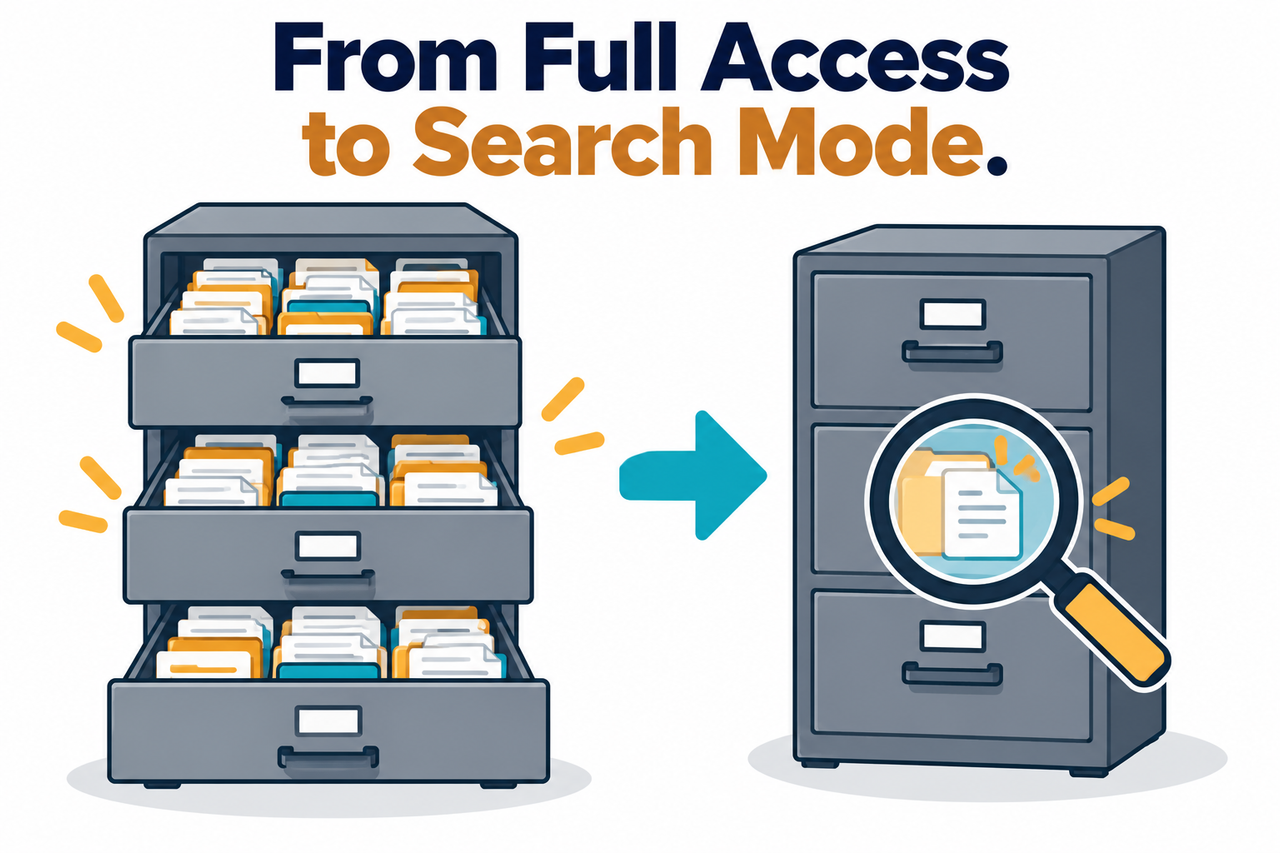
Why does Claude claim it cannot access a PDF already uploaded to Project Files is explained by a documented mode switch: once a Project’s knowledge approaches a certain threshold, Claude moves from loading every file directly into context to a search-based retrieval system that has to successfully find relevant content first. For example, Anthropic’s own documentation confirms Claude will automatically enable this mode to expand a Project’s capacity by up to 10x, which also means a visibly uploaded file no longer guarantees Claude has actually read it for any given question.
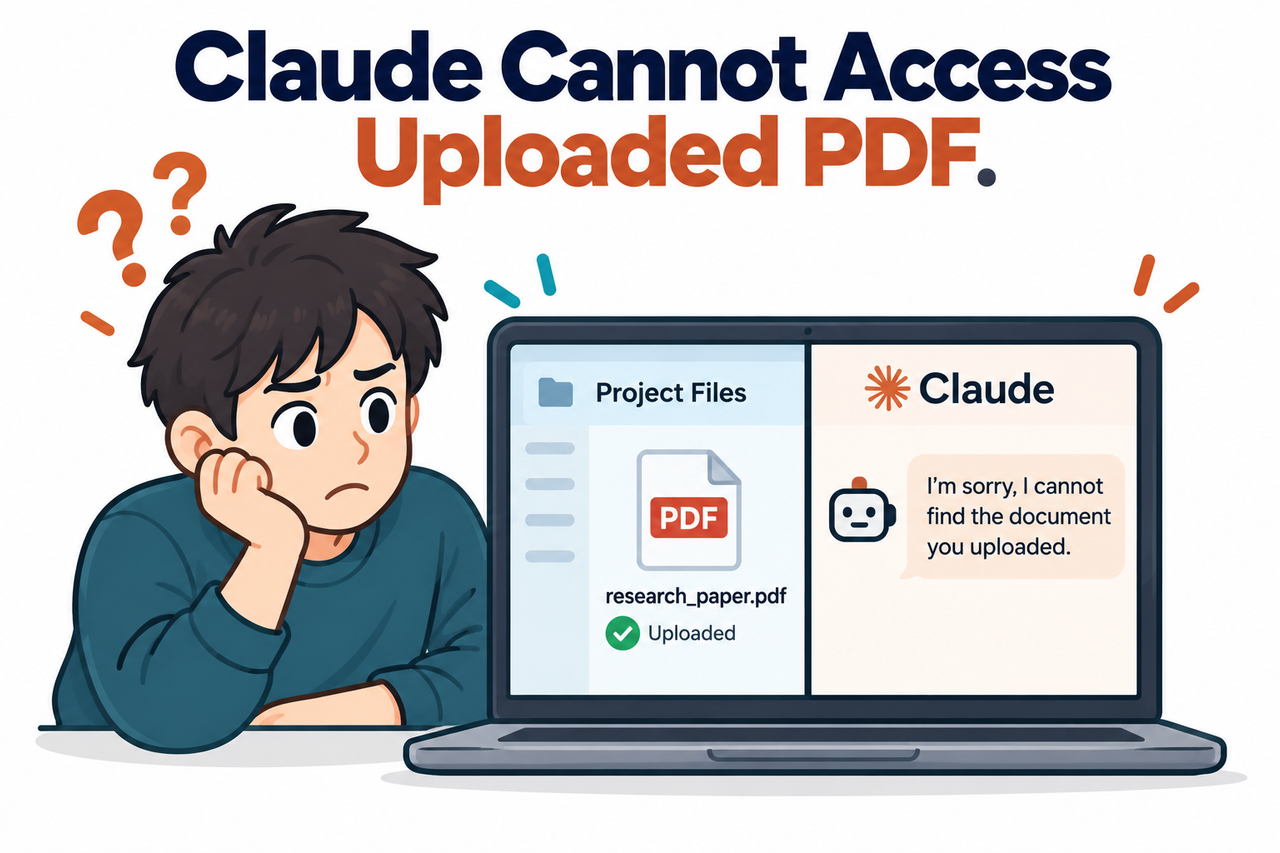
If you uploaded a PDF to a Claude Project specifically so you’d never have to re-upload it again, and Claude is now insisting it can’t see that exact file sitting right there in the file list, I want to be direct with you: you haven’t lost anything, and Projects isn’t secretly broken. You’ve hit a specific, documented behavior switch that most users never learn about until it happens to them.
Why Does Claude Claim It Cannot Access a PDF Already Uploaded to Project Files?
Quick Answer
Claude claiming it can’t access an uploaded PDF almost always means the Project has switched into RAG mode (retrieval-augmented generation), where Claude searches for relevant content rather than loading every file directly. If the search doesn’t surface the right section, the practical result looks identical to the file not existing. This mode can activate after as few as roughly 13 files, regardless of total file size.
In my experience troubleshooting systems long before AI entered the picture, this exact category of bug — a system quietly switching modes without clearly telling the user — is one of the most reliable sources of “it worked yesterday, why doesn’t it work today” tickets I’ve ever chased down. The system didn’t break. It changed behavior under a condition you weren’t watching for.
What Actually Causes This Access Problem in the First Place?
Before getting into the fix, I want to explain the mechanism clearly, because once you understand why this happens, the fix stops feeling like guesswork.
Project Knowledge Automatically Switches to Search Mode
Anthropic’s own documentation confirms this directly: “When your project knowledge approaches the context window limit, Claude will automatically enable RAG mode to expand your project’s capacity by up to 10x.” Claude Help Center That one sentence is the entire explanation — your Project didn’t lose the file, it changed how it processes every file in the Project.
A File Being Uploaded No Longer Guarantees It Gets Read
Anthropic describes the switch precisely: “Instead of loading all project content into memory at once, Claude intelligently searches and retrieves only the most relevant information needed to answer your questions.” Claude Help Center I want to flag the practical consequence of that sentence directly: once this mode is active, “uploaded” and “actually read for this specific question” become two separate things, and the gap between them is exactly where this problem lives.
This Switch Can Trigger Much Earlier Than Expected
Community reports document RAG mode activating after only around 13 files, with one documented case at a project with just 15 files and roughly 73,000 tokens — only about 35% of a 200K token window — still triggering search-only mode. Reddit Bug Report I find this detail genuinely important, because it means you can’t simply watch your total file size and assume you’re safe from this switch until you’re much closer to a stated capacity limit.
Why Does Claude Claim It Cannot Access a PDF Already Uploaded to Project Files? Step by Step Fix
Here’s the exact sequence I’d walk anyone through to actually resolve this.
- Recognize the core mechanism first. Understand that a visibly uploaded file losing accessibility is most commonly explained by the automatic switch to search-based retrieval, not a lost or corrupted file.
- Check for the visual RAG indicator. Anthropic’s documentation confirms “you’ll see a visual indicator showing that your project is RAG-enabled” Claude Help Center — if present, you’re in search mode, and the file list no longer guarantees direct access.
- Don’t assume file size alone determines this switch. Recognize that search mode can activate based on file count, with documented cases triggering at far below the stated context capacity.
- Explicitly reference the document by name. Name the specific file directly in your prompt, since this helps Claude focus its search rather than guessing which document you mean.
- Use clear, descriptive filenames from the start. Anthropic’s documentation states “well-named files help Claude understand and retrieve the right information more effectively.” Claude Help Center
- Try removing and re-uploading a stubborn file. This resets its indexing, though be aware community reports document cases where stale content persists even after this step.
- Recognize the specific “indexed but not found” bug. A file showing as fully indexed while search still fails to find it matches a specific documented bug, not a mistake on your part.
- Keep critical Projects small enough to avoid search mode. For documents where guaranteed direct access matters more than storage capacity, stay under the threshold that triggers automatic retrieval.
I want to expand on step 7, because it’s the one most likely to make you doubt your own troubleshooting. Community reports document this precise failure directly: “There is a known bug where the system indicates that a file is ‘fully indexed and ready,’ yet the search function reports an error claiming it is not indexed at all.” Reddit Bug Report If you’ve confirmed every other step and you’re still stuck, this is the specific pattern to check for, and it’s a case worth reporting to Anthropic directly rather than continuing to troubleshoot something that isn’t actually within your control to fix locally.
Troubleshooting Sequence (Illustrative example)

1. Check Project interface for RAG indicator -> present?
2. If present: reference the file by exact name in your prompt
3. Retry the question -> did it work?
4. If still failing: remove and re-upload the specific file
5. Retry again -> did it work?
6. If still failing and file shows "indexed": this may be the
   known indexed-but-not-found bug -> report to Anthropic support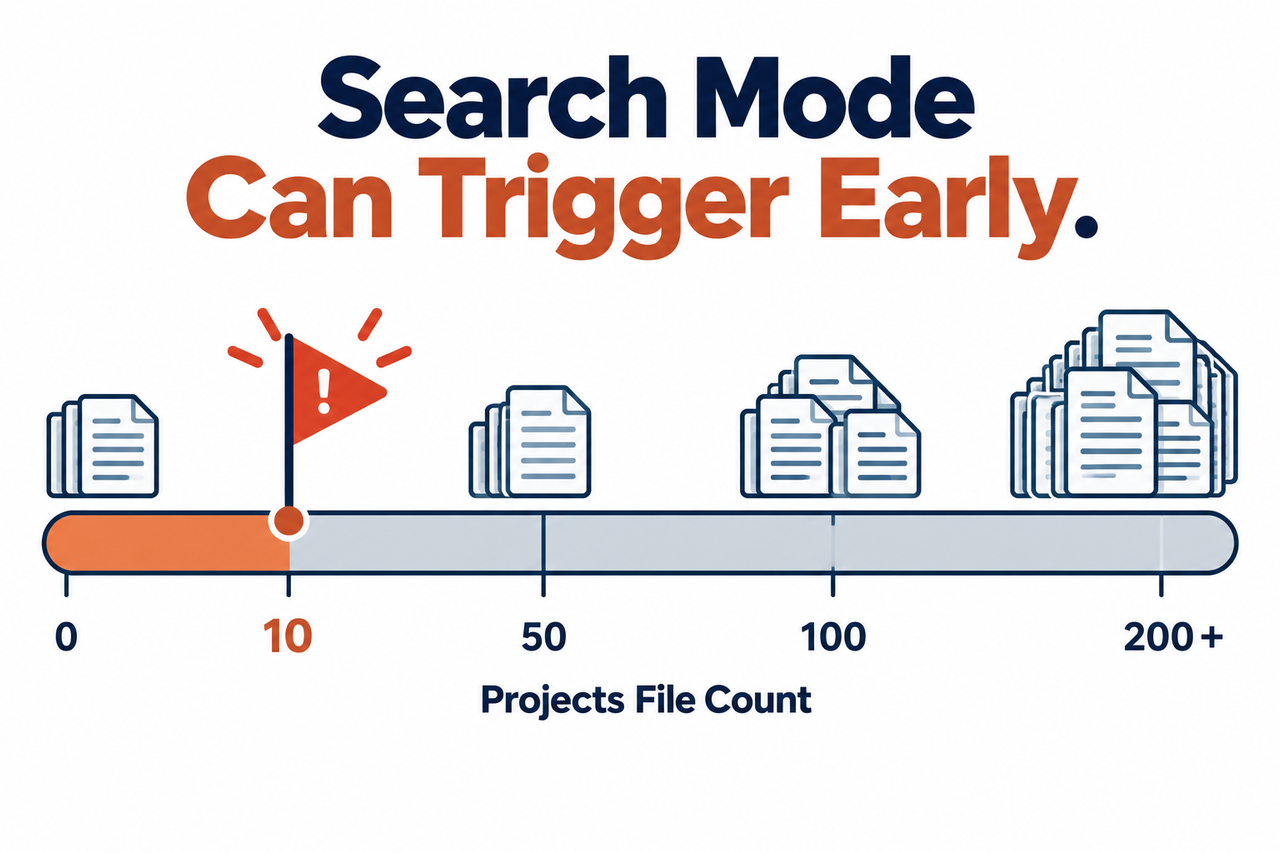
What’s the Real Difference Between In-Context Loading and Search Retrieval?
I think this distinction deserves its own clear breakdown, since conflating these two modes is exactly what causes the confusion driving this entire article.
| Mode | How Claude Accesses Files | What You Can Rely On |
|---|---|---|
| In-context loading | Every file’s full content loaded directly for every question | Full, guaranteed access to all uploaded content, every time |
| RAG / search mode | Claude searches for relevant sections before answering | Access depends on search quality; not guaranteed per question |
Once you see this table, the entire mystery resolves itself. A Project under the context threshold behaves one way, and the same Project past that threshold behaves in a fundamentally different way, even though the file list looks identical in both cases.
Why Does This Feel So Much Worse Than It Actually Is?
I think it’s worth naming the psychological trap here directly, because I’ve watched it derail people’s trust in a tool that’s actually working as designed. When an interface element (the file list) contradicts a statement from the AI (claiming no access), the instinct is to trust the AI’s claim as the more “intelligent” signal and assume the interface is simply wrong or stale.
In my experience, this instinct is usually backward. The file list is almost always accurate — the file genuinely is there. What’s happened is that the system answering your question operates on a different, narrower view of that file list than the one you’re looking at. Once you internalize that the interface and the AI’s search results are two separate systems that can legitimately disagree, the whole situation stops feeling like a bug and starts feeling like a known architectural tradeoff you can work around.
What Should You Do If You’re Managing a Project for a Team?
If you’re the person responsible for a shared Claude Project that multiple people rely on, I’d recommend treating this RAG transition as a planned event rather than something you discover reactively. Periodically check whether your Project has crossed into search mode, especially after a batch upload of new documents, since the switch can happen silently without any announcement in the chat itself.
I’d also recommend documenting, for your team, which specific files are the most critical for guaranteed access, and considering splitting a single sprawling Project into smaller, more focused Projects if certain documents genuinely need guaranteed in-context loading rather than search-based retrieval. This is a real architectural decision, not a workaround — sometimes the right fix is restructuring how your knowledge base is organized, not just troubleshooting a single stuck file.
Bad vs. Good Way to Handle This Access Problem
Let me put these two approaches side by side, because the difference here is the entire difference between losing trust in a tool and actually solving the problem.
Bad: “I uploaded a PDF to my Project weeks ago, saw it sitting in the file list, and assumed Claude could always reference it perfectly — when it suddenly said it couldn’t find the information I needed, I assumed Claude was broken and gave up on using Projects for anything important.”
Good: “When Claude said it couldn’t access information from a file I knew was uploaded, I checked for the RAG indicator in my Project, confirmed retrieval mode was active, explicitly referenced the exact document by its filename in my next prompt, and Claude successfully pulled the relevant content on the next attempt.”
The bad approach treats a documented mode switch as evidence the entire feature is unreliable. The good approach recognizes the specific mechanism and works with it directly.
For a broader look at troubleshooting common Claude and AI tool limitations, see our complete guide to troubleshooting AI tools.
What Does Anthropic’s Own Documentation Actually Say?
I always prefer quoting a vendor’s own documentation directly rather than relying on secondhand summaries, especially for something this foundational to how the product behaves. Anthropic states plainly that once RAG mode activates, “instead of loading all project content into memory at once, Claude intelligently searches and retrieves only the most relevant information needed to answer your questions,” Claude Help Center which is the exact mechanism behind this entire problem, confirmed in the company’s own words rather than inferred from behavior alone.
Is There a Way to Deliberately Test Whether Your Project Is in Search Mode?
I’d recommend a specific, low-effort test rather than waiting to discover this the hard way mid-task. Ask Claude a question whose answer you already know sits in a specific, obscure part of one of your uploaded documents — something unlikely to be the first thing a search algorithm would surface as “most relevant.”
If Claude answers correctly, pulling that specific detail accurately, you’re likely either still under the in-context threshold or the search function is working well for your current document set. If Claude responds that it can’t find that information, or gives a noticeably vague answer that avoids the specific detail, that’s a strong signal you’ve crossed into search mode and the retrieval isn’t surfacing everything you’d expect. I’d run this kind of test periodically on any Project you rely on for consistent, important work, rather than assuming a Project that worked well on day one will continue behaving identically after you’ve added a dozen more documents to it over the following weeks.
What’s the Actual Tradeoff Anthropic Is Making With This Design?
I think it’s worth understanding why this system exists at all, rather than treating it purely as an inconvenience, because the underlying engineering tradeoff is genuinely reasonable even if the user experience around it could be clearer. Every AI model has a hard context window limit — a maximum amount of text it can process at once — and without some kind of retrieval system, a Project would simply refuse to accept more documents once that ceiling was reached.
RAG mode is Anthropic’s solution to that hard limit: rather than capping your Project at a small, fixed amount of content, the system expands effective capacity by up to 10x through selective retrieval instead of universal loading. That’s a genuinely valuable tradeoff for most use cases — being able to store a much larger knowledge base, even with some risk that a specific query occasionally doesn’t surface the perfect document, is usually more useful than being hard capped at a much smaller, fully-guaranteed knowledge base. The frustration isn’t really with the tradeoff itself, it’s with how invisibly it happens and how little warning users get before their usage pattern crosses that threshold.
How Does This Compare to Similar Features in Other AI Tools?
I don’t want to leave the impression this retrieval-versus-full-context tradeoff is unique to Claude specifically, because the same fundamental engineering constraint applies to any AI platform offering a persistent knowledge base or document library feature. Any system that lets you accumulate documents beyond what fits in a single context window eventually has to make the same choice: cap the knowledge base size hard, or switch to some form of selective retrieval once a threshold is crossed.
What varies between platforms is how transparently that transition is communicated to the user, and how much control you’re given over tuning it. Some platforms surface this more clearly in their interface than others, and I’d recommend, regardless of which specific AI tool you’re using for a persistent knowledge base, actively looking for documentation on exactly this topic — a capacity limit, a retrieval mode, a search-versus-full-context switch — before building critical workflows around the assumption that every document you upload will always be fully and directly accessible for every single question you ask.
Frequently Asked Questions
Does Claude losing access to an uploaded file mean the file was deleted or corrupted?
No — this is almost always caused by the Project switching to search-based retrieval mode, not an actual file loss, and the file typically remains fully present in the Project’s file list. Claude Help Center
At what point does a Claude Project switch to search mode?
Officially, it happens as knowledge approaches the context window limit, but community reports document it triggering after as few as roughly 13 files, even well below the stated capacity threshold. Reddit Bug Report
How can I tell if my Project is currently in search retrieval mode?
Anthropic’s documentation confirms there’s a visual indicator in the Project interface showing when RAG mode is active, which signals that direct file access is no longer guaranteed. Claude Help Center
Does naming a file clearly actually affect whether Claude can find it?
Yes — Anthropic’s own documentation states that well-named, descriptive files help Claude’s search function retrieve the correct information more effectively than vague or generic filenames. Claude Help Center
What should I do if a file shows as fully indexed but Claude still can’t find it?
This matches a specific, previously documented bug, not user error, and is worth reporting directly to Anthropic support rather than continuing to troubleshoot it yourself. Reddit Bug Report
Is there a way to guarantee Claude always has full access to every file in a Project?
Yes — keeping total Project knowledge small enough to stay under the threshold that triggers search mode ensures every file is loaded directly into context for every question.
Leave a Reply