
Transparency Note: This article may contain affiliate links. If you make a purchase through these links, we may earn a commission at no extra cost to you.
Project AVA AI Explained: Futuristic Desk Companion or Creepy Backseat Gamer?
Razer’s project ava ai looks like the sci‑fi hologram every gamer dreamed of — but is it actually useful coaching, or just an always‑watching anime jar on your desk?
[TOC]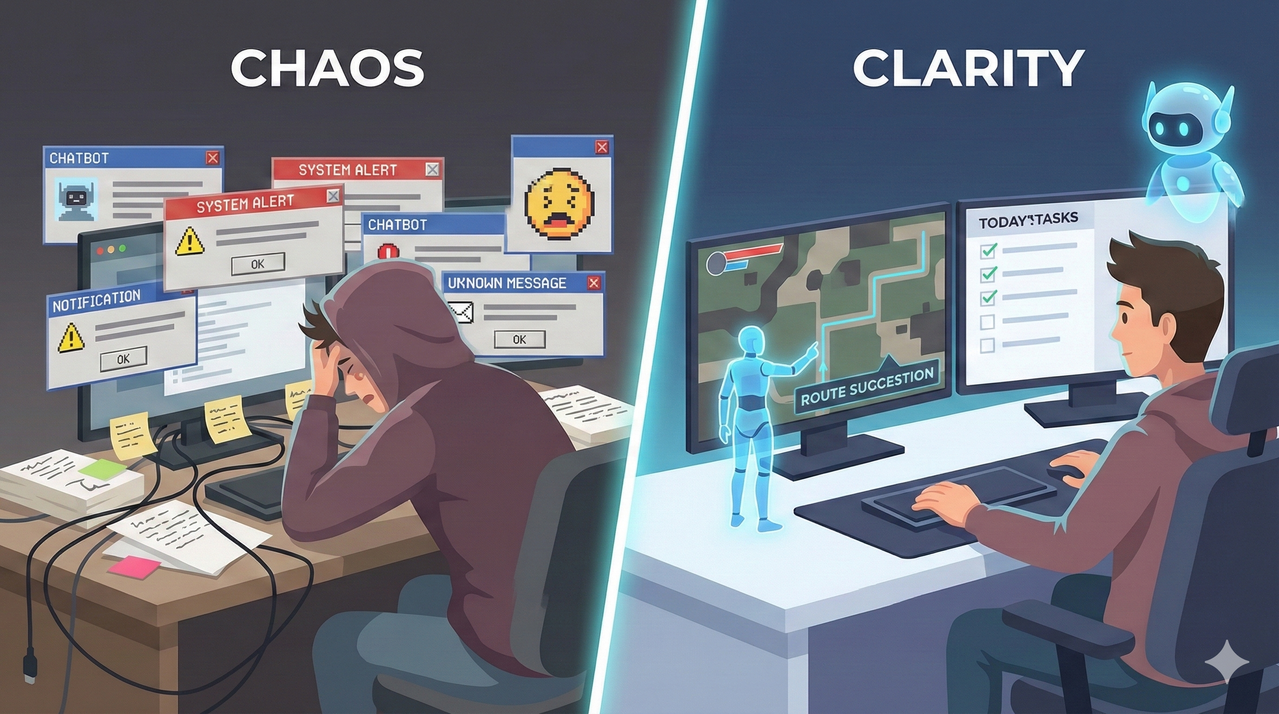
The Real Problem Gamers Want AVA to Solve
Let’s be honest: Mid‑core and hardcore PC gamers are tired of generic chatbots and clunky overlays that claim to ‘coach’ but never truly see what is happening on screen. You know the drill—you ask a generic AI for a loadout, and it gives you data from three patches ago.
Gamers want real‑time, context‑aware help that can read their loadouts, maps, and mistakes without sacrificing immersion or screen space. At the same time, many feel uneasy about bringing a camera‑equipped, human‑like AI character into their bedroom or streaming setup.
Why Current AI Coaches and Overlays Miss the Mark
Most traditional tools rely on static guides, disconnected web search, or text-only chat that forces gamers to alt‑tab, pause, or break focus mid‑match. It disrupts the flow state. Even the better overlays that sit on top of the game often clutter the HUD, introduce lag, or only offer generic advice that ignores player progress and unlocks.
None of these options feel like a natural part of the desk setup; they look like tools rather than a fun, persistent teammate. Project ava ai attempts to bridge this gap by moving the intelligence off the screen and onto the desk.
The Emotional Tension: Cool Companion vs. Cringe ‘AI Waifu’
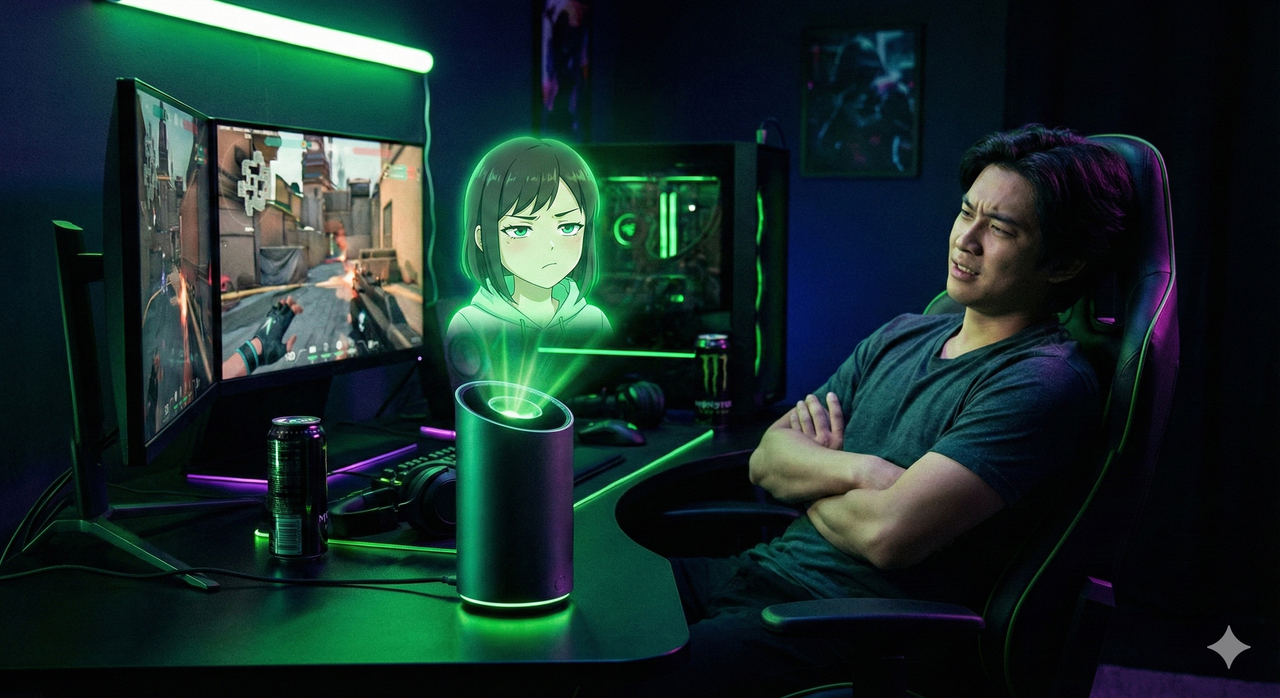
This is the elephant in the room. Razer’s anime‑style avatars and idol-inspired designs excite some users but trigger rapid “this is cringe” reactions in others who fear being judged for having a waifu-like device.
Early discourse highlights discomfort around flirtatious vibes, parasocial attachment, and how this might look on stream or in shared spaces. Underneath the hype, there is a deeper fear of being constantly watched, recorded, or misinterpreted by an AI companion.
What Project AVA AI Actually Is (And How It Works)
So, what are we actually looking at? Project ava ai is a 5–5.5 inch holographic AI desk companion that lives beside your monitor, not on your screen, and uses a cylindrical display to project a 3D animated avatar.
Inside the cylinder, users can choose from multiple personalities like AVA, Kira, Zane, Faker, or Sao, each with different aesthetics and roles. Razer positions AVA as a 24/7 helper for gaming, work, and daily life — not just a novelty character.
Hardware: Hologram, Camera, Mics, and PC Connection
The device combines a 5–5.5 inch animated 3D hologram display with an HD camera, eye‑tracking, and far‑field microphones for ‘human-like’ sensing. It connects via USB‑C to a Windows PC, enabling the AI to see your actual desktop, games, and applications through PC Vision mode.
Local lighting effects and Razer-style design cues help it blend into RGB-heavy setups while still standing out as a centerpiece.
AI Brain: From xAI Grok to Multi‑Model Support
The current concept runs on xAI’s Grok model as the default brain powering conversation, reasoning, and task handling. However, Razer emphasizes platform agnosticism, promising support for other leading AI backends and eventually a dedicated Razer AI in future iterations. This means project ava ai could theoretically plug into the AI ecosystem you already use (e.g., different chatbots) instead of locking you into one vendor.
Everyday Assistant: Beyond Just Gaming
This isn’t just for K/D ratios. AVA can track moods, organize schedules, suggest outfits, translate conversations, and help brainstorm or analyze spreadsheets for work or study. For streamers and creators, it has potential as a content planning and admin-support companion that lives in the same visual space as their gear. This life‑plus‑gaming role is what separates AVA from in‑game-only coaching tools and typical smart speakers.
Project AVA as Your AI Gaming Copilot
The “killer app” feature here is PC Vision. This lets project ava ai see the same loadout screens, maps, and HUD elements you do, turning it into a backseat gamer that can react to live gameplay.
In demos, AVA’s avatar (often Kira) analyzes Battlefield or similar shooters and suggests optimized weapon builds and gadgets based on unlocked gear. Rather than overlaying on the game, AVA speaks, gestures, and sometimes mirrors key info on its own display to minimize on-screen clutter.
Real Match Scenarios: What AVA Can Do Today
- Loadout Optimization: AVA can recommend assault or support loadouts, pointing out why one gun or gadget may be stronger for an upcoming round or enemy composition.
- Map Strategy: It can highlight safe or high-reward routes on a map, helping players understand rotation paths or sniper lines without searching external guides.
- Natural Interaction: Hands-on testers note that when AVA correctly reads the screen, its specific, descriptive responses feel closer to a human coach than a scripted bot.
Where the Coaching Still Falls Short
It’s not perfect. Early reports mention latency in responses and occasional misreads of on-screen elements, which can make some suggestions feel off or too slow for high‑ranked matches. Advice quality depends heavily on model understanding of the game meta, which may lag behind dedicated community guides or pro coaching.
For competitive players, project ava ai is currently more of a companion and general adviser than a replacement for high-end coaching services.
Pricing, Reservations, and Who AVA Is Really For
As of CES 2026, Razer has not revealed final retail pricing but allows US customers to reserve a unit with a fully refundable $20 deposit. The company targets a broader commercial release in the second half of 2026, with early access likely favoring US-based gamers and Razer fans.
Given the bespoke hardware and AI integrations, project ava ai is clearly positioned as a premium accessory rather than an entry-level gadget.
Ideal Buyer Profiles (And Who Should Wait)
- Best fit: Mid‑core to hardcore PC gamers, streamers, and tech enthusiasts who already invest in high-end gear and want a conversation piece plus experimental AI.
- Good secondary fit: Productivity-focused users open to a desktop AI that can help with organization, tasks, and ambient companionship.
- Poor fit: Privacy-sensitive users, budget-conscious buyers, or those expecting perfectly accurate esports-level coaching out of the box.
The Downsides No One Should Ignore
We have to address the risks. The always-on camera and ‘human-like’ sensing raise real privacy questions, especially in bedrooms, shared apartments, or on camera during streams. Additionally, the anime/waifu aesthetic divides opinion, with some reviewers and community members calling it cringe, objectifying, or socially awkward.
Inconsistent in-game advice and demo limitations show that AVA is still early-stage, meaning expectations should be calibrated accordingly.
Privacy, Surveillance, and Data Questions
For project ava ai to provide contextual help, it must continuously analyze screen content, room visuals, and voice commands, which can feel intrusive. Users want clarity on what is processed locally, what (if anything) goes to the cloud, and how footage or metadata is stored or deleted. There is also concern about how an always-visible AI presence might change behavior, making users feel judged even when offline.
Cringe Factor and Social Perception
Idol-inspired avatars like Kira or Sao can look cool to some but embarrassing to others, especially in professional or family environments. Streamers worry about chat reactions to an ‘AI waifu in a jar,’ potentially distracting from gameplay or changing audience perception. Razer publicly emphasizes that AVA is not designed for romantic or NSFW companionship, but online memes often blur that message.
How Project AVA Compares to Other AI Assistants and Tools
AVA vs. Generic Voice Assistants (Alexa, Google Assistant, etc.)
Generic assistants excel at voice commands and home automation but lack per-frame knowledge of your PC games and loadouts. Project ava ai trades broad smart-home control for deep PC vision and gaming focus, positioning itself as a specialist rather than a generalist. This makes AVA more attractive to dedicated gamers but less compelling for users who only want basic timers and music.
AVA vs. On-Screen Coaching Overlays and Guides
Overlays provide direct on-screen tips but compete with HUD space, while AVA offers advice from a separate holographic display. Guides and YouTube videos still provide more meta depth, but AVA promises ‘here-and-now’ context, adapting to your current match and unlocked gear. For many, the tradeoff becomes: static but precise guides vs. dynamic but occasionally inconsistent AI support.
Should You Reserve Project AVA Now or Wait?
The $20 refundable deposit lowers financial risk but not the risk of ending up with a niche gadget that does not fit your playstyle or privacy comfort level. Early adopters will help shape the product’s evolution, but they also accept rough edges, model misfires, and social stigma around anime-style companions.
Cautious gamers may prefer to wait for more hands-on reviews, firmware updates, and clarity on AI backends and privacy policies.
Decision Tree for Skeptical Gamers
- If you love experimenting with new hardware, already trust Razer’s ecosystem, and stream or game daily on PC, reserving might make sense.
- If you are on the fence about cameras in your room or uneasy about the waifu aesthetic, it may be smarter to hold off and monitor long-term reviews.
- For players purely chasing rank gains, investing in coaching, VOD review tools, or better core hardware may still offer more direct performance returns.
Leave a Reply