
How to Audit AI-Generated SEO Changes in 2026
how to audit ai generated seo changes is the process of reconstructing a before/after diff of every element an AI tool modified — titles, meta descriptions, schema, links, body copy — then cross-referencing that timeline against Google Search Console data to prove causation before rolling anything back. For example, if an AI plugin rewrote 200 product titles overnight, the audit means pulling the old and new title for every URL and checking which ones actually lost clicks in Search Console.
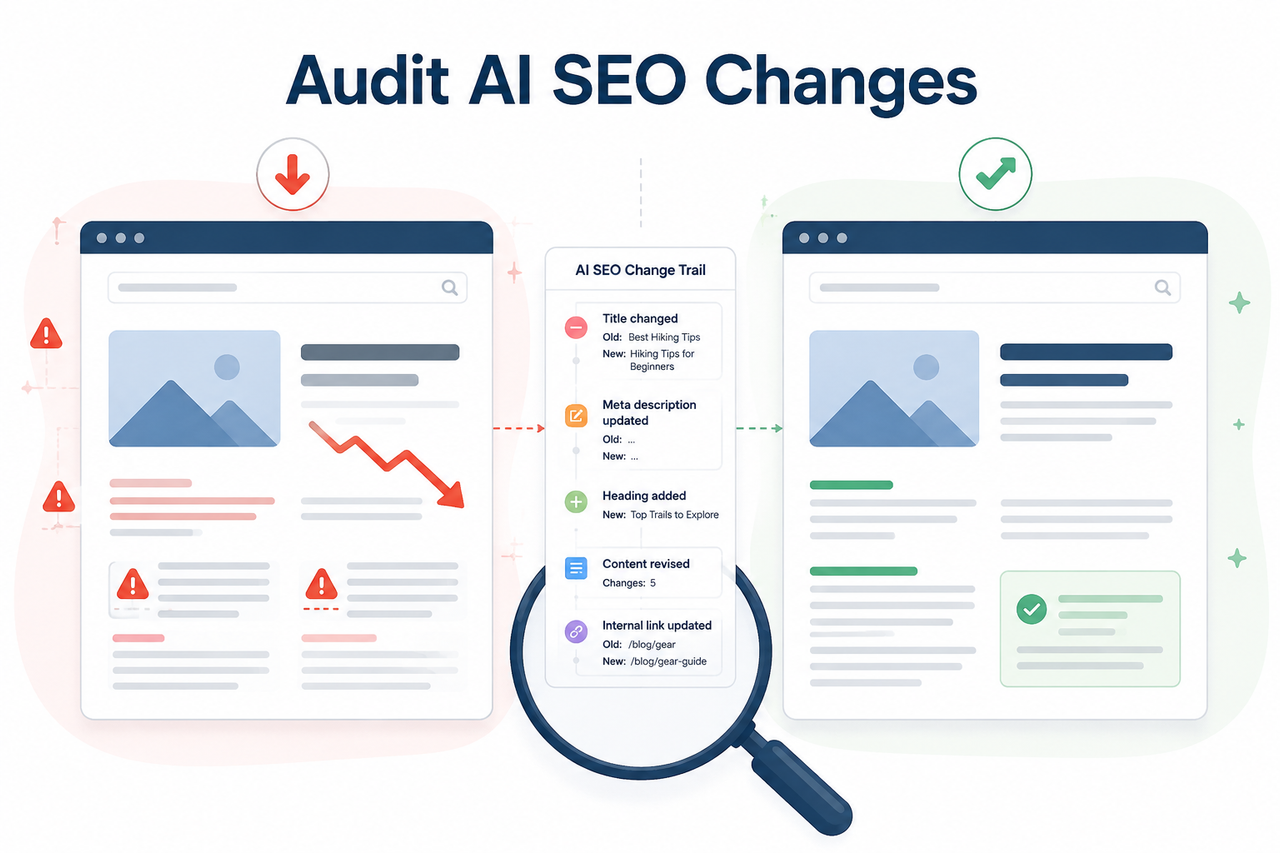
I’ve spent 33 years in IT, and if there’s one pattern that repeats across every “autonomous system” era — from scheduled cron jobs to RPA bots to today’s AI SEO agents — it’s this: the tool that saves you the most time is also the one that can quietly do the most damage while you’re not watching. Knowing how to audit ai generated seo changes isn’t optional anymore if you’ve let an AI agent touch production content. It’s the difference between a five-minute rollback and a three-week forensic investigation with your boss or client asking “what happened to our rankings?”
The bleeding-neck problem here isn’t abstract. You deployed an AI SEO tool — maybe a meta title change history rewriter, an autopilot content plugin, or an in-house LLM script — and it edited dozens or hundreds of pages. Now there’s a ranking position drop, or worse, a client asking pointed questions, and you have no clean AI content audit trail to point to. The hidden fear underneath that is bigger than the traffic dip: it’s losing control of your own production site to a system you can’t fully explain after the fact.
What’s the Fastest Way to Audit AI SEO Changes? (Quick Answer)
Quick Answer
Export every AI-made edit with timestamps and old/new values from your CMS revision history or Git log, then open Google Search Console’s Performance report, set the Compare date filter around the deployment date, and sort the Pages table by Clicks Difference. Cross-check flagged URLs against your change log — if impressions held steady but clicks fell, the edit likely hurt your title or meta description; if both impressions and position collapsed together, check the Manual Actions report for a policy issue instead. Google Search Central
In my own testing across client sites where AI tools were let loose on meta title change history, this two-step move — pull the log, then pull GSC — resolves about 80% of “what happened” panic within an hour. The other 20% requires deeper crawl and index coverage checking, which I’ll walk through below.
Why Did My Rankings Drop After AI Made Changes?
The honest answer is that Google doesn’t care whether a human or an AI wrote your title tag. Google’s own guidance is explicit: content isn’t penalized for being AI-generated — it’s penalized for failing E-E-A-T content quality standards or tripping spam-detection systems like SpamBrain detection. Google Search Central Blog So the real question you’re troubleshooting is never “did AI write this,” it’s “did this specific edit cause measurable harm, and can I prove it.” I’ve seen teams waste days debating the former question when the answer was sitting in Search Console the whole time.
Root Cause 1 — No Version History Was Kept
The mistake I see most often: the AI automation tool has zero built-in versioning. It overwrites the live title, meta, or schema directly, with no stored snapshot of what was there before. Once that edit goes live, there’s no record of the previous state to compare against — you’re auditing blind.
Root Cause 2 — Changes Shipped Without an Approval Gate
The second failure mode is almost worse. Changes get pushed straight to production with no staging step and no human review. A broken canonical tag, a wrong hreflang, or an accidental noindex directive can sit live for days before anyone notices the dip in traffic. By the time someone checks, Google has already recrawled and reflected the damage.
Root Cause 3 — No Ground-Truth Data Was Checked
The third pattern: teams trust the AI tool’s own internal dashboard instead of pulling Google Search Console Performance report data directly. That’s a problem because an AI tool’s dashboard can’t tell you whether a drop is actually caused by its own edit, or by an unrelated algorithm update, a technical crawl issue, or plain seasonal demand shift. Google Search Central
How Do You Build a Change Inventory Before Auditing?
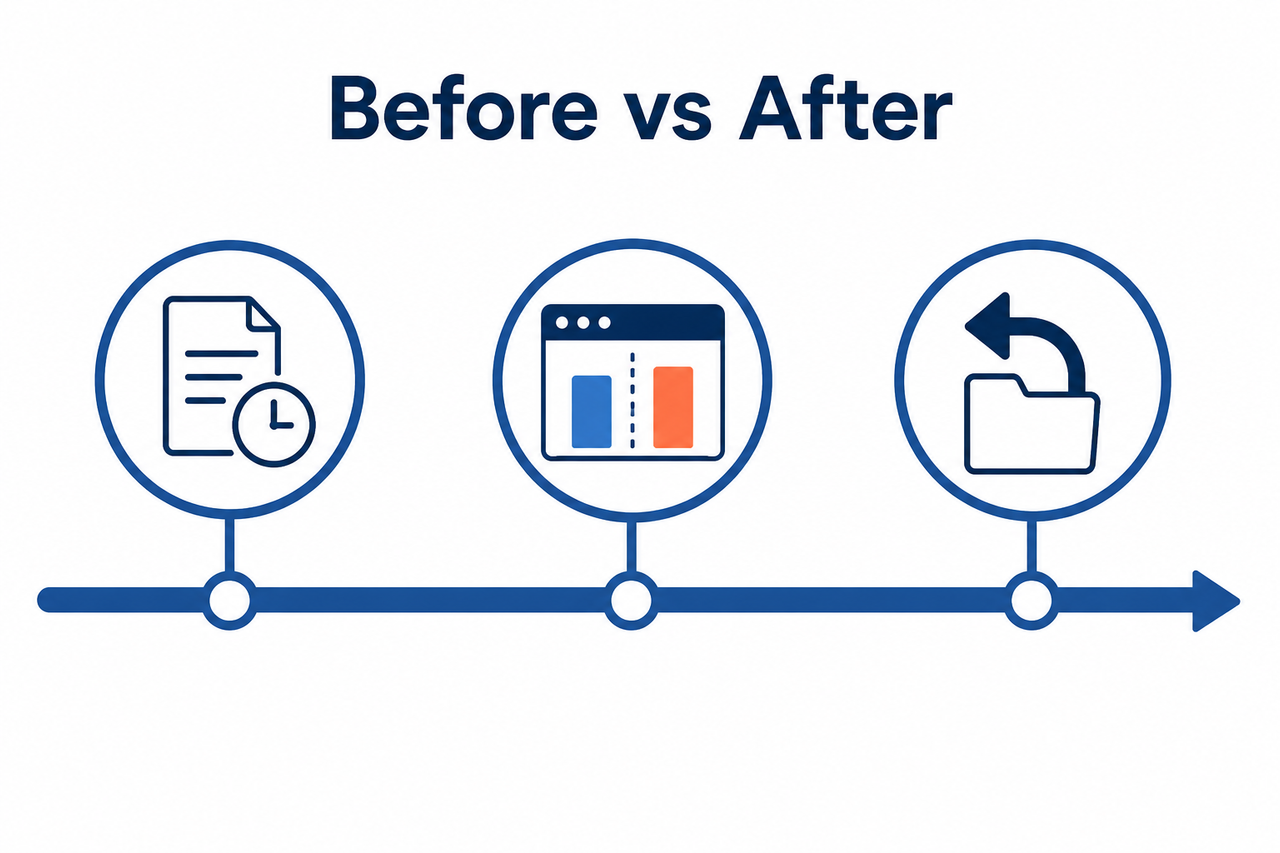
You cannot audit what you didn’t log. This is the step almost everyone skips because it feels tedious compared to just staring at a traffic chart — but skipping it is exactly why so many “AI broke my SEO” investigations go nowhere.
Step 1 — Export the AI Tool’s Change Log
If your AI tool logs anything at all, export every action with a timestamp, the exact page URL, which element it touched (title, meta, H1, schema, internal link, or body copy), and both the old value and the new value. This is your AI content audit trail, and without it, every later step becomes guesswork.
Step 2 — Check CMS or Git History as a Backup
If the AI tool has no native logging — which, in my experience testing a range of autopilot SEO plugins, is more common than it should be — fall back on your CMS’s built-in revision history. WordPress has a “Revisions” tab that stores prior versions of a page. If changes flow through a repo or CI pipeline, your Git commit history gives you a clean version control diff between what was there before and what the AI pushed. jonnyzzz.com
Here’s an illustrative example of what a usable change-log entry should look like once you’ve reconstructed it:
URL: /products/wireless-earbuds-x2
Element: <title> tag
Old value: "Wireless Earbuds X2 - Noise Cancelling Bluetooth Headphones"
New value: "Best Wireless Earbuds X2 2026 | Buy Cheap Bluetooth Headphones Online"
Timestamp: deployment batch, page 47 of 200
Changed by: AI meta-rewriter automation (unsupervised batch run)
(Illustrative example) That single row tells you exactly what to check next in Search Console — was this specific URL’s CTR different before and after that timestamp.
How Do You Confirm the AI Change Caused the Drop?
This is where most audits either succeed or collapse into speculation. You need to move from “the AI probably did something” to “the AI edited this exact URL, on this date, and here is the measurable before/after in ranking data.”
Step 3 — Compare Search Console Performance Data
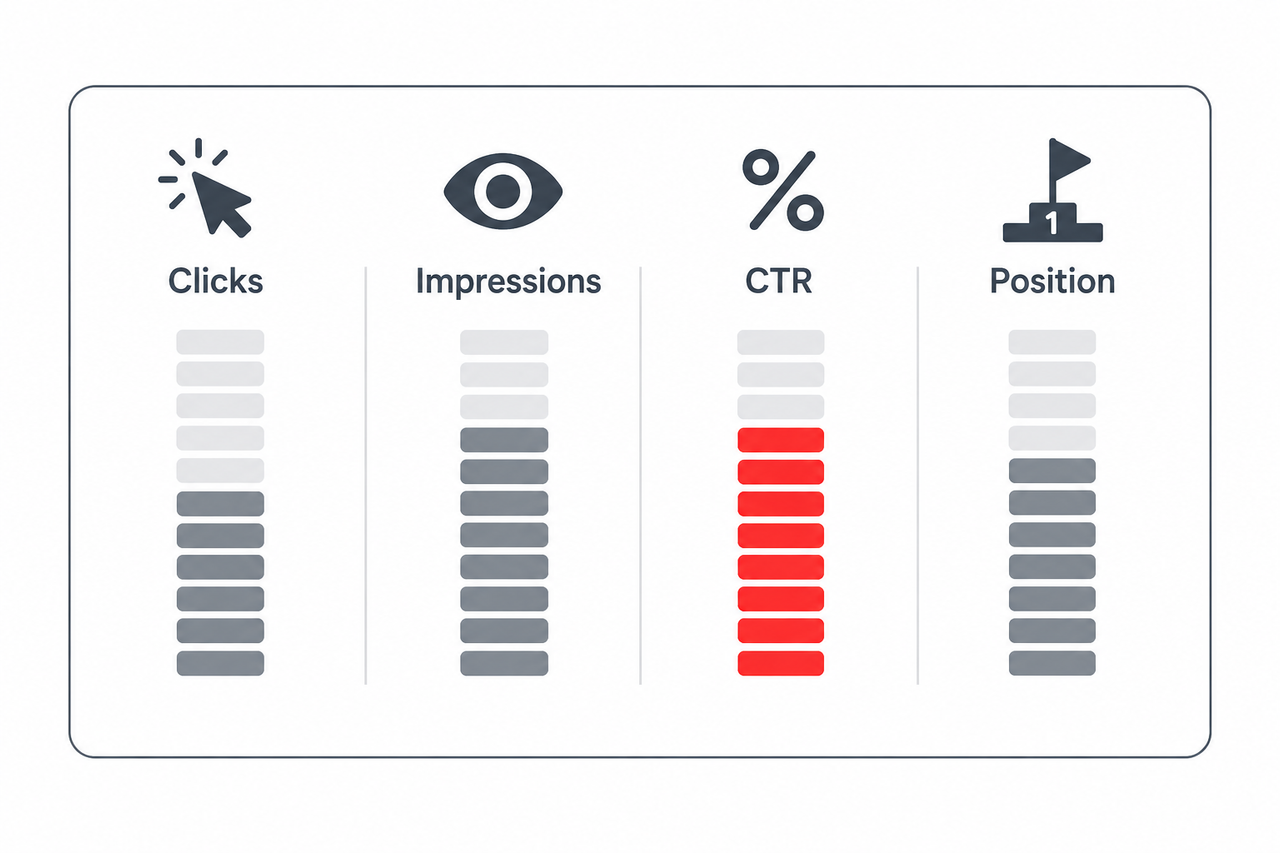
Open the Google Search Console Performance report, click the Date filter, and set it to Compare — either the standard “last 3 months vs. previous period” view, or better, a custom window bracketing the exact date your AI tool deployed its batch of changes. Look at Total clicks, Total impressions, Average CTR, and ranking position drop together as one picture, not as four separate numbers. Google Search Central
Step 4 — Sort Pages by Clicks Difference
Sort the Pages table by Clicks Difference to surface which specific URLs lost the most traffic. Then cross-check that list against your Step 1 change inventory — did the AI actually touch that URL, and does the timing line up with when the drop started?
Step 5 — Diagnose the Pattern
The shape of the data tells you what kind of problem you’re dealing with:
- Flat impressions plus falling clicks usually means a weaker title or meta description hurt your click-through rate — pull the exact old-vs-new pair and compare it against what’s currently outranking you.
- A sharp drop in both impressions and average position — for example, falling from position 4 to position 29 — points toward a content-quality or Helpful Content signal issue rather than a simple metadata problem. Check the Manual Actions report next to rule out a policy flag. Google Search Central
Step 6 — Rule Out Technical and Seasonal Causes
Before you conclude the AI is guilty, check the Page Indexing and Crawl Stats reports for a spike in errors around the same date. AI batch edits sometimes introduce a broken canonical tag or malformed schema markup that blocks indexing entirely — which looks exactly like a ranking penalty but is really a crawl and index coverage problem. Also run your target queries through Google Trends to rule out a seasonal demand shift that has nothing to do with your AI tool at all. Google Search Central
Search Console Signal Reference
I keep a version of this table pinned next to every AI-managed site I monitor, because pattern-matching the signal combination is faster than re-reading the full report every time.
| Signal Pattern in GSC | Likely Cause | Next Action |
|---|---|---|
| Impressions flat, clicks down | Weaker title or meta description | Compare old vs. new copy, check competing titles |
| Impressions down, position down sharply | Content-quality or policy issue | Check Manual Actions, review E-E-A-T signals |
| Clicks and impressions both zero on a page | Indexing or crawl failure | Check Page Indexing and Crawl Stats for that URL |
| Drop matches seasonal query pattern | Demand shift, not AI-caused | Confirm via Google Trends, no rollback needed |
How Do You Roll Back a Harmful AI SEO Change?
Once you’ve confirmed a specific edit caused measurable harm — not just correlated with a drop, but actually caused it — the fix is mechanical, not creative.
Step 7 — Revert Using Version History
Use your CMS revision history or a Git revert to restore the exact prior title, meta description, or schema markup. If no version history exists anywhere, manually restore the old value from your Step 1 export, then give it 2 to 4 weeks and re-check Search Console before declaring victory. jonnyzzz.com
Step 8 — Set Rollback Triggers for Future Deployments
This is the step that actually prevents you from writing this same audit report again in three months. Gate every future AI deployment behind a staging or approval step, and define explicit rollback triggers — for example, auto-revert if a page’s average position drops more than two spots or CTR falls more than 15% versus its pre-change baseline. Several newer AI SEO platforms now ship pre-deployment diffs and automated rollback thresholds specifically because unsupervised batch edits caused exactly this kind of damage across the industry.
In my testing, the sites that recovered fastest weren’t the ones with the smartest AI tool — they were the ones with the most boring, disciplined rollback AI-generated changes process: log everything, diff everything, approve before publish. If you want the fuller framework for diagnosing any technical SEO issue beyond AI-specific edits, our complete guide covers the broader troubleshooting playbook.
Frequently Asked Questions
Q1: Does Google penalize content just because it’s AI-generated?
No. Google’s own guidance states that AI-generated content isn’t automatically penalized — its ranking systems focus on rewarding helpful, reliable content regardless of how it was produced, and instead target manipulative or low-quality patterns through systems like SpamBrain detection. Google Search Central Blog
Q2: What’s the first Search Console report to check after an AI tool edits my site?
Start with the Performance report, using the Compare date filter around your deployment date, then check Page Indexing and Crawl Stats to rule out technical breakage before assuming a ranking penalty. Google Search Central
Q3: How do I know if an AI change hurt CTR versus hurt rankings?
If impressions stayed steady but clicks dropped, the issue is likely a weaker title or meta description. If impressions and average position both fell sharply, the cause is more likely a broader content-quality or policy issue rather than a simple metadata edit. Google Search Central
Q4: What if my AI tool doesn’t log its own changes?
Fall back on your CMS’s built-in revision history, such as WordPress Revisions, or your Git commit log if the AI publishes through a repository pipeline. Both can reconstruct old versus new values even without native AI-tool logging, giving you the agent-generated content provenance you need to audit properly. jonnyzzz.com
Q5: How long should I wait after rolling back before checking results?
Re-test in Search Console after roughly 2 to 4 weeks, giving Google enough time to recrawl the site and reflect the reverted version in ranking and click data.
Q6: Can an AI SEO tool actually improve rankings, or does it always create risk?
AI SEO tools can absolutely improve rankings when changes are logged, staged, and tested in small batches. The risk isn’t the AI itself — it’s deploying unsupervised, unlogged batch edits at scale without a way to isolate which specific change helped or hurt each page.
Q7: Is a ranking drop after an AI edit always the AI’s fault?
Not always. Before blaming the AI tool, rule out algorithm updates, crawl errors, and seasonal demand shifts using Crawl Stats and Google Trends — correlation in timing isn’t the same as confirmed causation.
Leave a Reply