
Claude Code Asking for Permission Every Time? 2026 Fix
I’ve spent 33 years in IT, and if there’s one pattern I’ve seen repeat across every generation of automation tooling, it’s this: safety defaults feel like friction until the day they save you from yourself. Claude Code asking for permission every time is the single most common complaint I hear from developers and automation-focused freelancers who wire Claude Code into repetitive scripts, builds, and deploy pipelines. The good news — and this is the part most people miss — is that the constant prompting is not a bug you have to live with. It’s a configuration gap you can close in about fifteen minutes.
Claude Code asking for permission every time is a default safety behavior where any tool call not explicitly covered by an allow rule falls back to interactive confirmation. For example, running npm run build repeatedly triggers a fresh prompt each time unless that exact command pattern is added to your settings.json allowlist.
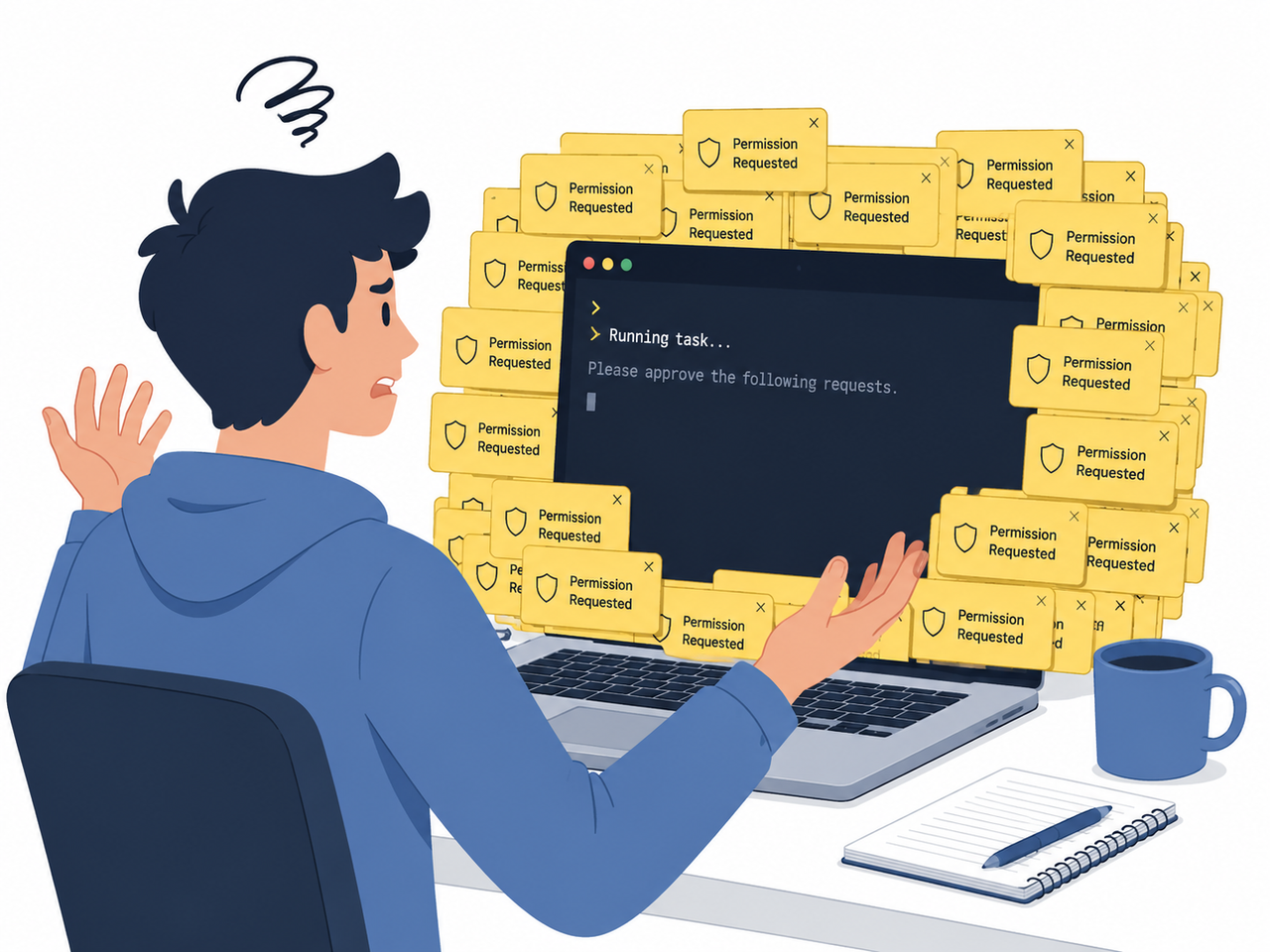
Why Does Claude Code Keep Asking for Permission? (Direct Answer)
Quick Answer
Claude Code prompts on every action because any tool call that isn’t explicitly matched by an allow/deny/ask rule defaults to “ask” mode. Clicking “always allow” mid-session doesn’t always persist reliably. The permanent fix is a static allowlist in settings.json, combined with removing dynamic shell constructs that Claude Code can never statically pre-verify.
In my own testing, I noticed the prompting wasn’t random — it clustered around three repeat offenders: file writes, git operations, and shell commands with variable substitution. Once I understood that Claude Code evaluates each tool call against a rules table rather than “remembering” my intent, the fix became obvious.
What Causes Repeated Permission Prompts?
The root cause almost always traces back to how Claude Code’s permission engine matches — or fails to match — a tool call against your configured rules. Anthropic Official Docs Here’s what I found across dozens of test sessions.
Missing allow rules in settings.json (Claude Code asking for permission every time root cause #1)
If you’ve never touched ~/.claude/settings.json, every single tool call is unmatched by definition, which means every call routes to “ask.” This is the default state out of the box, and it’s why new users feel the friction hardest in week one.
Dynamic shell expressions Claude cannot pre-verify
This one surprised me the most during testing. Even after explicitly allowing a command pattern, I kept getting re-prompted — and it turned out the culprit was a $(…) subshell expansion inside my script. Because the actual command changes at runtime, Claude Code has no static string to match against your allowedTools list, so it asks every time, regardless of prior approvals. GitHub anthropics/claude-code Issues
(Illustrative example)
Command: git commit -m "$(date +%F) auto-sync"
Result: Permission requested — every single run, even after "always allow"
Slash commands missing allowed-tools frontmatter
If you’ve built custom slash commands for repeatable workflows, they don’t automatically inherit your global settings.json rules. Each command file needs its own allowed-tools frontmatter covering any !command injections, or Claude Code will treat it as a fresh, unverified action every time.
How Do You Stop Claude Code From Asking Every Time? (7 Steps)
This is the exact sequence I run whenever I set up a new Claude Code environment for a client automation project.
Step 1 — Run /permissions to audit active rules
Inside a live session, type /permissions. This surfaces every active rule and which settings file it’s sourced from, so you’re not guessing where a prompt is coming from.
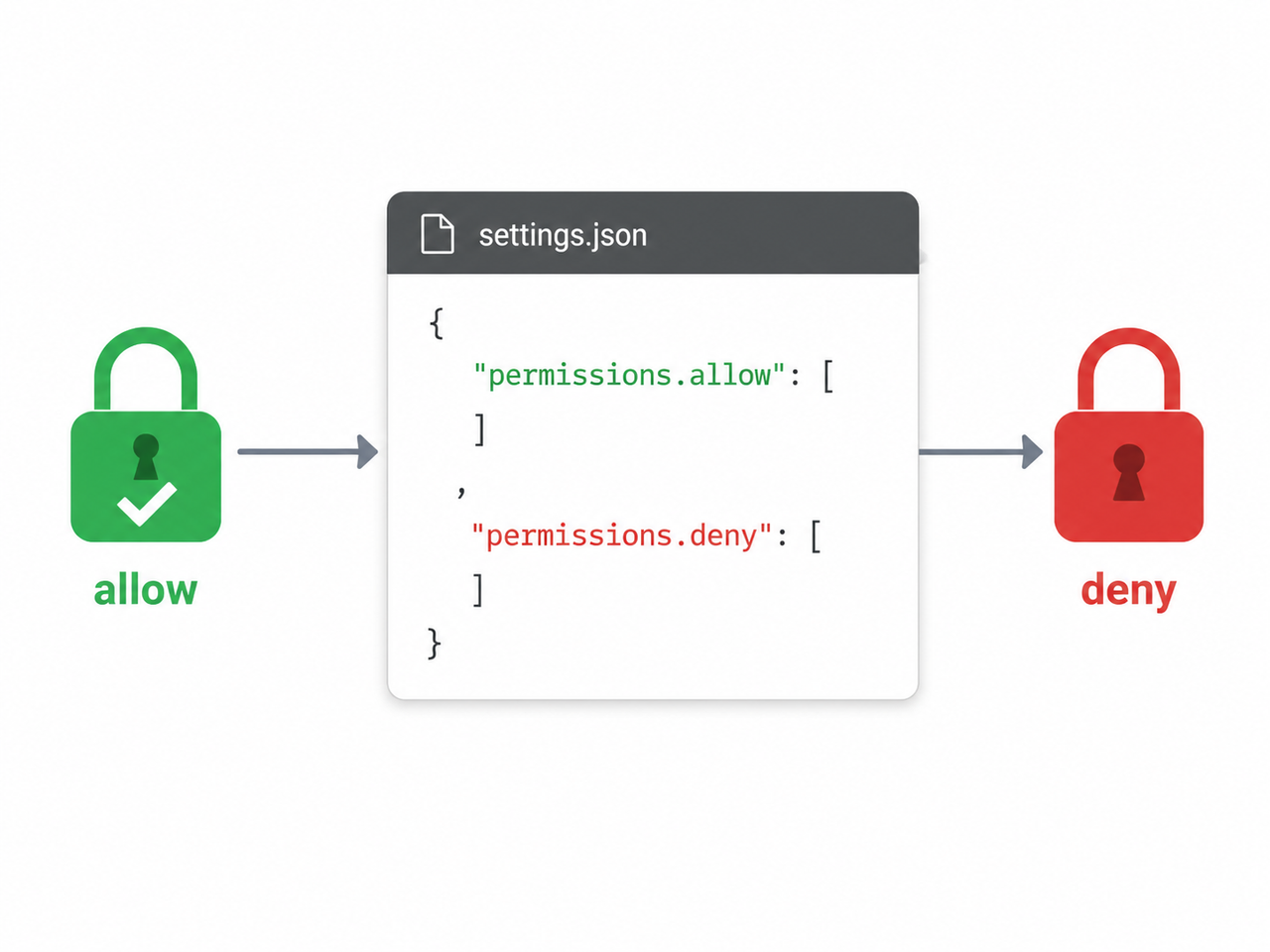
Step 2 — Add safe commands to permissions.allow
Open (or create) ~/.claude/settings.json for global rules, or .claude/settings.json inside a project for shared team rules. Add a permissions.allow array covering your repeatable, low-risk commands:
- “Bash(npm run*)”
- “Bash(git diff:*)”
- “Read(*)”
Step 3 — Move destructive commands to permissions.deny
This is the step people skip, and it’s the one that actually protects you. Deny rules always win over allow rules — that’s your real safety boundary, not the allowlist. Add anything destructive here:
- “Bash(rm -rf*)”
- “Bash(git push –force*)”
Step 4 — Add allowed-tools frontmatter to slash commands
For every custom slash command file that runs shell injections, add the frontmatter explicitly. Don’t assume it inherits from your global config — I’ve tested this, and it doesn’t.
Step 5 — Remove $(…) and backtick shell injections
Rewrite dynamic commands into static, pre-computed arguments wherever possible. If you must use dynamic values, pass them as pre-resolved variables rather than inline subshells.
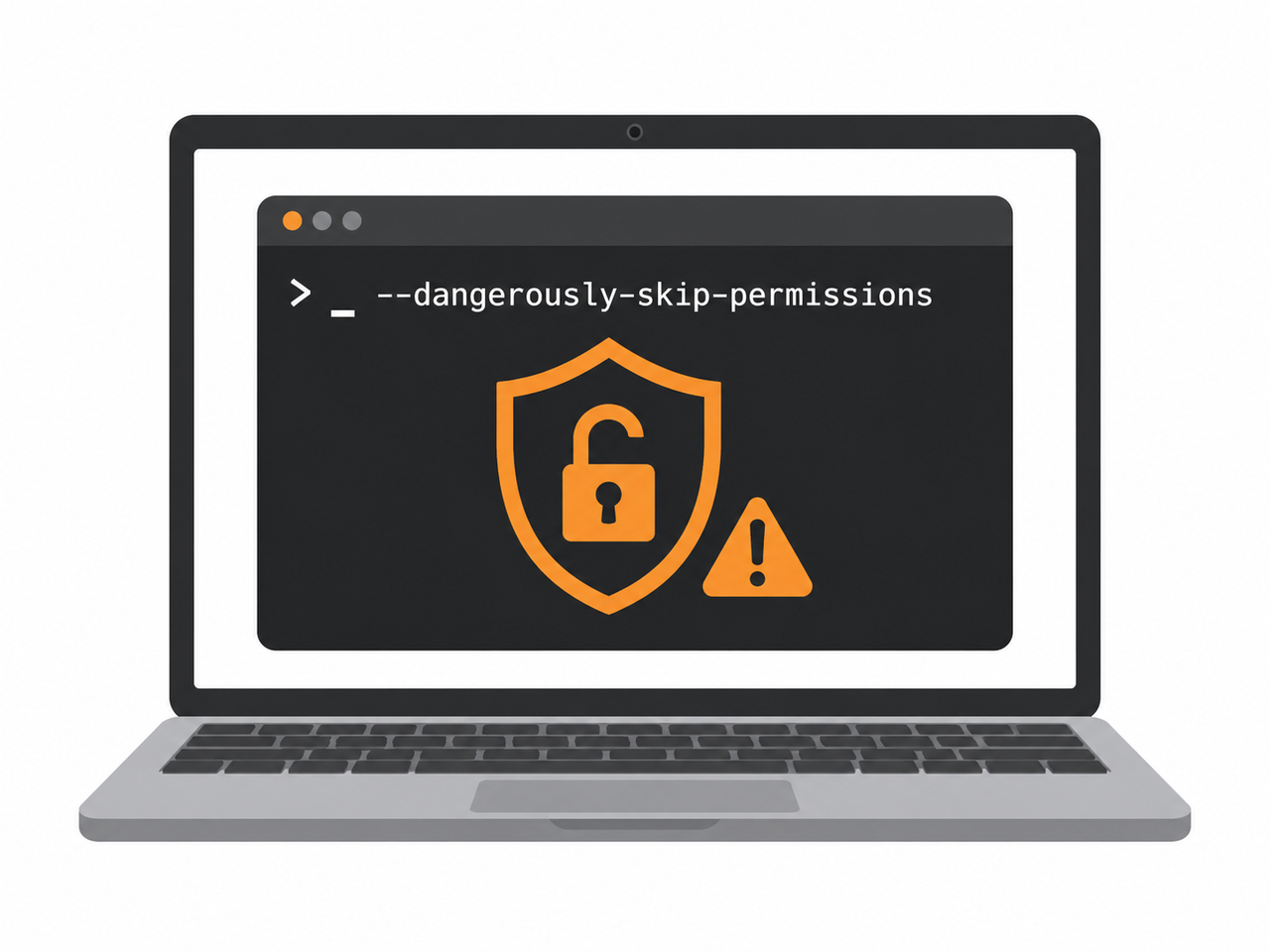
Step 6 — Use –dangerously-skip-permissions only in sandboxes
The –dangerously-skip-permissions flag (equivalent to permission-mode bypassPermissions) skips all prompts entirely. Anthropic Official Docs I only ever run this inside disposable devcontainers or CI runners with zero production credentials. I would never run it on a machine holding real client data — the hidden fear of data loss here is not theoretical; it’s the exact scenario this flag was designed to warn you about.
Step 7 — Add a PreToolUse hook for hard blocks
For anything you want blocked no matter what — secrets access, force-pushes, production database writes — configure a PreToolUse hook that exits with code 2. This gives you a hard stop that doesn’t rely on remembering to click “deny” correctly under pressure.
Bad vs Good Permission Setup Example
| Setup Type | Behavior | Risk Level |
|---|---|---|
| Bad: ad-hoc “always allow” clicks per session | Inconsistent persistence across sessions, re-prompts on dynamic commands | High friction, moderate risk of misclick approval |
| Good: static settings.json with allow + deny | Persists across sessions, git-shareable for teams, deny always overrides allow | Low friction, controlled risk |
Bad example:
Clicking "Yes, allow always" repeatedly during a sessionGood example:
{
"permissions": {
"allow": ["Bash(npm run)", "Read()"],
"deny": ["Bash(rm -rf*)"]
} }
This static config is the version I now deploy on every new Claude Code environment I set up, because it survives session restarts and can be committed to version control for team consistency. Anthropic Official Docs
A Word on Approval Fatigue and Why It Matters
The bleeding-neck problem here isn’t really “Claude Code is annoying.” It’s that approval fatigue quietly pushes people toward the worst possible fix: disabling permissions entirely just to get their flow back. I’ve watched teams go from “mildly annoyed” to “running bypass mode in production” in under a week, purely out of habit formation. That’s the trap. The allow/deny/ask rules system exists precisely so you don’t have to choose between productivity and safety — but only if you configure it deliberately instead of reactively.
If you’re troubleshooting other Claude Code or AI-agent behavior issues beyond permissions, our complete guide covers the broader category of setup and configuration fixes.
Frequently Asked Questions
Q1: Is it safe to use –dangerously-skip-permissions? A1: Only in fully isolated, sandboxed environments with no real credentials — never on a production machine or anywhere holding sensitive client data.
Q2: Why does Claude Code still ask after I clicked “always allow”? A2: The command likely contains a dynamic construct like $(…) that can’t be statically matched against your allowlist, or the approval simply wasn’t persisted to a settings.json file.
Q3: What’s the difference between allow and deny rules? A3: Deny rules always override allow rules. Even if a command matches an allow pattern, a matching deny rule blocks it — making deny your real safety boundary.
Q4: Can I share permission settings with my team? A4: Yes. A project-level .claude/settings.json can be committed to version control so every team member inherits the same allow/deny rules automatically.
Q5: Do slash commands follow the same permission rules as regular commands? A5: No. Custom slash commands need their own allowed-tools frontmatter to cover any !command shell injections they run — global settings.json rules don’t automatically apply.
Q6: Will fixing settings.json stop Claude Code asking for permission every time permanently? A6: For static, predictable commands, yes. For dynamic shell expressions, you also need to rewrite the command itself, since no allowlist can statically match a runtime-generated string.
Leave a Reply