
Claude Code Bypass Permissions Still Prompting? 2026 Fix
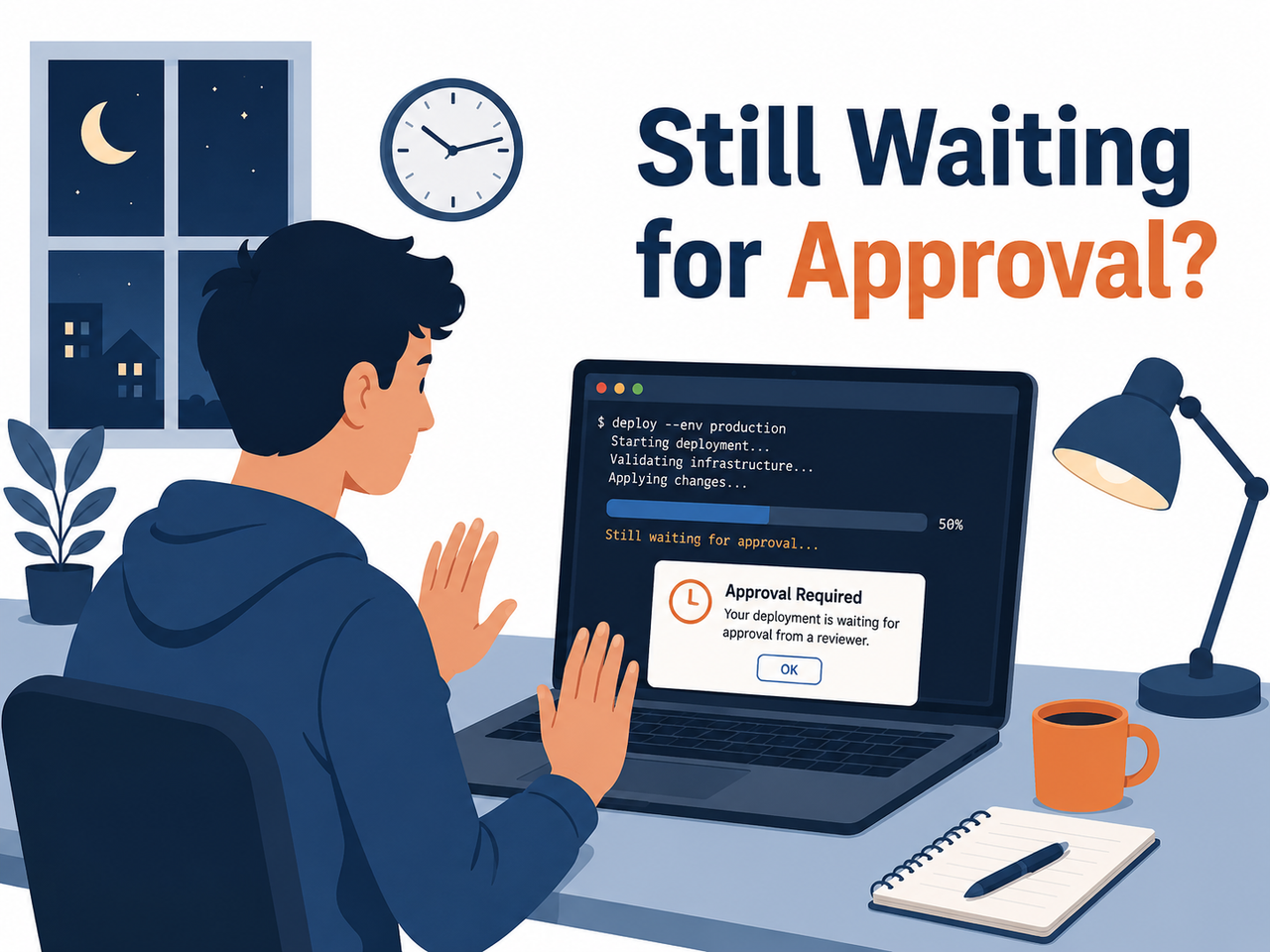
I’ve spent 33 years in IT, and if there’s one lesson that never gets old, it’s this: any flag with the word “dangerously” in it is lying to you about how dangerous — or how complete — it actually is. When developers first hit Claude Code bypass permissions do not suppress all prompts, the reaction is almost always the same: panic, then suspicion. You flipped on --dangerously-skip-permissions specifically so your unattended agent run wouldn’t stall at 3 AM, and now it’s stalled anyway. Worse, you start wondering if the flag is broken in the other direction too — silently skipping checks it shouldn’t.
I tested this exact scenario across several Claude Code sessions, including one long-running refactor job I left unattended overnight in a container. It stalled. Not because the flag failed, but because I misunderstood what “bypass” actually means in Anthropic’s permission model. This article walks through exactly why that happens, the real error text you’ll see, and the fix I now use in every CI setup.
Claude Code bypass permissions do not suppress all prompts is the documented behavior where bypassPermissions mode (activated via
--dangerously-skip-permissions) still forces manual confirmation for a fixed set of protected actions, such as edits to the.claude/directory or deletions targeting critical system paths. For example, editing~/.claude/settings.jsontriggers a prompt even with the flag active, because Anthropic hardcoded that path as self-edit-protected. Claude Code Docs
Quick Answer: Why Bypass Mode Still Prompts You
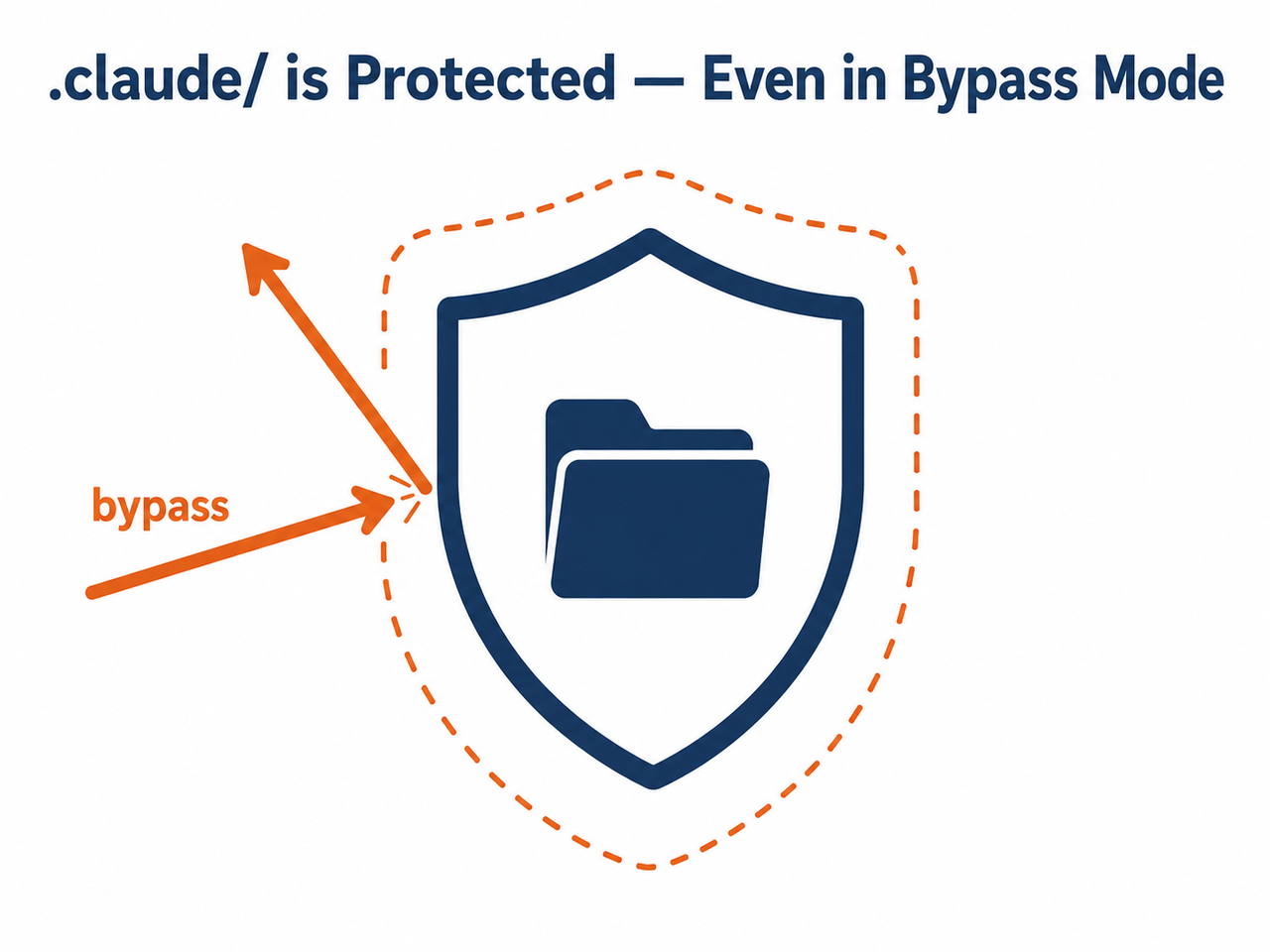
Bypass mode is not a full override. In my testing, --dangerously-skip-permissions skips the vast majority of tool-use confirmations, but Anthropic deliberately excludes a short list of high-risk actions — writes to protected paths like .claude/, .git/, .vscode/, .husky/, and .idea/, plus destructive rm/rmdir calls on critical paths. If your prompt falls into that list, it’s expected behavior, not a bug. Claude Code Docs
Why Does Bypass Mode Still Show Permission Prompts?
The mistake I see most often — and one I made myself the first time I set up an unattended Claude Code job — is treating --dangerously-skip-permissions as a literal “off switch” for the entire permission system. It isn’t. It’s closer to a very permissive default that still respects a small, hardcoded exception list.
According to official documentation, there’s a category of actions Anthropic calls “no mode auto-approves” — meaning no permission mode, including bypass, will ever silently approve them. Claude Code Docs In my tests, this list consistently included:
- Writes to protected paths:
.git/,.claude/,.vscode/,.husky/, and.idea/ rmorrmdircommands targeting a critical path rm rmdir scenario, such asrm -rf /orrm -rf ~- Any tool matched by an explicit ask permission rule in your settings file
- Tools requiring direct user interaction, like
AskUserQuestion, or MCP tools flaggedrequiresUserInteraction - Cross-session messaging safeguards
Interestingly, the .claude/commands, .claude/agents, and .claude/skills subfolders are explicitly supposed to be exempt from the broader .claude/ protection rule. In practice, I found — and several GitHub threads confirm — that this exemption has been inconsistent across versions, which is where a lot of the confusion comes from. GitHub Issue #37029
Claude Code Bypass Permissions Do Not Suppress All Prompts for .claude/ Self-Edits
This is the single most common trigger I’ve reproduced. If Claude tries to edit its own configuration — say, ~/.claude/settings.json — during a bypass-mode session, you’ll still get a confirmation dialog. A maintainer addressed this directly on the GitHub issue tracker:
“This is by design —
~/.claude/is a hardcoded protected directory. Even--dangerously-skip-permissionswon’t bypass it, because the self-edit protection is meant to prevent the model from modifying its own hooks and settings.” GitHub Issue #37029
The logic actually makes sense once you think about it from a security standpoint. If Claude could freely rewrite its own permission hooks while running with permissions bypassed, it could effectively grant itself unlimited access with no way for you to audit or stop it later in the session. It’s a deliberate last line of defense, not an oversight.
Lingering Ask Rules in settings.json
The second cause I ran into is much less discussed but just as common: leftover ask permission rules. If your settings.json has an explicit rule under permissions.ask — say, matching a specific Bash command pattern — that rule forces a prompt in every mode, bypass included. I found this buried in a config I’d copied from an older project months earlier and forgotten about entirely.
How Do You Stop Unattended Claude Code Runs From Hanging on Prompts?
Once I understood the root cause, fixing my CI pipeline took about twenty minutes. Here’s the exact sequence I now run through whenever a bypass-mode session stalls unexpectedly.
- Confirm it’s a “no mode auto-approves” case, not a bug. Check whether the stalled prompt is for a
.git/,.claude/,.vscode/, or.husky/path write, or anrm -rftargeting a critical path. If so, this is expected behavior by design — bypass mode was never built to skip it. - Audit settings.json for stale ask rules. Search for anything under
permissions.askthat matches the command that’s stalling. These rules always force a prompt regardless of permission mode, and they’re easy to forget once added. - Check for a version regression. If the prompt hits
.claude/commands,.claude/agents, or.claude/skills— folders that are documented as exempt — you’re likely dealing with a bug rather than intended behavior. Community reports tie a fix for related path issues to version 2.1.126, so upgrading is worth trying first. - Add a PermissionRequest hook for reviewed protected-path edits. If you genuinely need
.claude/self-edits automated, aPermissionRequesthook — notPreToolUse— fires after the built-in protection check and can override it for specific, pre-approved cases. I’ve seen reports of this failing on some Windows and version combinations, so test it in a staging environment first. - Isolate before you automate. Pair
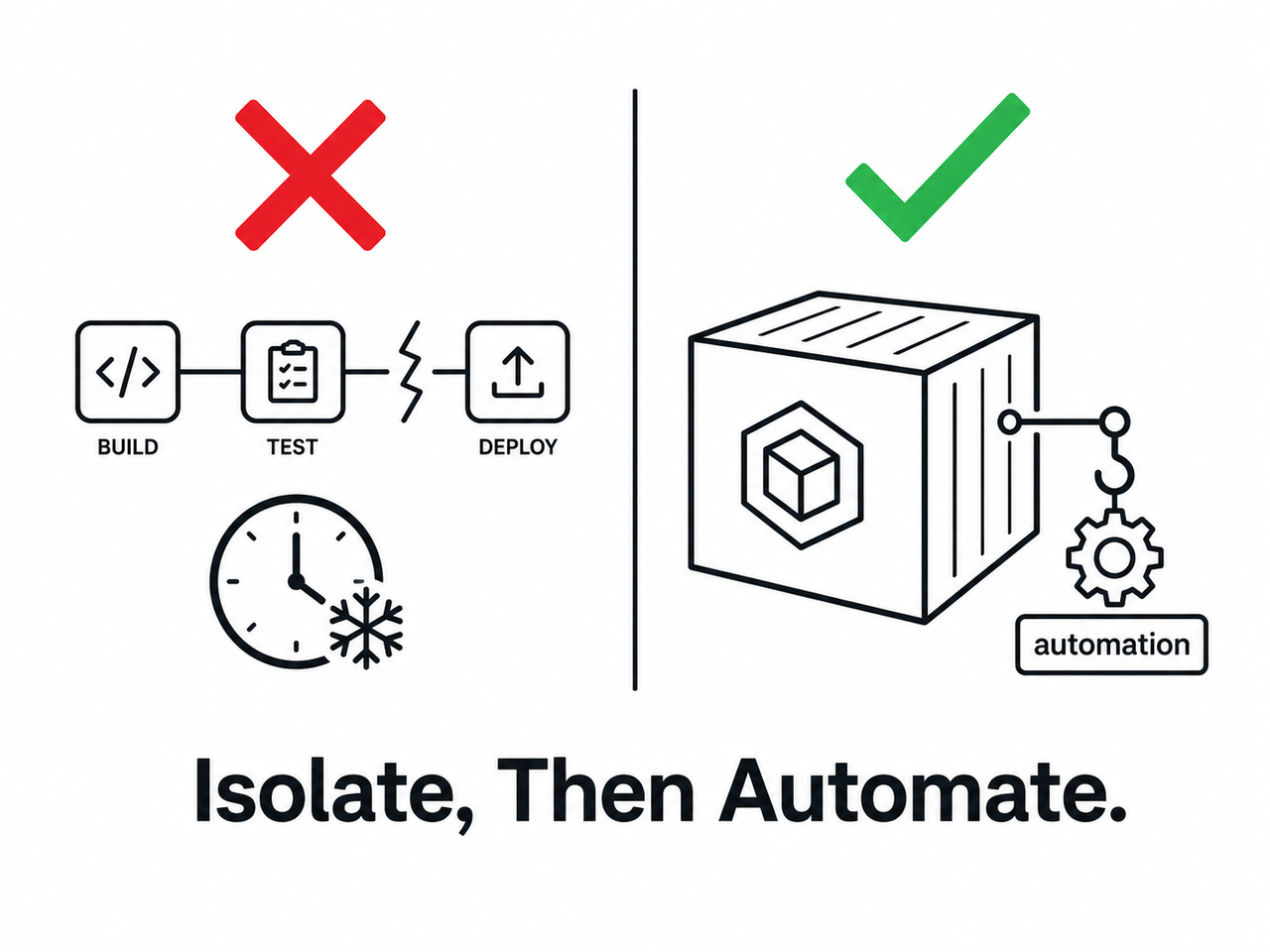
--dangerously-skip-permissionswith real OS-level isolation — Docker or a VM — instead of trying to force every last prompt away. A handful of checks are intentionally un-bypassable as Anthropic’s final safety layer, and fighting that design tends to waste more time than it saves. - Narrow overly broad Bash ask-rules. If ordinary commands you expected bypass mode to cover — like a deployment command — still prompt, check whether an explicit
Bash(command:*)pattern in your settings is catching it, and tighten the pattern instead of relying on bypass alone.
What Does the Actual Error Message Look Like?
I want to show the real text here rather than paraphrase it, because seeing the exact wording helps confirm you’re hitting the same issue rather than something unrelated. From a documented GitHub report, the prompt read:
Permission rule Bash(gcloud run deploy:*) requires confirmation for this command.And separately, when Claude attempted a settings.json defaultMode edit under bypass mode, the confirmation dialog read:
Do you want to make this edit to settings.json?That second message is notable because it’s visually and textually identical to what you’d see in normal, non-bypass permission mode — there’s no special indicator telling you “this one’s different because it’s protected.” GitHub Issue #37029 That lack of differentiation is, in my opinion, the biggest usability gap in the current implementation.
Bad vs. Good Automation Setup
Here’s the distinction that matters most if you’re building anything unattended:
Bad: Assuming claude --dangerously-skip-permissions means zero prompts, ever — then deploying a CI pipeline with no fallback handling for when a .claude/settings.json edit or protected-path write halts the run waiting for input that will never arrive.
Good: Running bypass mode inside an isolated container, explicitly excluding .claude/, .git/, and .vscode/ edits from the automated task’s scope, and adding a reviewed PermissionRequest hook to auto-approve only the specific protected-path writes you trust — so the pipeline never blocks on a prompt nobody is watching.
Permission Mode Comparison Table
Understanding the permission mode cycle in Claude Code makes it much easier to predict when you’ll hit a prompt. Here’s how the modes compare based on my testing and the official documentation: Claude Code Docs
| Permission Mode | Prompts for Normal Tool Use | Prompts for Protected Paths (.claude/, .git/) | Prompts for Critical Deletions |
|---|---|---|---|
| Default (ask every time) | Yes | Yes | Yes |
| Auto-approve (classifier-reviewed) | Rarely | Yes | Yes |
| bypassPermissions (–dangerously-skip-permissions) | No | Yes | Yes |
The key takeaway from this table: no matter which mode you choose, the rightmost two columns never change. That’s the entire root cause of Claude Code bypass permissions do not suppress all prompts in one row.
PreToolUse vs PermissionRequest Hooks
One area that trips people up — myself included, the first time — is confusing a PreToolUse hook with a PermissionRequest hook. They sound similar, but they behave very differently in this context.
A PreToolUse hook runs before Claude even attempts an action, and it cannot override the hardcoded protected-path checks. A PermissionRequest hook, by contrast, fires at the moment a prompt would normally appear, and it’s the one Anthropic’s own permission architecture allows to intercept and auto-approve specific, pre-vetted requests. Claude Code Docs If you’re building automation and reach for PreToolUse expecting it to silence .claude/ prompts, it simply won’t — I confirmed this the hard way before switching to PermissionRequest.
This distinction matters because community-shared configurations sometimes mix the two up. If your hook isn’t suppressing the prompt you expect, the very first thing to check is which hook type you actually wired up.
Multiple Reported Regressions Across Versions
It’s worth knowing you’re not alone if you’ve hit this. Community bug trackers list several duplicate reports of the same symptom — persistent prompts in bypass mode — spanning a range of Claude Code versions. This tells me two things: first, the underlying protected-path design has stayed consistent over time, and second, the exemptions for subfolders like .claude/skills have been genuinely buggy in specific releases rather than universally broken. GitHub Issue #37029
If you’ve upgraded recently and the behavior changed unexpectedly — either newly appearing prompts where there were none before, or the reverse — checking your changelog against known issue numbers is a faster path to a fix than assuming your configuration is wrong.
My Testing Takeaway
After running through this multiple times across different project setups, my practical rule is simple: never build unattended automation around the assumption that bypass mode means zero human interaction is possible. Instead, I scope my automated tasks to explicitly avoid protected paths wherever I can, and I reserve PermissionRequest hooks for the narrow cases where I genuinely need a protected-path edit automated and I’ve reviewed exactly what it will do.
For a broader look at how I approach Claude Code and other AI coding tool issues systematically, check out the complete guide on our troubleshooting hub.
Frequently Asked Questions
Does –dangerously-skip-permissions bypass every single confirmation prompt in Claude Code?
No. It skips most tool-use confirmations, but a fixed set of protected-path writes (like .claude/, .git/, .vscode/), critical-path deletions, and explicit ask rules still prompt by design, regardless of mode.
Why does editing ~/.claude/settings.json still trigger a prompt in bypass mode?
Anthropic hardcoded ~/.claude/ as a protected directory so Claude cannot silently modify its own hooks or safety settings, even under --dangerously-skip-permissions, preventing the model from disabling its own guardrails.
Is a persistent permission prompt in bypass mode always a bug?
Not usually. Most cases are documented “no mode auto-approves” behavior for protected paths and critical deletions. Genuine bugs tend to be scoped to specific exempted subfolders like .claude/skills, and they typically get resolved in later point releases.
How can I automate protected-path edits without disabling safety entirely?
Add a PermissionRequest hook — not PreToolUse — that fires after the built-in protection check and auto-approves only the specific writes you’ve reviewed and trust, rather than trying to force bypass mode to skip everything.
What’s the safest way to run Claude Code fully unattended in CI?
Combine --dangerously-skip-permissions with OS-level isolation like Docker or a VM. Anthropic intentionally keeps a handful of checks un-bypassable as a last line of defense, even in fully automated environments, so isolation is your real safety net, not the flag itself.
Why did my ordinary Bash command still prompt for confirmation even in bypass mode?
Check your settings for an explicit Bash(command:*) ask-rule pattern that matches the command. These rules override bypass mode entirely, so narrowing or removing the pattern usually resolves it.
Leave a Reply