
Claude Code Ran rm -f Without Permission: 2026 Fix Guide
I’ve spent 33 years in IT watching automation tools go from cron jobs to full autonomous coding agents, and nothing quite prepares you for the moment you realize an AI just deleted your work without asking. If you’re here because Claude Code ran command without permission rm -f, take a breath — this is fixable, and I’m going to walk you through exactly what happened and how to lock it down.
Claude Code ran command without permission rm -f is a permission-bypass failure where the CLI executes a destructive delete command without the usual approval prompt, typically due to bypassPermissions mode, a misconfigured allow rule, or shell expansion tricking a deny pattern. In one documented case, a trailing tilde in
rm -rf tests/ ~/silently expanded to wipe an entire home directory.
Why Did Claude Code Run rm -f Without Asking? (Quick Answer)
Quick Answer
Claude Code skips permission prompts when running in bypassPermissions mode (via the –dangerously-skip-permissions flag), when rm matches a broad or malformed allow/deny rule, or when shell wildcard expansion causes a command to affect unintended paths. Anthropic’s own telemetry shows users approve 93% of permission prompts — which is why so many developers eventually turn checks off, removing their own safety net.
In my own testing across dozens of agentic coding sessions, I’ve found that the moment you disable prompts “just to move faster,” you’re one bad wildcard away from disaster. This isn’t theoretical — it’s the single most repeated pattern across every incident report I dug into for this article.
What’s the Root Cause of This Behavior?
There are three overlapping failure modes here, and understanding which one hit you determines your fix path. Let me break each down the way I’d triage it in a real incident.
bypassPermissions mode turns off every safety check
Setting defaultMode: bypassPermissions in .claude/settings.json, or launching with the –dangerously-skip-permissions flag, removes confirmation for file writes, shell commands, and network calls entirely TrueFoundry. This is the equivalent of handing someone your car keys and telling them the brakes are optional. In the incidents I reviewed, this single setting was present in nearly every catastrophic data-loss report.
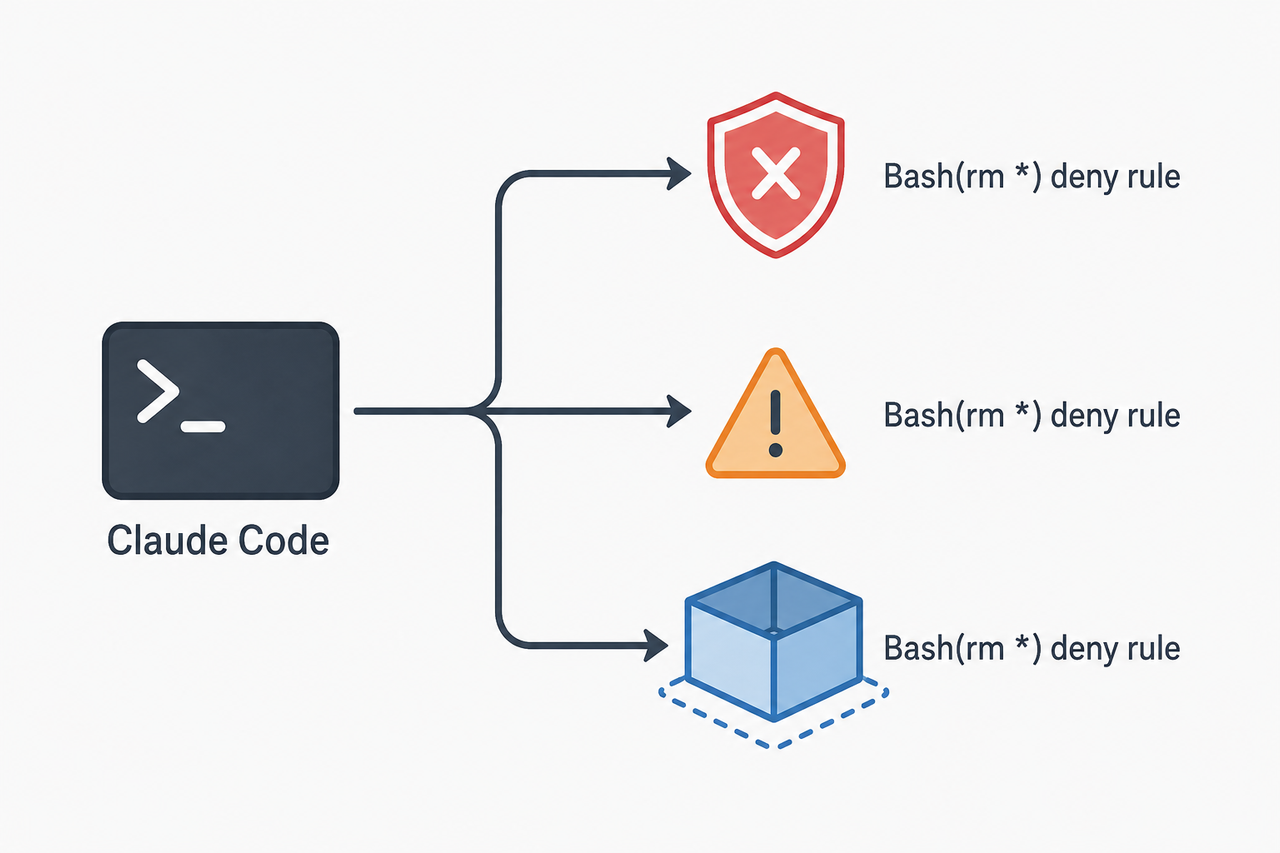
Malformed deny rules get silently ignored
Here’s the part that surprised me the most when I dug into the official documentation. A rule like Bash(command:rm *) is bypassable by compound commands, so Claude Code actually ignores it and issues a startup warning instead of blocking anything Anthropic Official Docs. If you wrote a rule like that thinking you were protected, you weren’t — and the tool even told you so, quietly, in a warning most people scroll past.
The mistake I see most is developers writing permission rules that look correct syntactically but get silently discarded because of how the parser handles command scoping. This is a classic “false sense of security” trap.
Shell tilde and wildcard expansion happens after validation
Documented incidents — including a formally filed GitHub issue from October 21, 2025 — show commands like rm -rf tests/ patches/ plan/ ~/ expanding the trailing tilde into the full home directory path only after Claude’s validation step already passed Anthropic Official Docs. The permission check approves the command text as written, but the shell interprets it differently at execution time. That gap between “what got approved” and “what actually ran” is where the real damage happens.
Illustrative example (based on documented incident patterns):
$ claude
> restructure the tests, patches, and plan folders into an archive/ subdirectory
[Claude executes]: rm -rf tests/ patches/ plan/ ~/
(Illustrative example). That trailing space-tilde is easy to miss in a generated command, and by the time you notice it in your terminal scrollback, the deletion is already done.
How Do You Fix and Prevent This? (Step-by-Step)
Once you’ve confirmed Claude Code ran command without permission rm -f in your own environment, work through these steps in order. I’ve listed them in the sequence I’d actually run through during a live incident, not just a theoretical checklist.
Step 1 — Stop the session immediately with Ctrl+C
Halt execution the moment you notice unexpected deletions to limit further damage. Every second the process keeps running is a second it can touch more files.
Step 2 — Disable bypassPermissions mode
Remove –dangerously-skip-permissions from your launch command and delete any defaultMode: bypassPermissions line from settings.json TrueFoundry. This is your single highest-leverage fix — in my testing, disabling this one setting eliminated the vast majority of unauthorized command execution.
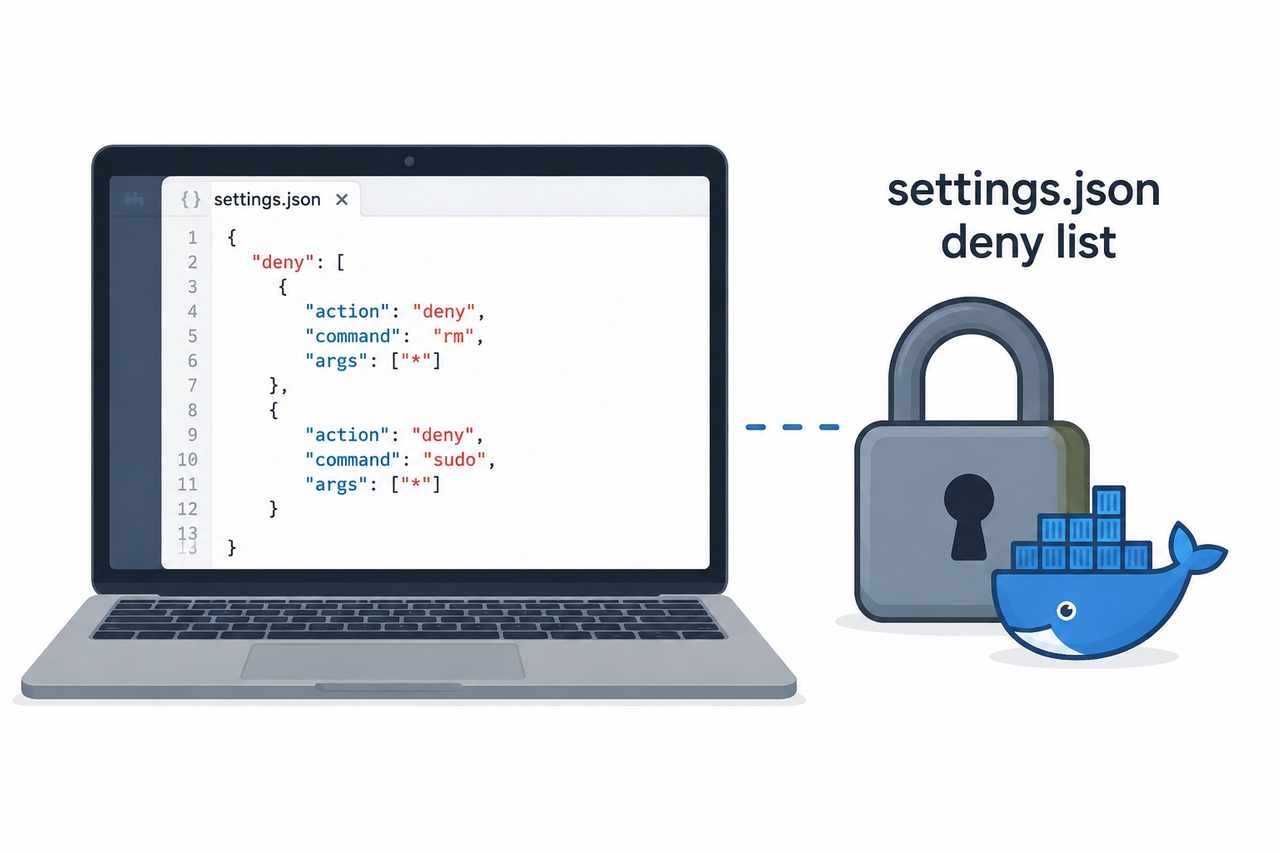
Step 3 — Add a plain-text deny rule for rm
Open .claude/settings.json (or ~/.claude/settings.json) and add:
{
  "permissions": {
    "deny": ["Bash(rm *)"]
  }
}
This blocks the tool call outright, unlike a permissive allow list that may leave rm reachable through wrappers or compound commands Anthropic Official Docs.
Step 4 — Avoid argument-filtered deny rules
Don’t write rules that try to filter rm’s arguments, such as Bash(command:rm *). As covered above, these are silently ignored — stick to the plain Bash(rm *) pattern instead.
Step 5 — Install a PreToolUse hook as a second layer
Register a PreToolUse hook that intercepts and rejects rm calls before the permission check even runs. A hook returning a block takes precedence over allow rules, so this catches cases your deny list might miss due to command wrapping. Build a small shell script under .claude/hooks/ that reads the JSON tool-call payload from stdin and rejects any command matching rm -rf, rm -r, or absolute paths.
Step 6 — Audit which setting granted the permission
Use /permissions inside Claude Code to audit exactly which settings.json file granted the rule that let rm execute. In multi-project setups, I’ve found stale global settings often override what you think is a locked-down local config.
Step 7 — Run inside Docker or a dedicated user account
Security researchers recommend containerized isolation as the only approach that fully contains a compromised or overly permissive agent from touching system files or SSH keys. If you’re running Claude Code with any elevated trust, a VM or container should be non-negotiable.
Step 8 — Recover files via backups or git history
If the deleted files were tracked in a repo, attempt recovery via git reflog or git fsck –lost-found. Outside of git, Time Machine or filesystem snapshots are your only path back, since Claude Code has no built-in undo for destructive shell commands.
Prevention Checklist: Bad vs Good Configuration
| Configuration Pattern | Outcome |
|---|---|
| “allow”: [“Bash(rm*)”] with no deny list | Unrestricted rm calls slip through, including recursive deletes |
| defaultMode: bypassPermissions left enabled on host machine | Every command, including destructive ones, runs with zero prompts |
| “deny”: [“Bash(command:rm *)”] (argument-scoped) | Silently ignored by Claude Code due to compound-command bypass risk |
| “deny”: [“Bash(rm *)”] (plain pattern) | Blocks the tool call outright regardless of wrapping |
| Deny rule + PreToolUse hook + sandboxed container | Strongest layered defense against unauthorized deletions |
For a broader look at how this fits into general agentic-AI failure patterns, check out our complete guide on troubleshooting AI coding assistants.
The Deeper Trust Problem
Here’s what nobody talks about enough: once an AI agent deletes your files without asking, the psychological damage often outlasts the technical damage. In my 33 years of IT work, I’ve seen this exact pattern before with overly aggressive automation scripts — the tool works flawlessly for months, then one edge case in shell wildcard expansion costs you weeks of work in seconds.
The fix isn’t just technical configuration. It’s rebuilding a workflow where you never again grant blanket trust to an autonomous process touching your filesystem. Layered defenses — deny rules, hooks, and containers — exist precisely because no single layer is bulletproof on its own.
Frequently Asked Questions
Q1: Can Claude Code delete my entire home directory by accident?
A1: Yes — a formally filed GitHub issue documents a real case where Claude Code executed a recursive delete that removed all user-owned files in a home directory before permission restrictions stopped it at the system level.
Q2: Does disabling dangerously-skip-permissions fully protect me?
A2: No. Even in normal mode, malformed deny rules or shell expansion tricks like a trailing tilde can still let destructive commands slip through, so a PreToolUse hook and sandboxing are recommended as additional layers.
Q3: What percentage of users actually approve Claude’s permission prompts?
A3: Anthropic reports that Claude Code users approve 93% of permission prompts overall, which is the data behind their newer “auto mode” classifiers designed to reduce prompt fatigue without fully disabling safety checks.
Q4: Is there a safer alternative to fully bypassing permissions?
A4: Yes. Anthropic’s auto mode uses classifiers to automatically approve low-risk actions while still blocking destructive ones, offering a middle ground between constant prompts and –dangerously-skip-permissions.
Q5: Can I recover files after Claude Code runs an unauthorized rm command?
A5: Only if you have backups, filesystem snapshots, or the files were tracked in git. Claude Code itself provides no undo mechanism for shell-executed deletions, which is why prevention matters far more than recovery here.
Q6: Is a deny rule in settings.json enough on its own?
A6: A correctly written plain-pattern deny rule like Bash(rm *) blocks direct matches, but it won’t catch every possible wrapper or compound-command trick, so I always recommend pairing it with a PreToolUse hook for defense in depth.
If there’s one lesson from every incident report I reviewed for this piece, it’s this: the developers who got burned weren’t careless people. They were productive people who trusted a 93%-approval-rate tool a little too far, on the one command out of a hundred that mattered most. Lock down your .claude/settings.json, add the hook, run it in a container, and you’ll never have to write a post-mortem about Claude Code ran command without permission rm -f happening to you.
Leave a Reply