
Transparency Note: This article may contain affiliate links. If you click and purchase, we may earn a small commission at no extra cost to you. We only recommend tools we have personally tested.
What Is Higgsfield AI? The Future of AI Video for Creators
If you’ve ever spent hours juggling Sora, Runway, and Kling—only to end up with a generic clip that gets 40 views—you already know the frustration. The real fear isn’t falling behind on trends. It’s wasting money on AI-generated content that looks cool but never converts. I’ve been there too, and it’s exactly why Higgsfield AI caught my attention hard enough to test it extensively and write this breakdown.
Quick Answer: What Is Higgsfield AI?
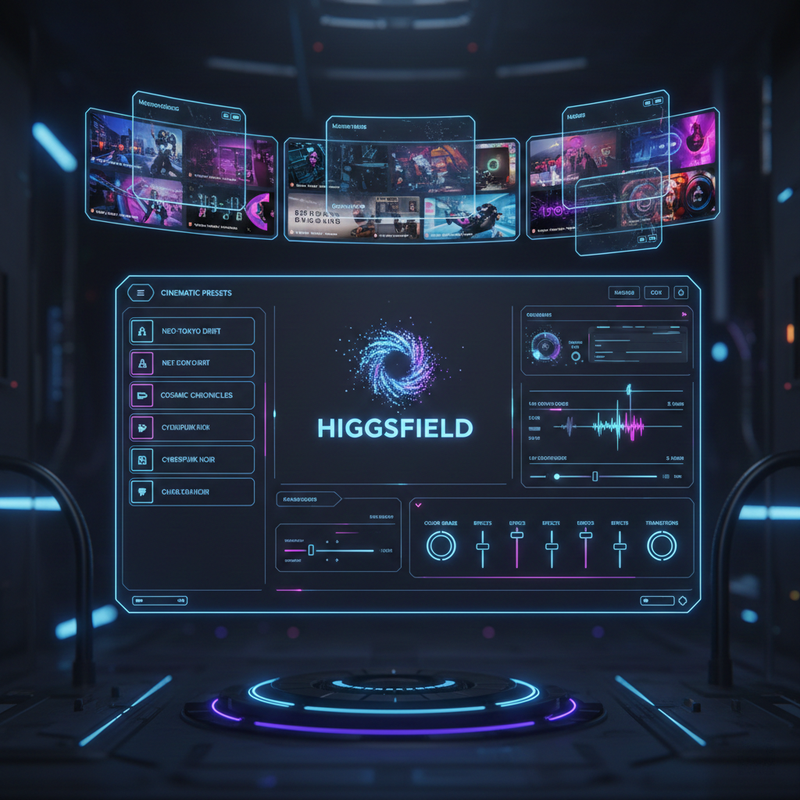
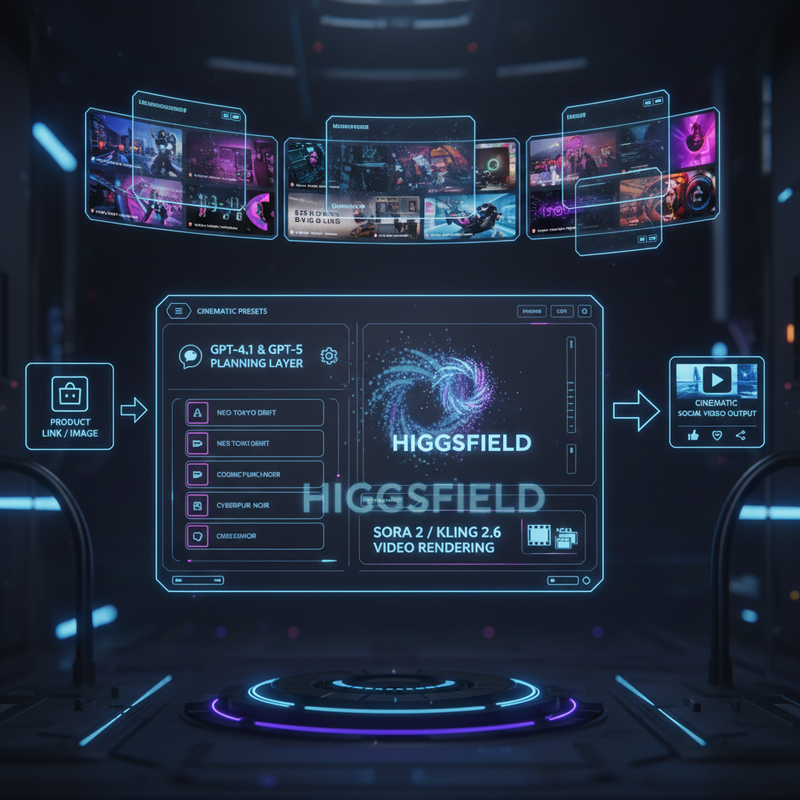
Higgsfield AI is a generative media platform that transforms simple inputs—a product link, an image, or a short text idea—into cinematic social video ready to post on TikTok or Instagram. It combines OpenAI GPT-4.1 / GPT-5 for narrative planning with Sora 2 and KLING 2.6 for rendering, layered over pre-built cinematic presets and tools like Cinema Studio 2.0. It is, in short, a professional AI video generator that removes the need to master prompting, camera logic, or editing from scratch.
Higgsfield – AI Video & Image Generator
Who Should Use Higgsfield AI?
In my experience, Higgsfield is built for three types of people who share one common problem: they have great ideas but limited time and technical depth.
- Content creators producing short-form content for TikTok, Instagram Reels, and YouTube Shorts
- Marketers and e-commerce brands who need product-showcase videos from a single photo
- Small creative teams that can’t afford a full video production workflow but need cinematic-quality output consistently
If you’re a developer or researcher looking for raw model APIs, Higgsfield probably isn’t your tool. But if you’re trying to turn a product image into a share-ready clip before lunch — and you want to understand how AI video generators compare — keep reading.
The Core Problem Higgsfield Solves
The dirty truth about the AI video space right now is fragmentation. Most creators are stitching together three to five different tools—one for text-to-video, one for image-to-video, another for lipsync, another for upscaling—and the results are inconsistent at best. The common mistake I see is that creators chase individual models (Sora 2 today, KLING tomorrow) instead of building a repeatable workflow.
Higgsfield collapses that entire stack into a single interface. Instead of you writing raw prompts and hoping a model interprets them correctly, GPT-4.1 mini and GPT-5 do the heavy lifting: they analyze your input, infer the narrative arc, camera pacing, and visual emphasis, then hand a structured “video plan” to the rendering models. You direct; the AI executes.
OpenAI – How Higgsfield Turns Simple Ideas into Cinematic Social Videos
How Higgsfield AI Works (Step by Step)
This is the workflow I’ve found most reliable when creating a polished cinematic social video from scratch:
- Provide your input. Drop in a product URL, upload an image, or type a short creative idea. No elaborate prompt engineering needed at this stage.
- Let the AI plan the video. GPT-4.1 mini and GPT-5 parse your input and build a structured video plan—narrative arc, visual tone, pacing, and camera logic—before a single frame is rendered.
- Select a cinematic preset. The system maps the plan onto a pre-engineered template optimized for platform-specific formats (e.g., a trending TikTok short-form structure), encoding camera motion, cut timing, and scene transitions.
- Rendering by Sora 2 / KLING 2.6. The motion, realism, and frame continuity are rendered by Sora 2, KLING 2.6, or other back-end models like Veo, depending on the generation type selected.
- Fine-tune with advanced controls. Use Motion Control for precise character actions and expressions up to 30 seconds, Cinema Studio 2.0 for optical physics-based camera direction, and AI-Influencer Studio for UGC-style character videos.
The key insight here—and this is something the OpenAI case study highlights directly—is that Higgsfield doesn’t just “generate a video.” It engineers a production pipeline. That’s a fundamentally different approach from most text-to-video tools.
Key Features That Set Higgsfield Apart
Most AI video generator platforms give you a text box and a render button. Higgsfield gives you a virtual production studio. Here’s what actually matters:
- Cinema Studio 2.0 — The first AI video generation workflow built with true optical physics simulation. You configure virtual camera sensor type, lens (e.g., Anamorphic), and focal length before generation, giving you deterministic, professional-grade control instead of random interpretation.
- Motion Control — Precise control of character actions and expressions for up to 30-second sequences using KLING 2.6’s motion model. This is what enables realistic body movement and lipsync without manual animation.
- Nano Banana Pro — Higgsfield’s own 4K image generation model. In our tests, it produces some of the highest-detail AI images available natively—especially for product shots.
- Seedream 5.0 — Used for image and stylized generation workflows; particul
Leave a Reply