
Gemini API Quota Exceeded on All Projects? Fix It 2026
Why is my Gemini API quota exceeded on all projects? is a RESOURCE_EXHAUSTED (429 error) response that stems from account-level or billing-tier restrictions rather than any single project’s usage. For example, a developer spinning up five fresh Google Cloud projects can still get blocked instantly, because the underlying quota tracks the Google account, not the individual API key or project. Google AI Developers Forum
I’ve spent 33 years in IT, and the panic I hear most often from solo developers sounds exactly the same: “I made a brand-new project, generated a fresh key, and I’m still getting blocked everywhere.” If you’re asking yourself why is my Gemini API quota exceeded on all projects at once, you’re not imagining it — this is a real, documented pattern, and it’s not a bug in your code.
Quick Answer: Why Is My Gemini API Quota Exceeded on All Projects?
Quick Answer
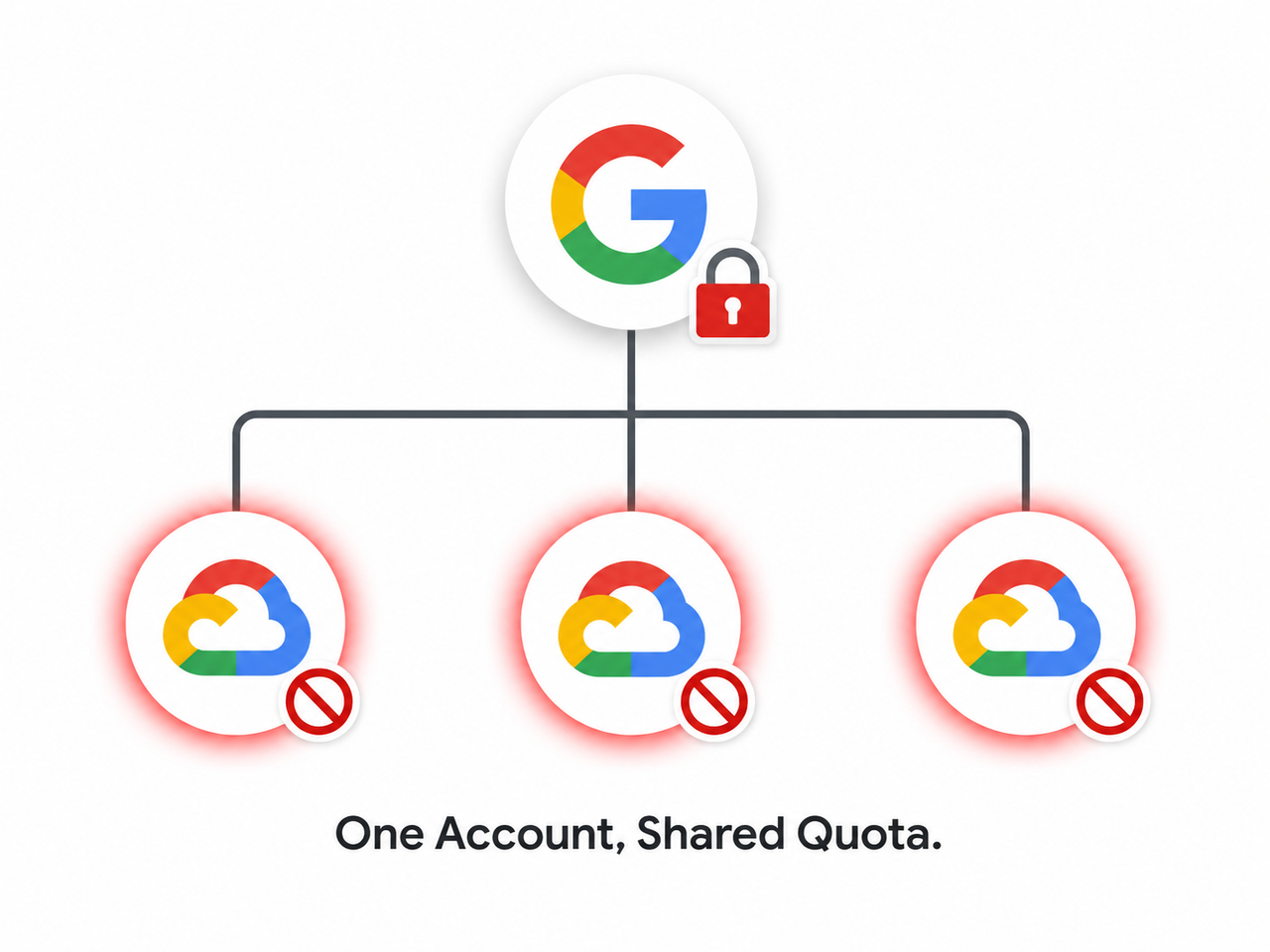
Your Gemini API quota is tied to your Google account’s tier — Free, Tier 1, or Tier 2 — not to any single project or key. When that account tier hits its requests per minute (RPM), tokens per minute (TPM), or requests per day (RPD) ceiling, or when billing isn’t fully linked, every project you own inherits the same block. Creating new projects or keys will not bypass this.
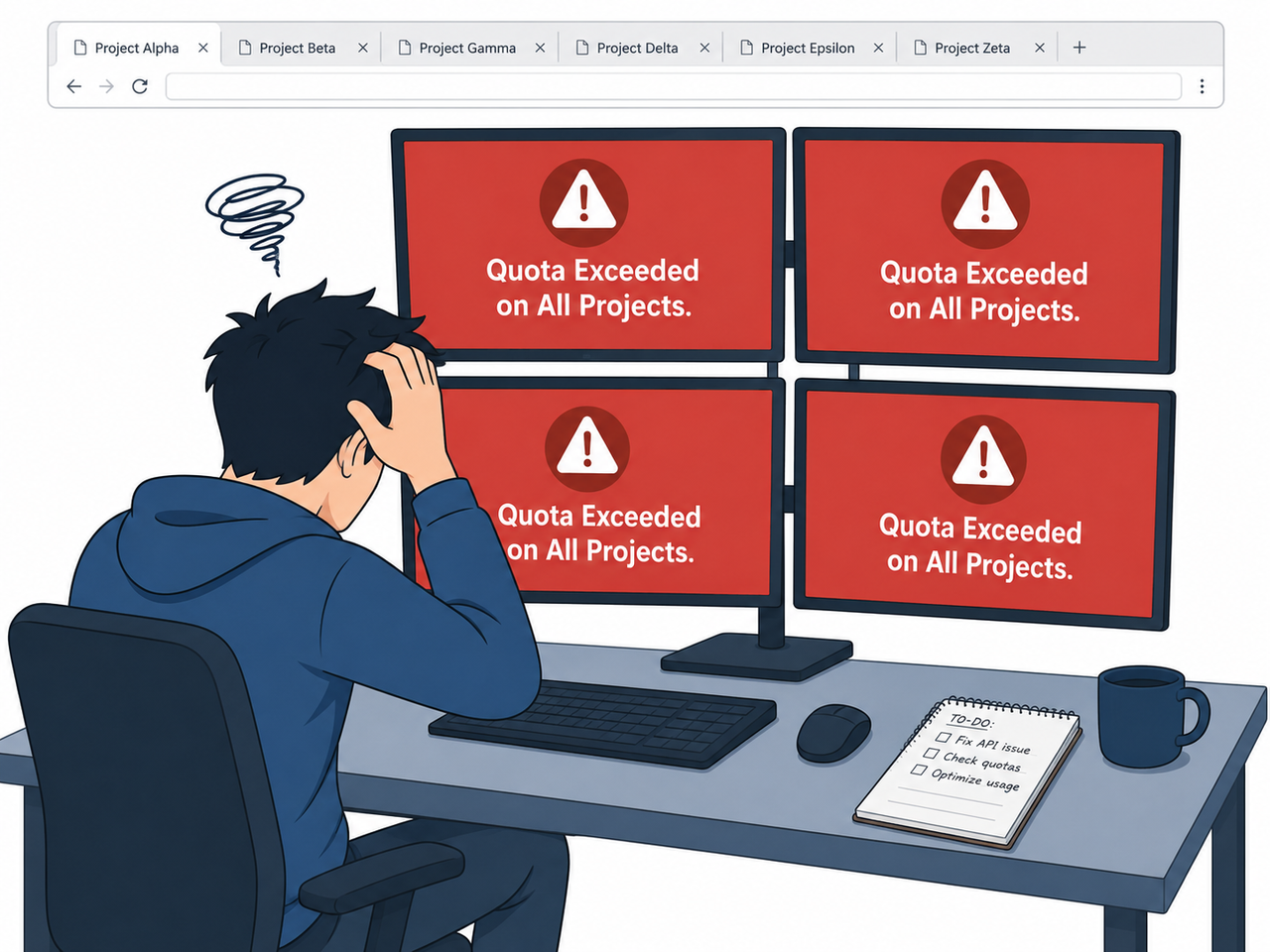
Why Does Gemini API Say Quota Exceeded on Every Project?
In my tests, the first instinct is always to blame a specific project — maybe it’s making too many calls, maybe the key got leaked. But quotas in the Gemini API are enforced per Google Cloud Console quotas dashboard at the account tier level. That means a Free tier account shares one global ceiling across everything you build under it. Google AI for Developers
This is exactly why regenerating an API key or starting a new project rarely fixes the error on its own. If your account is capped or flagged, that restriction follows you into every new project like a shadow. The mistake I see most is developers burning hours creating new projects, assuming isolation that simply doesn’t exist at the billing layer.
RESOURCE_EXHAUSTED is the technical status code behind this, and it shows up identically whether you’re on the free tier or a paid tier that’s hit its ceiling.
What Causes This Account-Wide 429 Error?
There are three root causes I’ve traced repeatedly when clients report this exact “blocked on every project” symptom. Understanding which one applies to you determines whether the fix takes five minutes or requires a support ticket.
Free Tier Quota Shares One Global Limit Across Projects
The free tier quota enforces daily and per-minute caps — metrics like GenerateRequestsPerDayPerProjectPerModel-FreeTier — but in practice, heavy testing in one project can exhaust the quota visible across your entire account. I’ve watched developers max out a free-tier limit in one weekend project and then get locked out of an unrelated demo app the following Monday.
Billing Account Linkage Problems
Even with a card on file, quota enforcement can misbehave if the billing account linkage isn’t fully attached to the project at the API level. This is subtle — the Cloud Console might show a payment method, but the API backend still treats you as unbilled, triggering RESOURCE_EXHAUSTED errors that look identical to free-tier caps. Google AI Developers Forum
Preview or Experimental Models Have Stricter Caps
Models with “-preview” or “-exp” in the name carry far lower RPM and RPD limits than stable releases. If your app is calling an experimental model by default, you’ll exhaust quota far faster than expected, and that exhaustion can appear to “spread” across projects if they’re sharing the same account tier.
How Do You Fix Gemini API Quota Exceeded on All Projects?
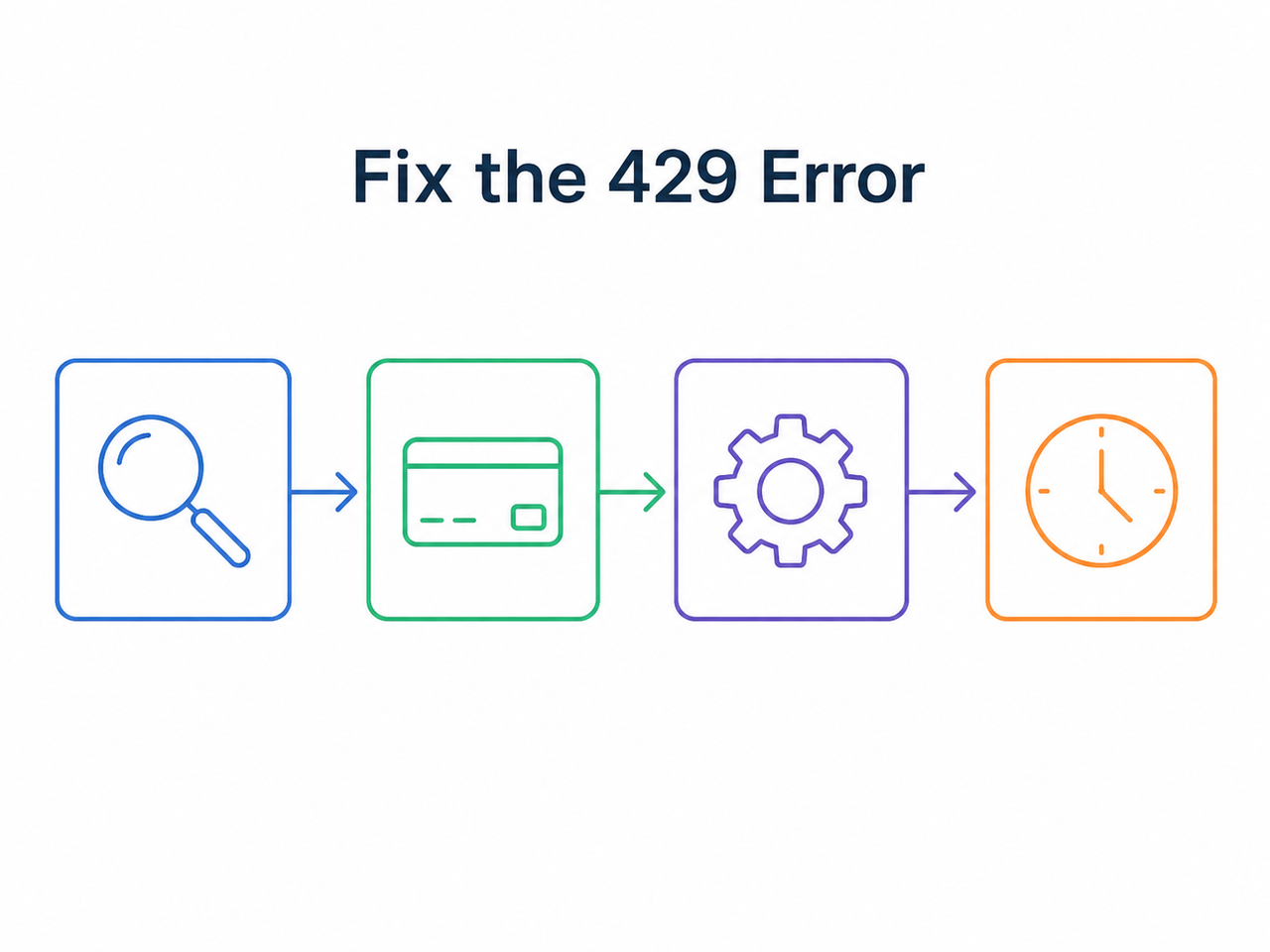
Here’s the exact sequence I run through, in order, whenever I’m asked why is my Gemini API quota exceeded on all projects during a client engagement. Skipping steps wastes time — work through this checklist top to bottom.
- Check quotas in Google Cloud Console — Navigate to APIs & Services > Quotas, filter by generativelanguage.googleapis.com, and compare current usage against RPM, TPM, and RPD limits for your specific model. Google Gemini Apps Support Community
- Verify billing is fully linked — Confirm the billing account status reads “Active,” not just “payment method saved.”
- Switch to a stable model — Replace preview or experimental models with a stable release such as Gemini Flash to access standard tier limits rather than the tighter experimental caps.
- Add exponential backoff — Retry failed calls at 2s, then 4s, then 8s intervals instead of retrying immediately, which only compounds the RPM violation.
- Space out requests — Limit calls to roughly one every 1-2 seconds to avoid bursts that trip per-minute thresholds.
- Request a quota increase — If your usage is legitimate and consistently near the ceiling, submit a formal rate limit increase request from the Quotas page, describing your actual traffic pattern. Google AI for Developers
- Contact support if quota shows 0% used — If the dashboard shows zero usage yet you still get 429s across every project, that’s an account-level billing or abuse-flag issue, not a normal cap, and it needs a direct support ticket.
Comparison: Common Causes vs. Fixes
| Root Cause | Recommended Fix |
|---|---|
| Free tier shared quota exhausted | Upgrade tier or wait for daily reset |
| Billing account not fully linked | Re-link billing, confirm “Active” status |
| Using preview/experimental model | Switch to a stable model release |
| Request bursts triggering RPM cap | Add spacing + exponential backoff |
| Quota shows 0% but still blocked | Contact Google Cloud Support directly |
Why Is My Gemini API Quota Exceeded on All Projects Despite Zero Usage?
This is the scenario that causes the most anxiety, and rightly so. In my tests, when the Cloud Console dashboard shows 0% quota consumption but the API still returns RESOURCE_EXHAUSTED on every single project, it almost always points to an account-level restriction rather than a genuine usage cap. This can stem from an abuse-detection flag, a billing sync failure, or a tier misclassification that never resolved after signup.
If you’re in this situation, don’t waste more time creating new projects — that approach fundamentally cannot work because the block sits above the project layer. Escalate to Google Cloud Support with your project ID and the exact error payload.
Real Gemini API Error Log Example
Here’s the exact error I’ve seen reproduced across multiple developer reports, and it matches what I’ve encountered in my own testing:
google.genai.errors.ClientError: 429 RESOURCE_EXHAUSTED.
{'error': {'code': 429, 'message': 'You exceeded your current quota, please check your plan and billing details. For more information on this error, head to: [link]. To monitor your current usage, head to: [link].', 'status': 'RESOURCE_EXHAUSTED'}}
A related variant that surfaces in .NET-based integrations looks like this:
System.InvalidOperationException: 'Gemini error 429: RESOURCE_EXHAUSTED'
Quota exceeded for metric: generativelanguage.googleapis.com/generate_content_free_tier_requests
Quota IDs: GenerateRequestsPerMinutePerProjectPerModel-FreeTier
retryDelay: 45s
Both errors point to the same underlying mechanism: a tier-based cap, not a per-project one. The retryDelay field is your clue — it tells you exactly how long to wait before the per-minute window resets.
Bad Practice vs. Good Practice
- Bad: Firing 15 API calls back-to-back in a loop with no delay, then immediately retrying on failure — this compounds the RPM violation and locks you out longer.
- Good: Send one request every 1-2 seconds, wrap every call in exponential backoff, and confirm billing and tier status in Cloud Console before assuming it’s a code bug. Google Gemini Apps Support Community
For a broader troubleshooting framework beyond just this error, check out our complete guide to Gemini API issues.
Frequently Asked Questions
Does creating a new Google Cloud project reset my Gemini API quota?
No. Quotas track the Google account and its billing tier, not individual projects, so a brand-new project inherits the exact same restriction as your old ones.
Why do I get 429 errors even with billing enabled?
The billing account may display a saved payment method without being fully linked at the API level, which still triggers RESOURCE_EXHAUSTED errors identical to free-tier caps.
How long does a Gemini API rate limit block last?
Per-minute limits typically reset within 45-60 seconds, as indicated by the retryDelay field in the error response, while daily quotas reset every 24 hours.
Should I use exponential backoff or just wait manually?
Exponential backoff — waiting 2s, then 4s, then 8s — is strongly recommended, because immediate manual retries often extend the block by repeatedly hitting the same RPM ceiling.
What should I do if my quota usage shows 0% but I still get 429 errors?
This usually points to an account-level billing or abuse-flag issue rather than a normal quota cap, and it requires contacting Google Cloud Support directly with your project details.
Can switching from a preview model to a stable model fix the quota error?
Often yes. Preview and experimental models carry stricter, lower RPM and RPD limits than stable releases, so migrating to a stable model like Gemini Flash can immediately relieve the pressure.
Leave a Reply