
Local LLMs vs. Cloud AI for Privacy Work (2026)
I’ve spent over three decades in IT, and if there’s one lesson that’s never once failed me across every compliance framework, security audit, and vendor promise I’ve evaluated, it’s this: the safest architecture is the one where sensitive data simply never has a chance to leave your control in the first place. Choosing Between Local LLMs and Cloud AI Tools for Privacy-Sensitive Work comes down to exactly this principle, and I want to walk through why I land firmly on one side of this debate for anything genuinely sensitive, while still being honest about where cloud tools remain the right call.
Choosing Between Local LLMs and Cloud AI Tools for Privacy-Sensitive Work means deciding, based on the actual sensitivity of your data, whether to run an AI model entirely on your own hardware or send your prompts to a third-party cloud provider. For example, Ollama’s own privacy policy confirms that when you run models locally, “we don’t see your prompts or data” at all, since nothing is ever transmitted off your machine.
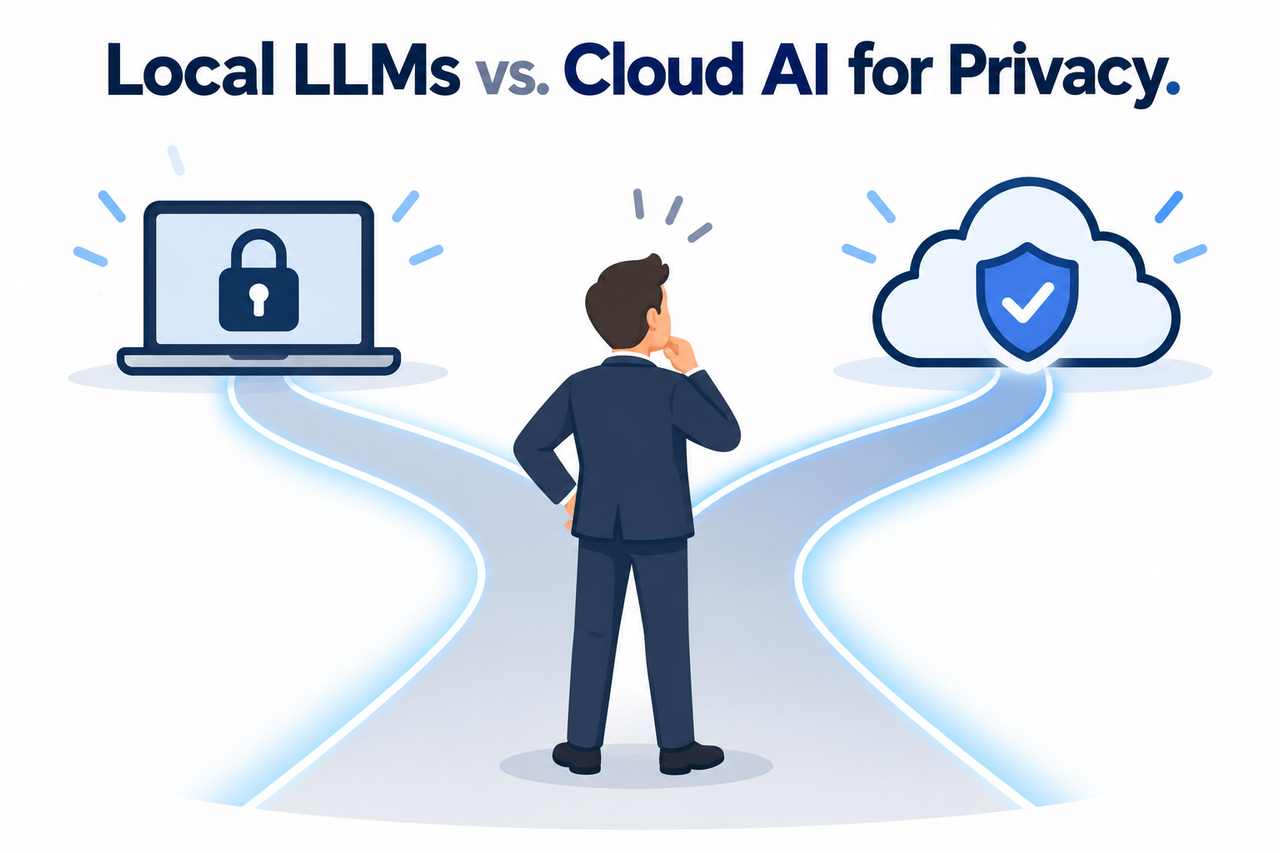
If a compliance memo, a client contract clause, or a headline about AI chat logs being subpoenaed just forced you into this decision under deadline pressure, here is the direct answer: for anything genuinely sensitive, default to local. Save cloud tools for the material that was never going to hurt anyone if it leaked.
Should You Choose a Local LLM or Cloud AI for Privacy-Sensitive Work?
Quick Answer
For privacy-sensitive work, default to local LLMs through a runtime like Ollama so prompts and context never leave your hardware. Reserve cloud AI tools for non-sensitive, generic tasks, or for situations requiring frontier-level reasoning under a strict enterprise contract with no-training and data residency guarantees. For most professionals, the practical solution is hybrid routing based on data classification, not an all-or-nothing choice.
In my experience advising teams on this exact decision, the mistake I see most often isn’t a dramatic data breach — it’s something far more mundane and far more common. Someone pastes a client contract, a patient note, or a block of proprietary source code into a consumer-tier cloud chat interface without stopping to think about where that data actually goes once they hit enter.
Why Does This Decision Matter So Much for Privacy-Sensitive Work?
I want to be blunt about the actual risk here, because I think the stakes get softened in a lot of generic advice on this topic.
The Failure Mode Is Silent, Not Loud
There’s no error message, no warning dialog, no popup telling you that you just transmitted regulated data to a third-party server. The data simply leaves your device the moment you submit the prompt, and from that point forward, you no longer control what happens to it.
Subpoena Exposure Is a Real, Documented Risk
Once a conversation exists on a provider’s servers, it becomes a record that can potentially be compelled through legal discovery, regardless of how private the interface felt while you were typing into it. This is precisely the kind of subpoena exposure that a purely local setup eliminates by design, since no such record ever exists outside your own machine.
Third-Party Breach Blast Radius Is Outside Your Control
Even with the best intentions and contractual protections, a cloud provider represents a centralized target holding data from potentially millions of users. If that provider suffers a breach, your data is swept up in whatever third-party breach blast radius results, through no failure of your own security practices.
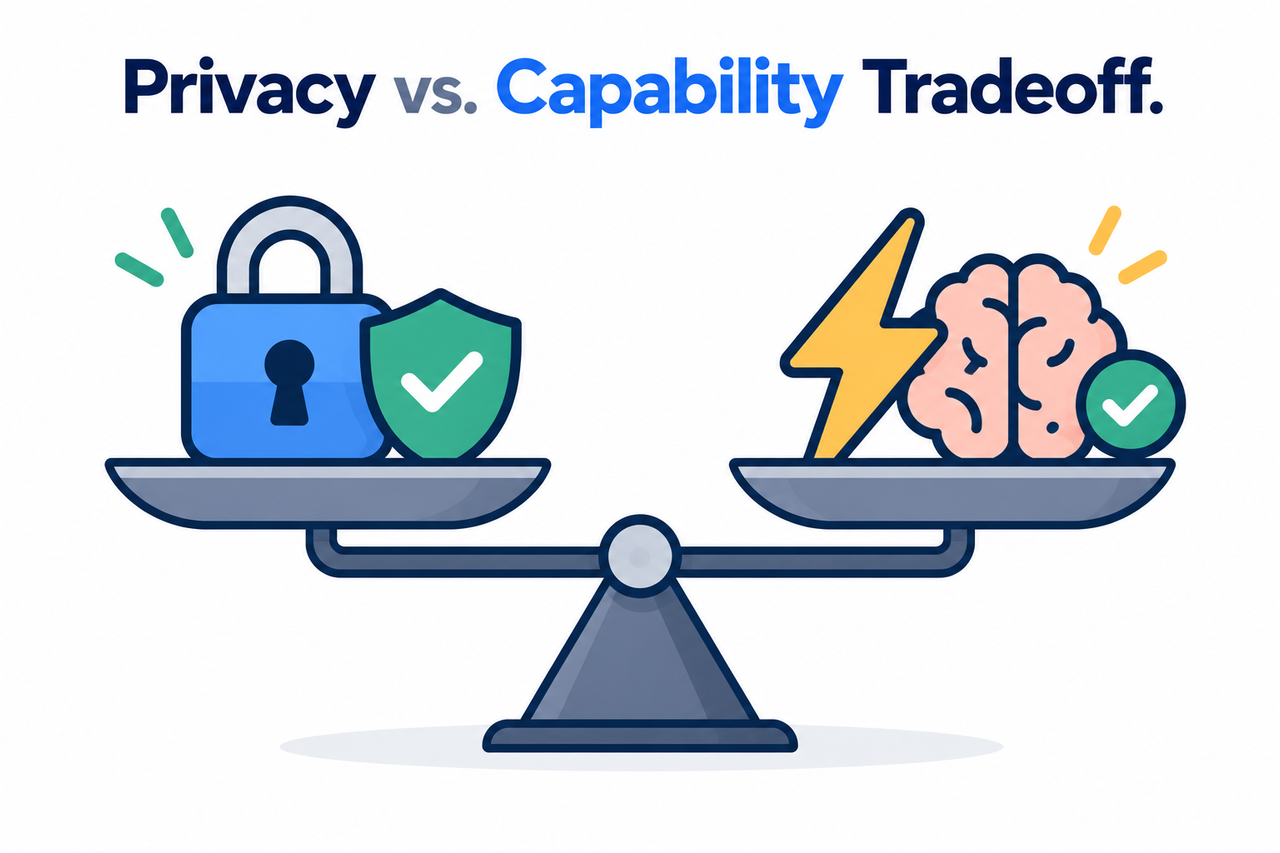
How Does a Local LLM Actually Eliminate This Risk?
This is the part I find genuinely satisfying to explain, because the privacy guarantee here isn’t a policy promise you have to trust — it’s an architectural fact. When you run local LLM inference through a tool like Ollama, your prompts never travel across a network to reach the model at all.
Ollama’s own privacy policy states this directly: “Ollama runs on your local device. We do not collect, store, transmit, or have access to your prompts, responses, model interactions, or other content you process locally. Your data stays on your machine.” Ollama Privacy Policy That’s not a retention policy with exceptions carved out for legal requests. There’s simply no data transmitted in the first place for anyone to request.
This is the essential difference between on-premise AI and cloud-hosted AI that I think gets lost in a lot of surface-level comparisons: one architecture makes a privacy promise, and the other makes privacy a structural impossibility to violate, because the violation would require data that was never sent anywhere to begin with.
Choosing Between Local LLMs and Cloud AI Tools for Privacy-Sensitive Work: Step by Step
Here’s the exact sequence I walk clients through, and it’s deliberately built around classification first, tooling second.
- Classify every input by sensitivity. Public, generic material is fine for cloud tools; client PII, PHI, contracts, intellectual property, or any special-category data should never be pasted into a consumer cloud chat interface.
- Install and verify a local runtime. Ollama is the tool I’d recommend starting with: download it from the official site, pull an open-weight model sized appropriately to your hardware, typically in the 7B to 70B parameter range depending on your available memory, and confirm it’s bound only to 127.0.0.1 so it’s not reachable from outside your machine.
- Route sensitive workloads exclusively through the local model. This includes chat, document summarization, and retrieval over internal files. Reserve cloud tools for low-sensitivity research or tasks that genuinely require frontier-level reasoning, and redact identifying information first if a hybrid approach is unavoidable.
- Harden the local setup properly. Disable unnecessary telemetry and update checks where appropriate, secure the host operating system, avoid exposing the local API port to your network, and treat endpoint security controls like disk encryption and access controls as your new security perimeter.
- Document the policy and revisit it periodically. Open-weight model quality is improving quickly, so the privacy-versus-capability tradeoff you accept today may look different in six months.
I want to spend extra time on step 2, because this is where I see technically capable people get tripped up on a detail that actually matters a great deal: making sure the local setup is genuinely local, not quietly routing through a cloud feature you forgot was enabled.
Verifying a Genuinely Local Ollama Setup

Confirm the server binds only to localhost:
  Default: Ollama binds 127.0.0.1 port 11434

Confirm cloud features are disabled if you want pure local mode:
  Set in ~/.ollama/server.json: {"disable_ollama_cloud": true}
  Or set the environment variable: OLLAMA_NO_CLOUD=1

Once disabled, Ollama's own logs will confirm it:
  "Ollama cloud disabled: true"
This last log line is worth checking for directly. Ollama FAQ If you’re relying on a local setup for genuinely sensitive work, don’t just assume the configuration is correct — verify it the same way you’d verify any other security control.
What Does Ollama’s Own Documentation Confirm About This?
I always prefer pointing directly at a vendor’s own technical documentation rather than relying on secondhand summaries, especially when the entire point is verifying a privacy claim. Ollama’s FAQ directly answers the question most people actually want answered: “Does Ollama send my prompts and answers back to ollama.com?” The documented answer: “Ollama runs locally. We don’t see your prompts or data when you run locally.” Ollama FAQ
The same documentation is honest about the one place where this changes — if you opt into Ollama’s cloud-hosted models or web search features, prompts are processed by that cloud service to provide the functionality, though the policy states that content “is not stored beyond the time required to fulfill the request” and is never used for training. Ollama Privacy Policy This distinction matters enormously for how you configure your setup, which is exactly why step 2 in the process above includes explicitly disabling cloud features if pure local operation is your goal.
When Is Cloud AI Actually the Right Choice?
I don’t want to overstate this into “never use cloud AI,” because that’s not a realistic or even correct position. Cloud models remain meaningfully more capable than most locally-hosted open-weight models for complex reasoning tasks, and for genuinely non-sensitive work, the extra capability is worth using.
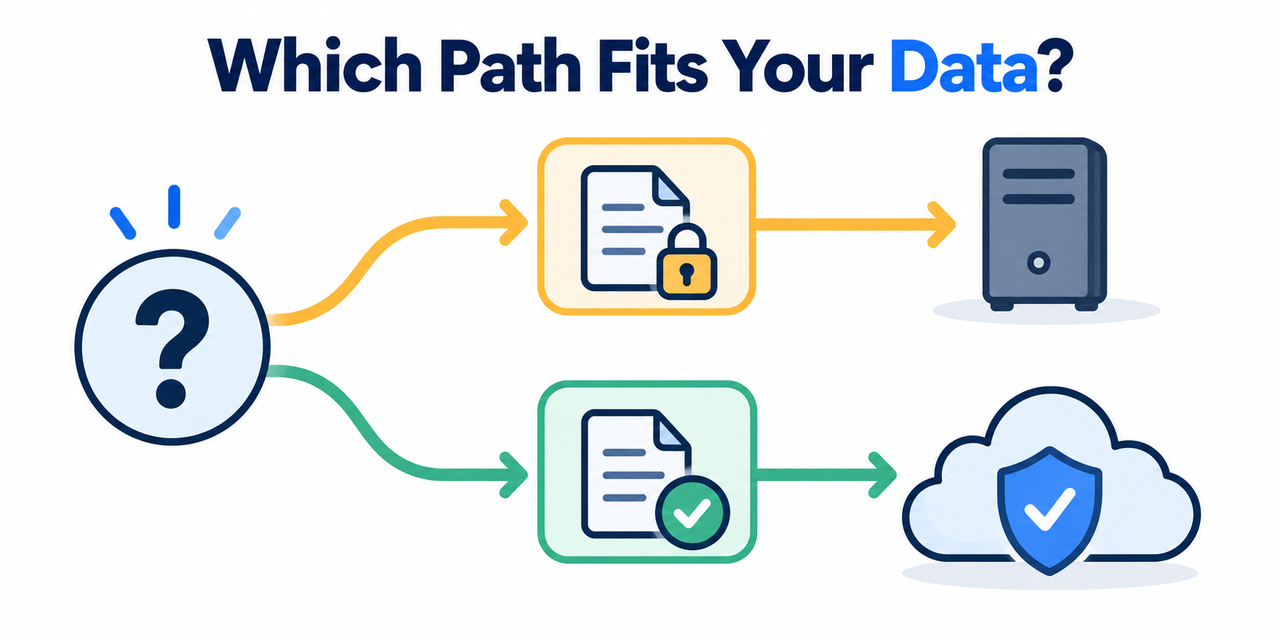
The real skill here is hybrid routing by sensitivity — building the habit of asking, before every single prompt, whether what you’re about to type contains anything that would cause a problem if it ended up somewhere you didn’t intend. General research questions, public information lookups, and brainstorming on non-confidential topics are all reasonable cloud use cases. Client records, patient data, proprietary code, and anything covered by a confidentiality agreement are not.
| Scenario | Recommended Tool | Why |
|---|---|---|
| Client contract review or legal drafting | Local LLM via Ollama | Attorney-client privileged material should never leave your device |
| Patient notes or clinical documentation | Local LLM via Ollama | PHI carries regulatory exposure under data protection frameworks |
| Proprietary source code review | Local LLM via Ollama | Intellectual property exposure and competitive risk |
| General research or public information | Cloud AI tool | No sensitivity risk; cloud capability advantage is worth using |
| Brainstorming non-confidential ideas | Cloud AI tool | Low stakes if the content were ever exposed |
What Does a Properly Hardened Local Setup Actually Require?
Running Ollama locally solves the data transmission problem, but I want to be clear that it doesn’t automatically solve every security concern on its own. The model running on your machine is only as secure as the machine itself, which means endpoint security controls become your primary line of defense once you’ve eliminated the network transmission risk.
This means full disk encryption on the device running the model, strict access controls so unauthorized users on a shared machine can’t query your local instance, and keeping the Ollama API port closed to your network rather than exposed for convenience. I’ve seen people correctly eliminate the cloud transmission risk and then undermine the entire effort by leaving the local API port open on a shared network, which defeats much of the purpose.
What About GDPR, HIPAA, and Other Regulatory Frameworks?
For anyone operating under a specific regulatory framework, I want to address this directly rather than leave it vague. Running inference locally sidesteps many of the most complicated compliance questions entirely, because questions about data sovereignty, cross-border data transfer, and third-party processor agreements only arise when data actually leaves your organization’s control.
Under frameworks like GDPR Article 28 DPA requirements, any third-party processor handling personal data on your behalf needs a formal data processing agreement in place, along with documented safeguards for any international data transfer. A local setup where inference happens entirely on hardware you control removes the third-party processor question from the equation entirely, since there’s no external party processing the data at all. This doesn’t eliminate every compliance obligation you have as an organization, but it does eliminate an entire category of vendor risk assessment that would otherwise be required for any cloud AI tool touching regulated data.
Bad vs. Good Way to Handle Sensitive Data With AI
Let me put these side by side, because I think the contrast makes the stakes concrete in a way abstract policy language doesn’t.
Bad: Pasting a client contract or a patient note into a free or consumer tier of a cloud AI chatbot, where the data leaves your device, becomes subject to the provider’s retention policies, and carries real exposure to training use, subpoena, or breach.
Good: Running that same document through a local Ollama model, or an equivalent local runtime, so inference happens entirely on-device, with cloud tools reserved only for anonymized or genuinely public queries.
The bad approach treats convenience as the only variable worth optimizing for. The good approach treats the sensitivity classification as the first decision, before any tool gets opened at all.
What Should You Do If You’re Already Using Cloud Tools for Sensitive Work?
If you’re reading this and recognizing your own current workflow in the “bad” example above, I don’t think the right response is panic, but I do think it calls for immediate action. Start by auditing what you’ve already submitted to cloud tools and whether any of it falls into a genuinely regulated or privileged category.
From there, install a local runtime and begin routing new sensitive work through it immediately, while you work through the backlog of whatever compliance or disclosure steps your specific situation might require. The mistake that compounds the original problem is continuing the risky pattern after you’ve identified it, simply because switching tools feels like friction in the middle of a busy week.
How Do You Choose the Right Local Model for Your Hardware?
One practical question I get asked constantly is which specific open-weight model to actually run, since the options can feel overwhelming at first glance. The honest answer depends almost entirely on your available hardware, particularly GPU memory, since larger parameter models generally produce better output quality but require significantly more memory to run smoothly.
As a starting point, I’d recommend beginning with a smaller quantized model in the 7B to 13B parameter range if you’re working on a standard laptop without a dedicated high-end GPU, since these run reasonably well on CPU alone and still produce usable results for summarization, drafting, and general document review. If you have access to a machine with a capable GPU and more available memory, moving up toward a 30B to 70B parameter model will noticeably improve output quality for more complex reasoning tasks, at the cost of slower response times and higher memory requirements. Don’t assume you need the largest model available from the start — test a smaller one against your actual real-world tasks first, since the quality difference may matter far less for routine document summarization than it would for complex multi-step reasoning.
For a broader look at understanding AI tools and making sound decisions about which ones fit your workflow, see our complete guide to AI questions and answers.
Frequently Asked Questions
Is a local LLM always safer than a cloud AI tool for sensitive work?
For data covered by legal, contractual, or regulatory sensitivity, yes — local inference through a tool like Ollama means your prompts never leave your device, eliminating the transmission risk entirely rather than relying on a provider’s policy promise. Ollama Privacy Policy
Does Ollama ever send my prompts back to its servers?
No, when running models locally — Ollama’s own documentation states “we don’t see your prompts or data when you run locally,” with data transmission only occurring if you explicitly opt into cloud-hosted models or web search features. Ollama FAQ
How do I make sure my local Ollama setup is actually fully local?
Confirm the server binds only to 127.0.0.1, and if you want to rule out any cloud feature entirely, set disable_ollama_cloud: true or the OLLAMA_NO_CLOUD=1 environment variable, then verify the log confirms cloud is disabled. Ollama FAQ
Is cloud AI ever appropriate for professionals handling sensitive data?
Yes, for clearly non-sensitive tasks like general research or public information lookups — the key is classifying each input by sensitivity before choosing a tool, rather than defaulting to whichever tool is most convenient.
What’s the biggest mistake people make with AI and sensitive data?
Pasting regulated or privileged content into a consumer-tier cloud chat interface without realizing the data leaves their device and becomes subject to that provider’s retention, training, and legal disclosure policies.
Does a local setup solve every security concern automatically?
No — local inference eliminates the data transmission risk, but the device itself still needs proper endpoint security controls like disk encryption, access restrictions, and a closed API port to be genuinely secure.
Leave a Reply