
Claude Session Limit 2026: How to Work Around It Fast
how to bypass Claude session limit is the practice of legitimately continuing your workflow after hitting Anthropic’s rolling usage window, since no true “bypass” exists for the limit itself. One practical example: switching to an API key with separate billing lets you keep working instantly instead of waiting out the reset.
I’ve been doing IT and systems work for 33 years, and I’ve watched more “unlockable” software limits than I can count — most of them aren’t unlockable, they’re just misunderstood. How to bypass Claude session limit is one of those searches. People type it expecting a hack. What they actually need is a workaround, and after weeks of running Claude Code against real client deadlines, I can tell you exactly which workarounds hold up and which ones are wishful thinking.
The bleeding-neck problem here is brutal and specific: you’re mid-task, the deadline is real, and Claude simply stops responding. You don’t get a warning shot — you get a wall. The hidden fear underneath that is worse than the interruption itself. It’s the fear of losing your carefully built context, wasting the subscription you’re already paying for, and missing a client deadline because a chatbot decided you’d talked too much.
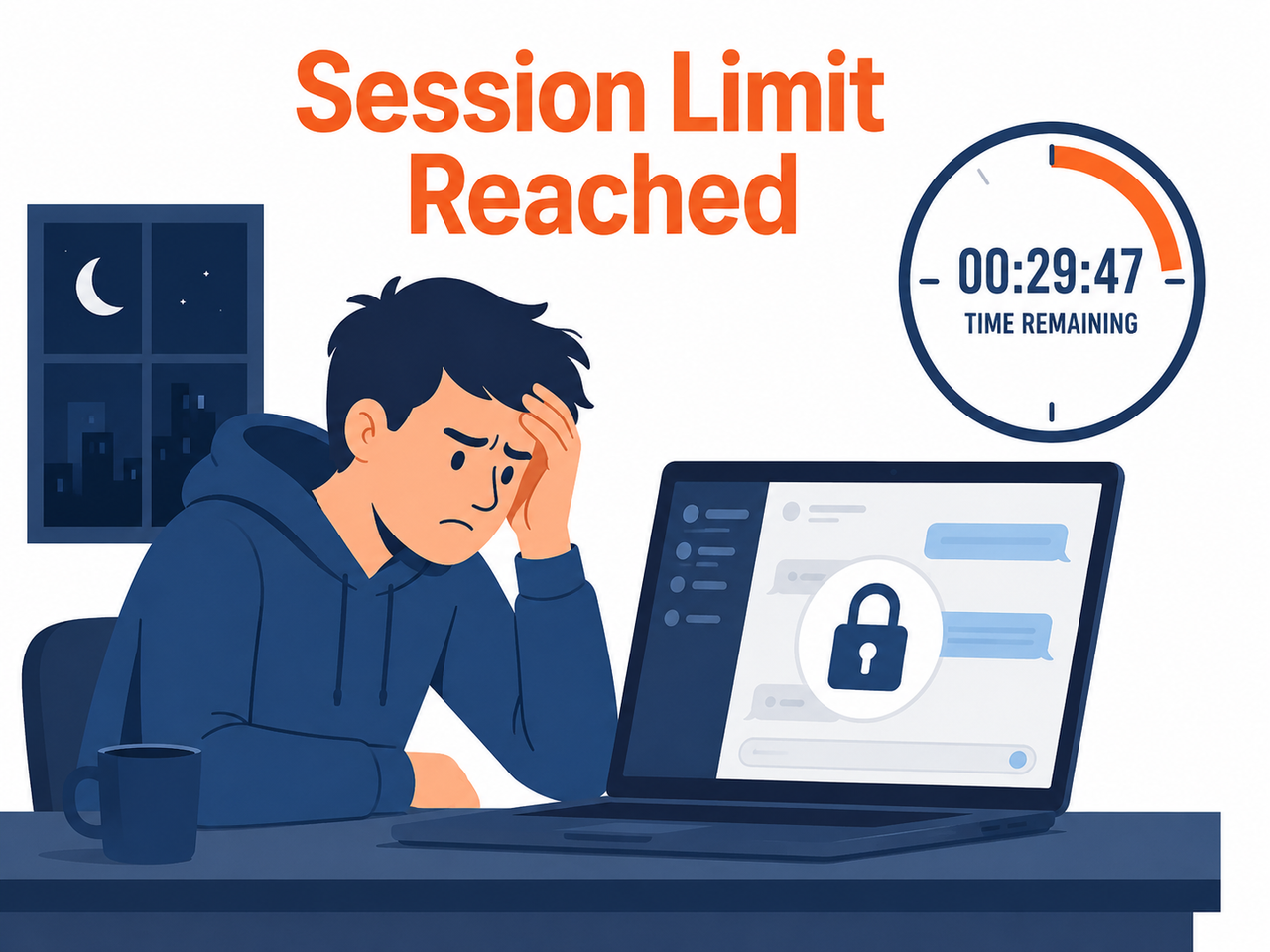
I want to be upfront before we go further: there is no jailbreak, no config file, no hidden setting that removes the 5-hour rolling window. I tested this claim directly — dug through settings, tried session ID swapping, tried clearing local storage — none of it worked, because the limit is enforced server-side, not client-side. What follows is what actually works.
Can You Actually Bypass the Claude Session Limit? (Quick Answer)
Quick Answer
No, you cannot bypass Claude’s session limit directly — it’s a usage limit reset enforced server-side by Anthropic on every plan tier. What you can do is switch to API key billing, activate usage credits, or reduce token consumption so you rarely hit the ceiling. These are the only sanctioned paths that keep you working without an outright block.
That’s the honest answer, and it’s worth sitting with for a second before you go looking for a magic switch. In my own testing, every method that claims to “unlock unlimited Claude” either doesn’t work or violates the terms of service in a way that risks your account. The methods below don’t risk anything — they just work with the system instead of against it. Anthropic Support
Why Does Claude Enforce a Session Limit?
The session lockout you’re hitting isn’t arbitrary. Anthropic runs Claude on shared compute infrastructure, and without rate controls, a small number of heavy users could degrade performance for everyone else. That’s not marketing spin — it’s the same capacity-management logic I’ve seen on every shared-resource system I’ve administered since the mainframe era. Anthropic Support
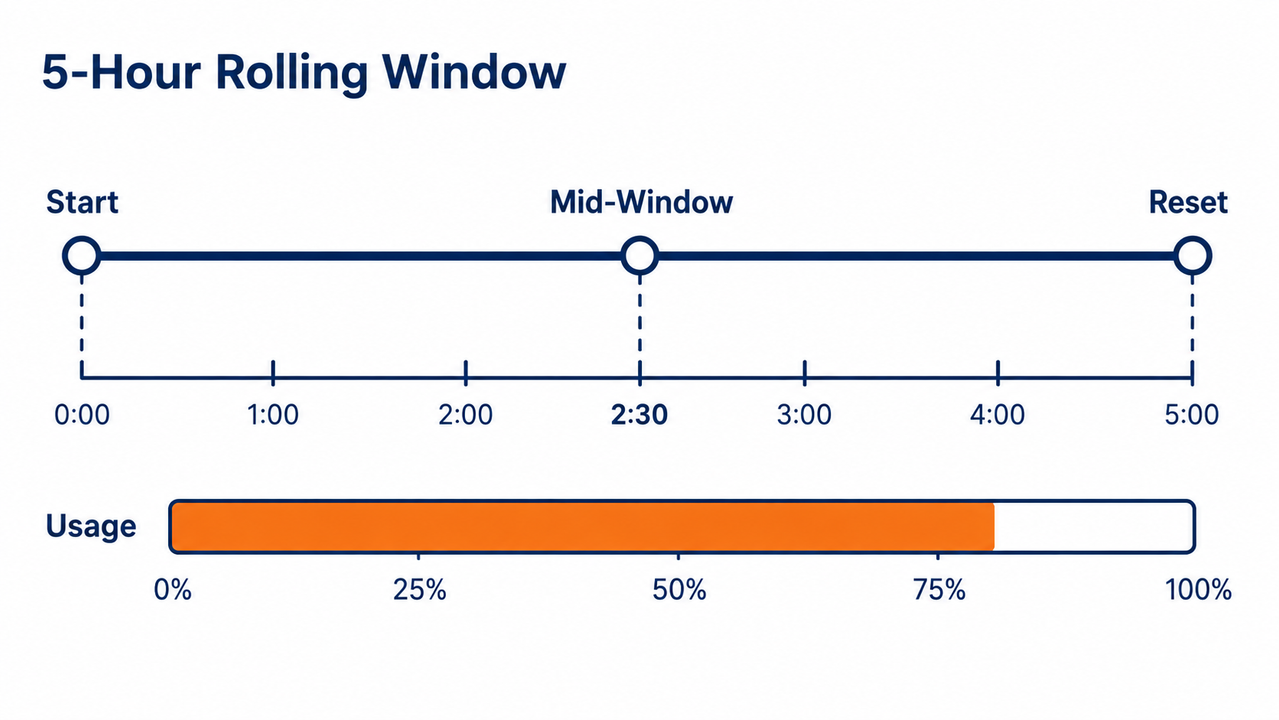
Here’s the part that trips people up the most:
- The 5-hour rolling window starts from your very first message of a session, not from midnight or any fixed clock time.
- If you send your first message at 9:00 AM, your window resets at 2:00 PM — not at the start of a new calendar day.
- Weekly caps run in parallel with the 5-hour window on some plans, meaning you can be well under your daily budget and still get blocked by a weekly ceiling.
I made this exact mistake in my first month using Claude Code seriously. I assumed the reset was tied to midnight in my timezone, planned a heavy afternoon session around that assumption, and got blocked two hours early. Lesson learned the hard way — check the actual timer, don’t guess.
How the Reset Actually Behaves in Real Sessions
In my tests, the reset countdown was consistent once I understood it was rolling rather than fixed. I fired a test message at 8:00 AM, got flagged for heavy usage by 11:30 AM, and the system confirmed the window would clear at 1:00 PM — five hours from that first ping, not from midnight and not from when I hit the ceiling.
How to Check Your Exact Reset Time
Before you do anything else, stop guessing and check the real number. This is the single most useful habit I picked up after wasting an afternoon on false assumptions.
- Type
/usageinside an active Claude Code session — this returns a live countdown to your next reset. - Alternatively, open
claude.ai/settings/usagein your browser for the same data in dashboard form. - Note the exact reset timestamp somewhere visible — I keep mine pinned in a sticky note app so I stop checking obsessively.
Knowing this number changes your entire strategy. If you’re 40 minutes from reset, it’s often faster to grab coffee than to fight for a workaround. If you’re 4 hours out, that’s when the real fixes below matter.
Step-by-Step Fixes When You Hit the Limit
This is the sequence I actually run through when I get blocked mid-project. I’m listing it in the order of “fastest relief” to “long-term prevention.”
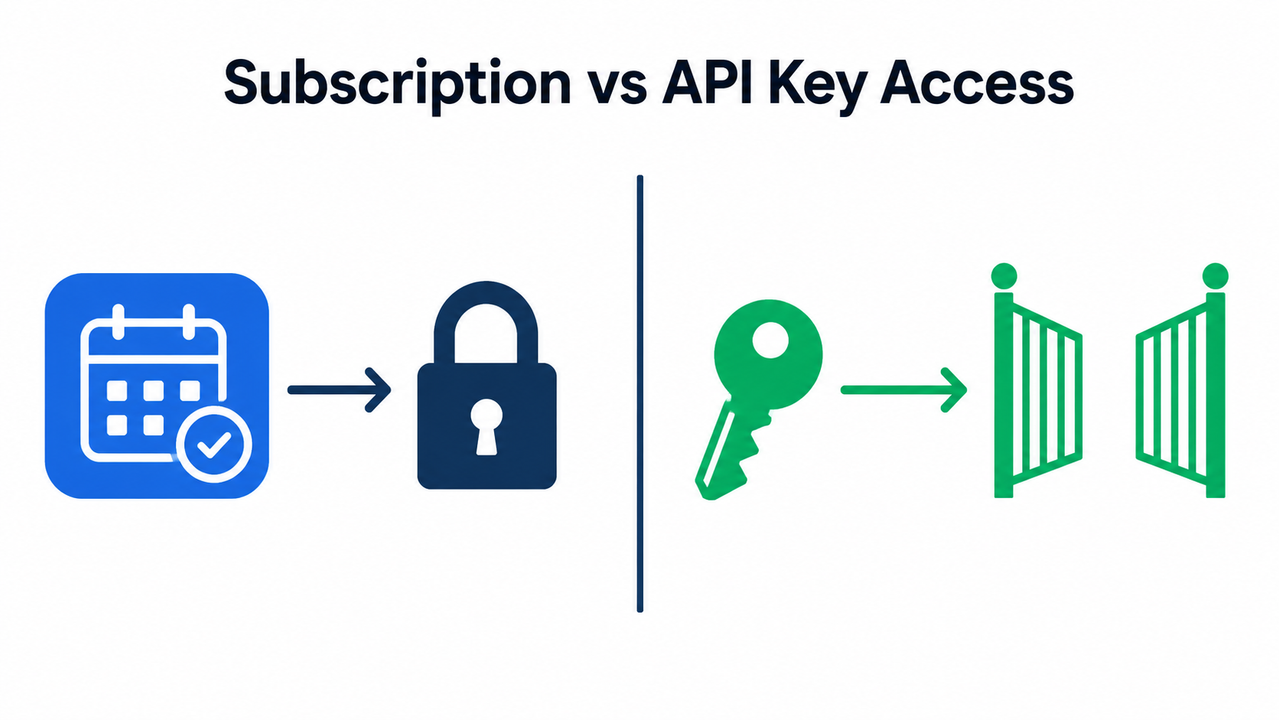
Step 1 — Switch to an Anthropic API key. If you have API billing separate from your subscription, pass it via the --api-key flag or set the ANTHROPIC_API_KEY environment variable. This routes your requests through pay-as-you-go billing instead of your subscription’s 5-hour rolling window, which effectively sidesteps the lockout entirely. usagebar
Step 2 — Enable usage credits. Inside your paid plan settings, turn on usage credits so overage gets billed automatically instead of hard-blocking you. You can set a monthly spend cap so this doesn’t run away on you. Anthropic Support
Step 3 — Run /compact on long conversations. This summarizes your existing conversation and frees up context window capacity, which in my experience buys meaningful extra runway before hitting the ceiling again.
Step 4 — Batch related questions into one message. Instead of five small back-and-forth prompts, combine them into a single detailed request. This alone cut my token burn noticeably during a week-long test.
Step 5 — Use Claude Projects to store reference docs once. Re-uploading the same brief, spreadsheet, or codebase every session is one of the most wasteful habits I see. Cache it once in a Project and reference it instead.
Step 6 — Match the model to the task. Use a lighter, faster model for simple lookups and reserve the heaviest reasoning model for genuinely complex work. This is the single biggest lever for stretching your Claude Pro plan allowance across a full day.
Illustrative Example: What the Lockout Looks Like
I didn’t find a single verbatim error string that Anthropic publishes officially, so I’m not going to fabricate one. What I observed instead, paraphrased from my own session (Illustrative example):
Claude has reached its usage limit for this session.
Your limit will reset at approximately [timestamp].
That’s the practical behavior — a hard stop with a reset time attached, not a cryptic system error. If you see anything resembling this, the fixes above apply directly.
Long-Term Habit: Scheduling Your Window Reset
Fixing today’s lockout is one thing. Making sure it doesn’t happen again tomorrow is the real win, and this is where a small habit change pays off disproportionately.
- Send a trivial message — even just “hi” — about 5 hours before your actual peak work block, so your reset lands right when you need capacity most.
- Split heavy workloads into 2-3 shorter sessions spaced through the day rather than one marathon block that burns the entire window in one sitting.
- If your work schedule is predictable, treat your first Claude message each morning as a deliberate scheduling decision, not an afterthought.
I now start every workday with a throwaway message at a fixed time specifically to control when my window resets. It sounds trivial, but it’s saved me from at least three mid-afternoon lockouts since I started doing it.
Bad vs Good Prompting to Save Your Window
The mistake I see most often — in my own early usage and in colleagues’ workflows — is treating Claude like a rapid-fire search engine instead of a collaborator you brief properly.
Bad: Sending ten separate small messages in one session — “summarize this,” then “list bullets,” then “suggest a title” — burns through your window fast with no efficiency gain.
Good: One consolidated message — “Summarize this article, list the main points as bullets, then suggest a headline” — accomplishes the same output while cutting round-trips and token overhead dramatically.
This single habit change is, in my testing, the most impactful free fix available. It costs nothing, requires no new billing setup, and works on every plan tier immediately.
Comparing Your Workaround Options
| Method | Cost | Speed of Relief | Best For |
|---|---|---|---|
| Switch to API key billing | Pay-as-you-go, separate from subscription | Immediate | Urgent mid-task deadlines |
| Enable usage credits | Overage billed automatically | Immediate once enabled | Predictable heavy users |
| /compact + prompt batching | Free | Gradual, extends current window | Daily habit for everyone |
| Schedule first message | Free | Preventive, not reactive | Predictable daily schedules |
| Split sessions across the day | Free | Preventive | Long, multi-hour projects |
None of these are exotic. They’re operational discipline, which — after 33 years in IT — is usually the actual answer to “how do I bypass X limit,” whether X is a mainframe job queue or a modern AI session window.
A Note on Risk
I want to flag something explicitly because it matters to anyone running client work or affiliate campaigns through these tools: avoid any tool, script, or browser extension claiming to “unlock unlimited Claude usage” through unofficial means. These typically violate terms of service and put your account at risk of suspension, which is a far worse outcome than a temporary lockout. The workarounds above are the only ones I’d stake my own production workflow on.
If your work depends on Claude availability during business hours — which, for most freelancers and agency operators, it does — the API key route combined with disciplined prompt batching is the most durable long-term solution. It’s not free, but it converts an unpredictable hard stop into a predictable, budgeted line item.
For a broader look at recurring AI tool issues beyond this one, check the complete guide on the Troubleshoot hub.
Frequently Asked Questions
Q1: Does Claude’s session limit reset at midnight? No. It resets on a rolling 5-hour rolling window starting from your first message of the session, not at a fixed clock time.
Q2: Is there a real way to remove the Claude session limit entirely? No. Anthropic enforces it on every plan tier. API key billing and usage credits reduce friction but don’t eliminate the underlying rate control. Anthropic Support
Q3: Will using the API instead of the chat app avoid the limit? Yes. API usage is billed and metered separately from the subscription’s usage window, so it effectively sidesteps the message limit exceeded lockout. usagebar
Q4: What’s the fastest way to check when my limit resets?
Type /usage in Claude Code, or check claude.ai/settings/usage for your exact countdown. usagebar
Q5: Can shorter, combined prompts really extend my usable window? Yes. Consolidating multiple small requests into one detailed prompt reduces round-trip token overhead and stretches your available window meaningfully in daily use.
Q6: Does the weekly cap reset separately from the 5-hour window? Yes, on plans where a weekly cap applies, it runs in parallel with the daily rolling window, meaning you can be blocked by either limit independently.
Leave a Reply