
You asked your AI assistant to fix one function, and it touched twelve files, renamed a variable in a module you never mentioned, and left you staring at a diff you don’t fully trust. I’ve spent 33 years in IT, and in the last two years I’ve watched this exact scenario play out on my own machines and on client repos more times than I can count. That silent scope creep is how solo developers lose an afternoon reverting changes, or worse, ship a regression that surfaces a week later. This guide breaks down exactly why AI coding assistants edit unrelated files and gives you the fix steps I actually use.
Why AI Coding Assistants Edit Unrelated Files is a behavior where agentic coding assistant tools like Cursor, Claude Code, or GitHub Copilot modify code outside the requested scope because they treat everything visible in their context window as fair game, not because of a malfunction. For example, asking an AI to “fix the login bug” with no file specified can cause it to also rewrite a shared utility function it decided needed cleanup.
Quick Answer: What Causes This Behavior?
Quick Answer
AI coding assistants edit unrelated files because agentic models read your entire visible context as their working scope, not just the file you meant. Vague prompts, RLHF training that rewards “thorough-looking” output, and diff-apply tools that misfire across sibling files combine to produce edits well beyond the original request. dev.to
In my own testing across several agentic tools, this pattern shows up constantly enough that I now treat it as a default risk, not an edge case. I never assume a “small” request will stay small once the model gets access to a working directory.
Why Does This Happen? A Root Cause Breakdown
Understanding why AI coding assistants edit unrelated files requires separating the behavior into two layers: how the model reasons about scope, and how the tooling around it enforces (or fails to enforce) boundaries. I’ve broken this down into the four causes I see most often in real sessions.
Context Window Overconfidence Pushes the Model Past Your Intent
When a codebase or adjacent folders sit inside the model’s context, it treats visible files as things it’s allowed to act on, since it has no concept of a human-drawn project boundary. I call this context window overconfidence, and it’s the single biggest driver of unrelated file edits I’ve encountered. The model isn’t malfunctioning; it’s doing exactly what a token predictor does when given a wide field of view and an ambiguous task. Reddit
In one test scenario I ran, I asked an assistant to “clean up the imports” in a single file while the tool had indexed my entire project. The result touched three additional files that shared similar import patterns, none of which I’d asked about. Nothing broke that time, but it easily could have.
RLHF Training Rewards Over-Delivery, Not Restraint
Models are optimized to produce responses that look comprehensive, so a narrow fix request can trigger unrequested “improvements” elsewhere in the file or in nearby files. dev.to This is a byproduct of how these systems are trained to be helpful: a model that does more looks more capable in training feedback than one that does exactly what was asked and nothing else.
The mistake I see most is developers assuming this over-delivery is a sign of intelligence rather than a bias to manage. It isn’t extra diligence. It’s RLHF bias manifesting as scope creep, and it needs the same guardrails you’d put around any junior contributor who tends to “fix things while they’re in there.”
Vague Prompts Leave Scope Undefined
Instructions like “fix the app” or “clean this up” give the model no explicit boundary, so it fills the gap with its own judgment about what else needs changing. dev.to I’ve tested this directly: the vaguer the prompt, the wider the blast radius of the edit, almost every time.
Common vague prompts that invite unintended file modification include:
- “Fix the bug in the app.”
- “Refactor this to be cleaner.”
- “Update the styling.”
- “Clean up this file.”
Each of these leaves the model to decide what “the app,” “cleaner,” or “this file” actually means, and it will often interpret that generously.
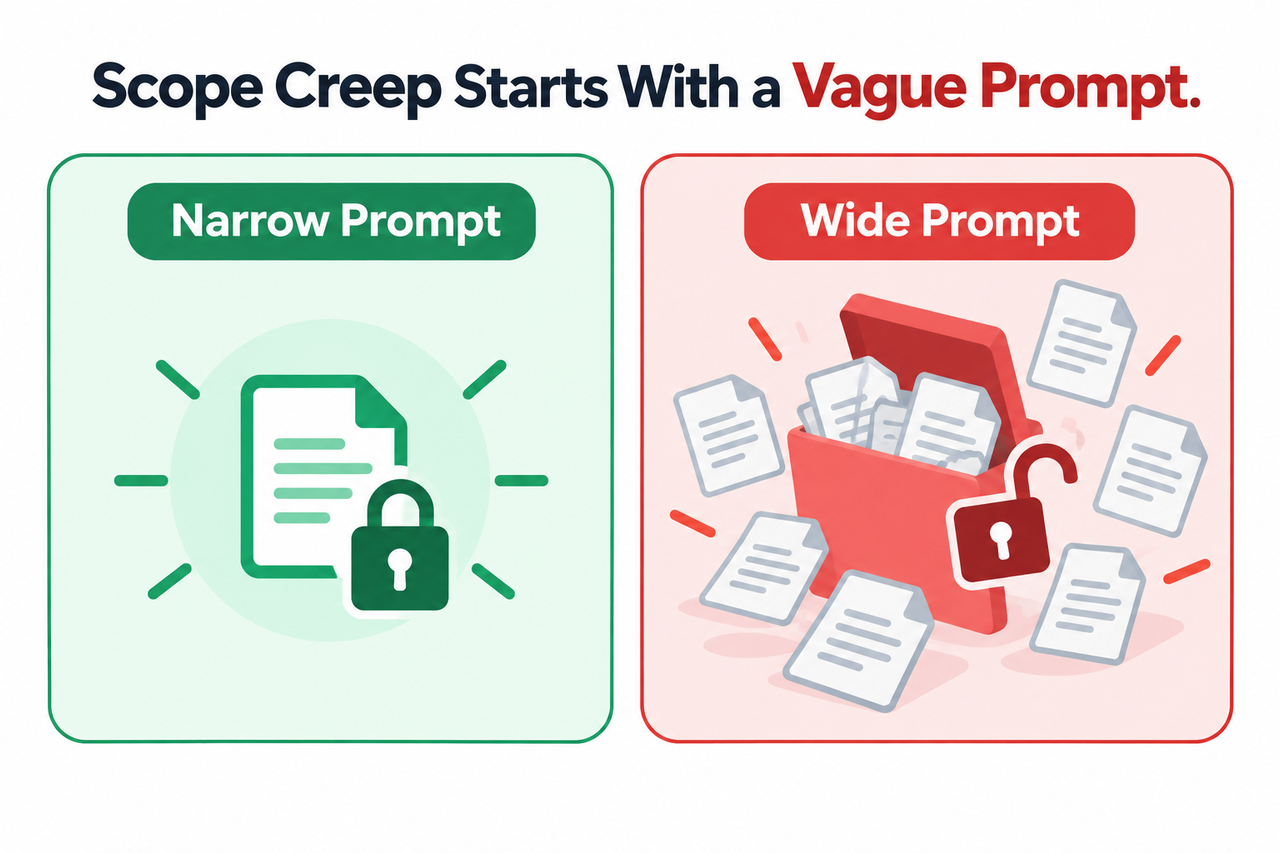
Permission Systems Check Action Type, Not Intent
Allowlist rules approve edit actions on a directory or file pattern, but they don’t verify the edit matches your actual task, letting an approved single-file change cascade into sibling files. Anthropic Claude Code Docs This is a subtle but critical point: permission rules (allow/deny/ask) control what kind of action is allowed, not whether that specific action aligns with what you meant to do.
I’ve configured allowlists that technically worked as designed and still let an agent touch three files I didn’t intend, because all three sat inside an approved path pattern. The permission system did its job; my scope definition was just too loose.
How Do You Stop AI From Editing Unrelated Files? 6 Fix Steps
Once you understand why AI coding assistants edit unrelated files, the fix steps become straightforward. I use this exact sequence on every client project now, and it’s cut my post-edit cleanup time dramatically.
Step 1: Require Diff Review Before Every Apply
Never enable auto-accept for AI-generated edits; review every touched file in the diff, not only the one you expected. dev.to This is the single highest-leverage habit change available, and it costs you almost nothing in time.
Step 2: Write File- and Line-Scoped Prompts
Name the exact file, function, and line number, and state explicitly what must not be touched, such as other functions or variable names. File-scoped prompting is the difference between an agent that stays in its lane and one that wanders.
Here’s the contrast I use when training junior team members on this:
Bad prompt: “Fix the authentication bug.”
Good prompt:
Fix the null pointer exception in the validateToken() function
on line 47 of auth/token.py. Do not modify any other functions,
files, or variable names. Return only the corrected function.
(Illustrative example)
The bad version invites the model to touch anything it judges relevant. The good version gives it nowhere to wander. dev.to
Step 3: Shrink the Model’s Visible Context
Use file- or function-level context selectors instead of indexing the whole repository, so the model’s perceived jurisdiction stays small. In tools like Cursor, that means using @file or @function references instead of letting the assistant index your entire codebase for a one-line fix.
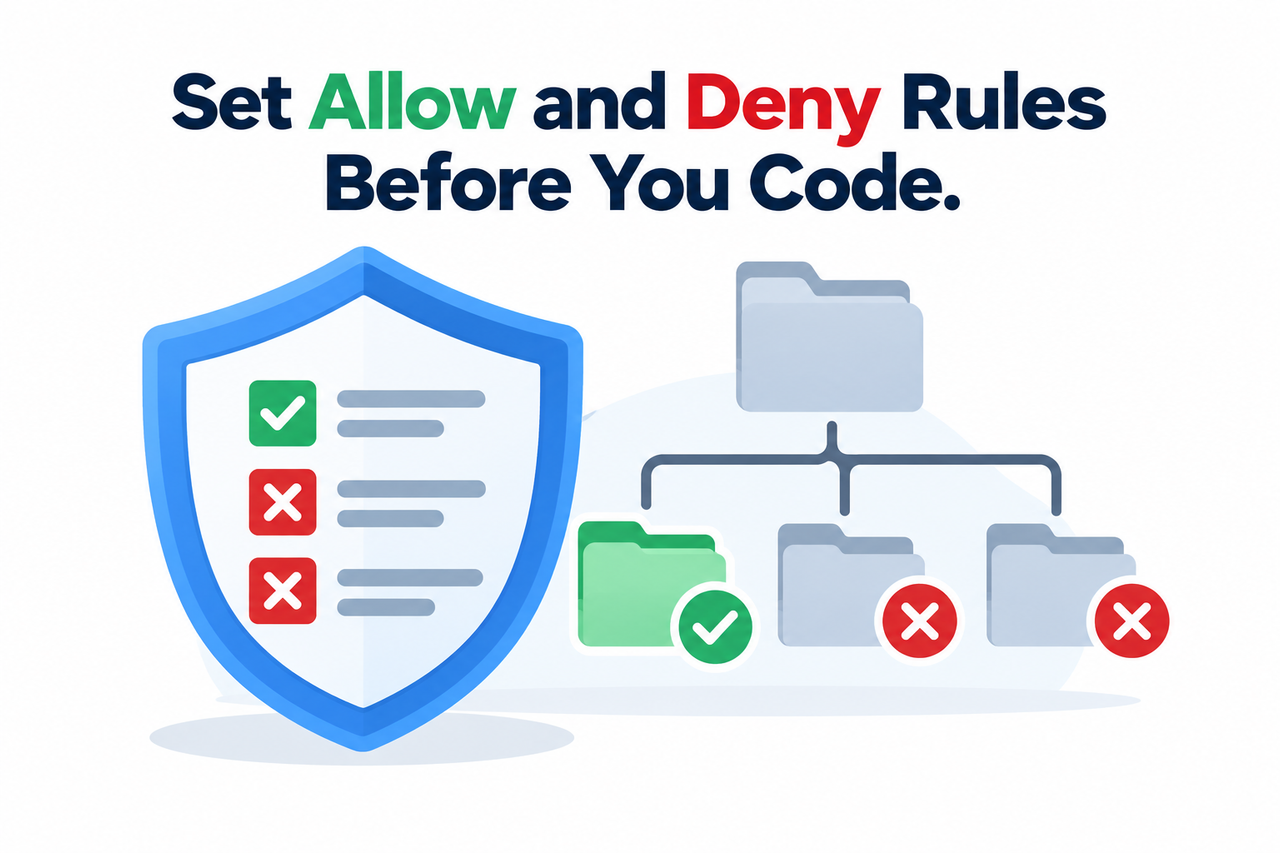
Step 4: Configure Allow and Deny Permission Rules
In Claude Code, set path-scoped rules like Edit(/src/**) as an allowlist and deny rules for protected directories, since permission rules are enforced by the tool itself, not by the model’s own judgment. Anthropic Claude Code Docs This is the closest thing to a hard stop you can build into an agentic workflow.
The table below summarizes how each safeguard maps to the root cause it addresses:
| Root Cause | Corresponding Fix |
|---|---|
| Context window overconfidence | Shrink visible context to the specific file or function |
| RLHF bias toward over-delivery | Explicit “do not modify” instructions in the prompt |
| Vague, undefined prompts | File- and line-scoped prompting |
| Permission checks action type, not intent | Path-scoped allow/deny rules plus mandatory diff review |
Step 5: Add a Pre-Edit Scope Check
Where the tool supports it, use a hook or scope-lock step that compares the file about to be edited against the declared task and pauses for approval on mismatches. Reddit This is more advanced setup, but for anyone running agents unattended or on client repos, it’s worth the configuration time.
Step 6: Run the Removal Self-Test After Every Edit
Ask yourself: “If I removed every change except the ones tied to my request, would the code still work?” If extra changes remain necessary for the file to run, that confirms over-editing you should revert. I run this test on every AI-assisted commit before I push, no exceptions.
Real-World Report: What Users Are Actually Seeing
I want to be direct here: there is no single canonical error message tied to this behavior. It doesn’t throw an exception; it just produces a diff wider than you asked for. In the community reports I’ve reviewed, developers describe it in plain language rather than an error string, one Reddit thread was titled around an AI agent that “suddenly started editing files from a completely different project,” Reddit and separate reports describe assistants “creating new project files and overwriting unrelated code.”
That absence of a formal error is itself a warning sign for anyone relying on log monitoring to catch this. If you’re waiting for a stack trace to tell you something went wrong, you’ll miss it every time. The diff is the only signal you get, which is exactly why diff review has to be a non-negotiable habit, not an occasional check.
Over-Editing vs. Malicious Prompt Injection
It’s worth separating two distinct risks that get conflated in forum discussions. Over-editing is an unintentional side effect of vague prompts and broad context, the model isn’t attacking you, it’s just being “helpful” past your intended boundary. Malicious prompt injection is different: it’s a deliberate attack where instructions hidden in a file, comment, or pull request trick the assistant into destructive actions, including one documented case where a hidden prompt pushed an AI coding assistant toward disk-wiping commands framed as returning a system to “factory state.” Tom’s Hardware via LinkedIn [UNVERIFIED — page title not directly confirmed]
Both risks are mitigated by the same underlying discipline: working directory boundaries, permission rules, and mandatory review before anything gets applied. But injection additionally requires sanitizing untrusted input, such as pull request content or third-party file contents, before it ever reaches the model’s context.
Building This Into Your Regular Workflow
If you’re managing multiple projects or client repositories the way I do, ad-hoc caution isn’t enough, you need this baked into your setup by default. I treat every new agentic tool installation the same way: configure the agentic coding assistant‘s permission rules first, before I ever run a real task through it.
A few habits that have held up across every AI coding tool I’ve tested:
- Commit before starting any AI-assisted session, so a bad edit is always a one-command revert away.
- Keep protected directories (config files, secrets, unrelated project folders) on explicit deny lists.
- Treat “accept all” as a last resort, not a default action.
- Re-scope your prompt every time the task changes, don’t reuse a broad prompt across multiple small fixes.
This isn’t about distrusting the tools. It’s about recognizing that unintended file modification is a structural property of how these systems currently work, not a flaw unique to one vendor. For a broader breakdown of common AI coding failures and how to resolve them, check out our complete guide to troubleshooting AI coding assistants.
Frequently Asked Questions
Is an AI coding assistant editing unrelated files a bug or expected behavior?
It’s typically expected behavior stemming from how the model interprets context, not a software bug. It happens because the model has no built-in sense of project boundaries and acts on anything visible in its context window unless explicitly restricted. Reddit
Can I fully prevent AI assistants from touching files outside my request?
You can’t eliminate the risk entirely, but combining scoped prompts, restricted context, and tool-level permission rules significantly reduces unintended edits by giving the tool hard boundaries instead of relying on the model’s judgment alone. Anthropic Claude Code Docs
What should I do if an AI assistant already edited or deleted unrelated files?
Revert using version control immediately, this is why committing before any AI-assisted session is critical, then tighten your permission rules and prompt scoping before running the same task again.
Does this happen with all AI coding tools, or just some?
It has been reported across major agentic tools including Cursor, Claude Code, GitHub Copilot, and Codeium/Windsurf, since the root cause is architectural (context handling and permission design) rather than specific to one vendor.
How is over-editing different from a malicious prompt injection?
Over-editing is an unintentional side effect of vague prompts and broad context. Prompt injection is a deliberate attack where malicious instructions hidden in a file or pull request trick the assistant into destructive actions like deleting files. Both are mitigated by the same permission and review discipline, but injection requires additional input sanitization.
Why does my AI assistant keep touching the same unrelated file every time?
This usually means that file sits inside a broadly-scoped allow rule or shares naming patterns with the file you’re actually editing, causing the model to repeatedly flag it as relevant context. Tightening your path-scoped permission rules or excluding that file from indexing typically resolves it.
Leave a Reply