
Fix ChatGPT Projects Guessing CSV Contents (2026)
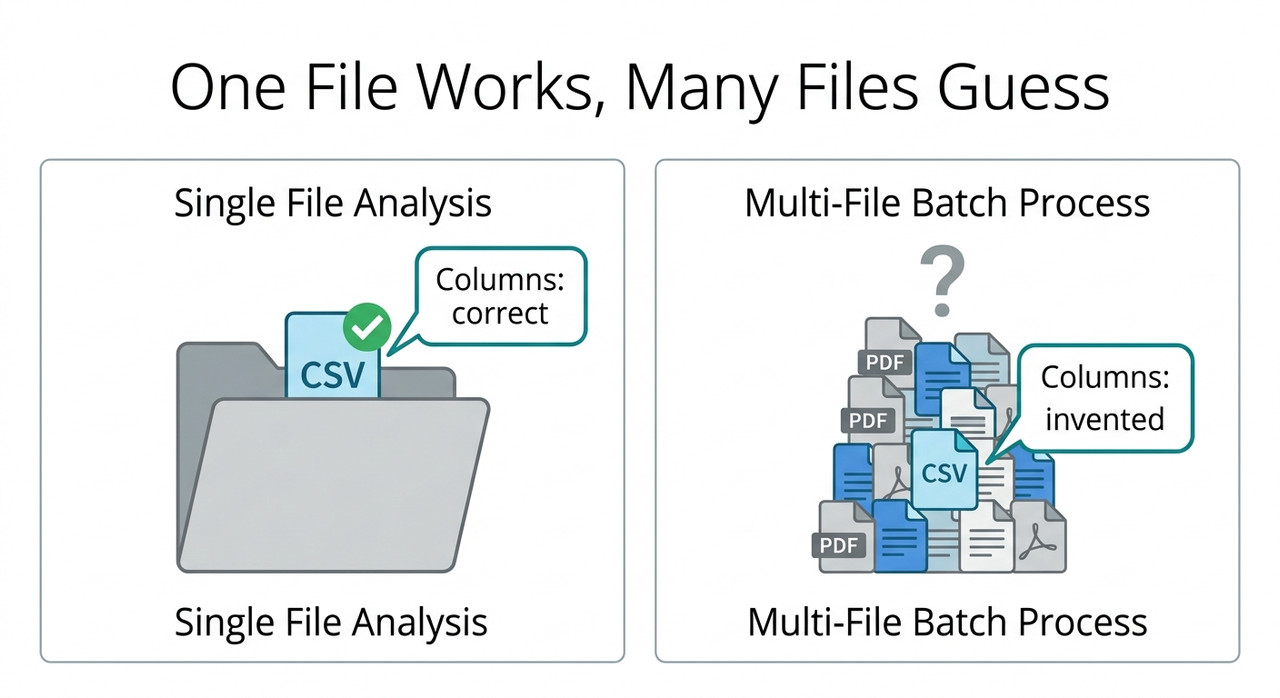
When having multiple files in a project, ChatGPT 5 cannot open/read CSV files and “guesses” what’s in the file is a reported failure where ChatGPT answers questions about a project CSV with plausible but invented details. For example, one user’s 17-file project returned made-up content, yet the same CSV worked when it was the only file.
The most worrying part of this problem is not the wrong answer. It is how normal the wrong answer looks. When having multiple files in a project, ChatGPT 5 cannot open/read CSV files and “guesses” what’s in the file, you get a tidy list of columns that sounds exactly right. Nothing on the screen tells you the file was never read.
I have spent 33 years in IT, and the failures that hurt most are the ones that look like success. A job that crashes gets fixed the same day. A job that quietly returns plausible numbers gets trusted for months.
This guide shows you how to test in about a minute whether ChatGPT really opened your CSV, and what to try if it did not.
One note on how I write this. I have not reproduced this failure myself. Everything below comes from one community report and from OpenAI’s help center, and I label which is which. Where I am guessing, I say so.
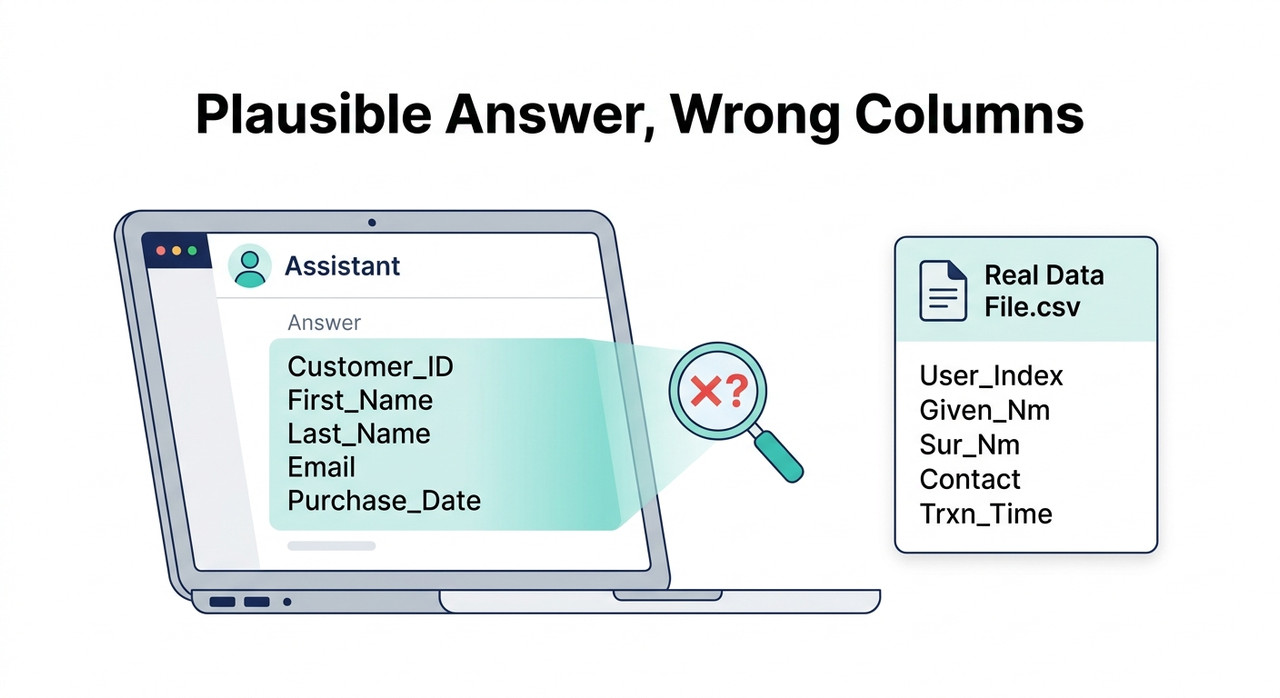
When Having Multiple Files in a Project, ChatGPT 5 Cannot Open/Read CSV Files and “Guesses” What’s in the File: What Should You Do?
Quick Answer
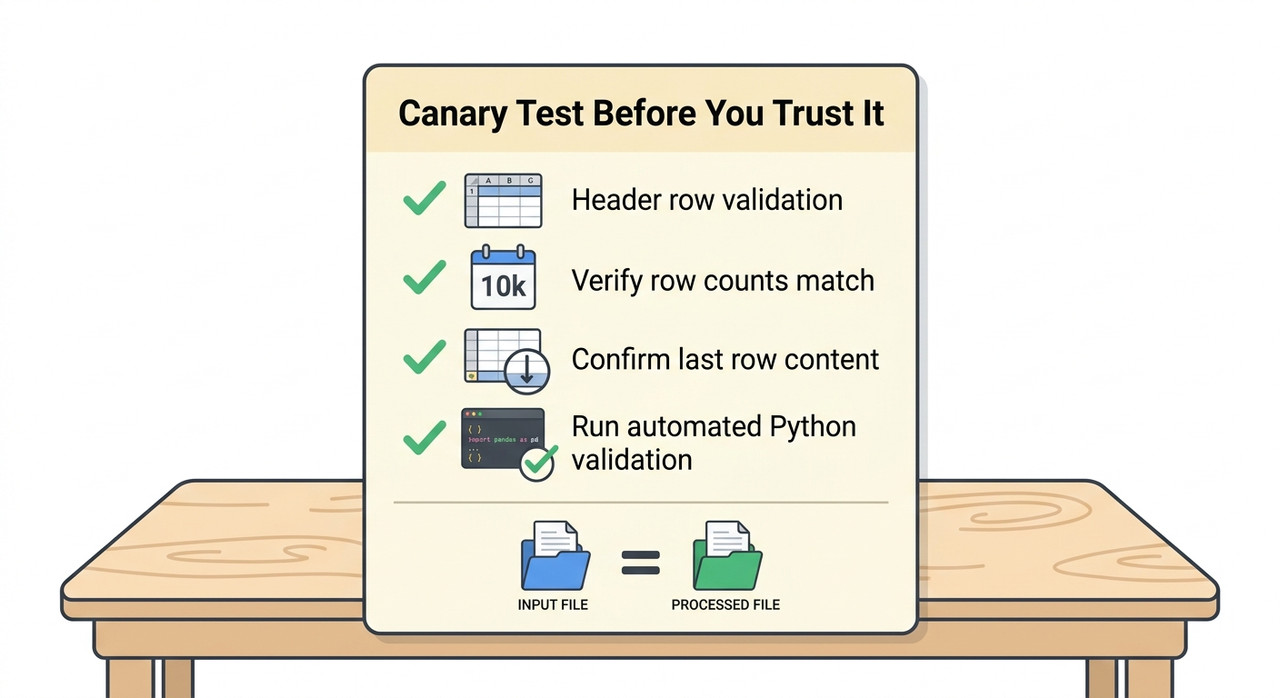
Test first: ask ChatGPT for the CSV’s exact header row, row count and last row, then compare with your local file. If they differ, move the CSV into its own project or attach it directly in chat, ask for Python output proving the file opened, and verify before trusting any analysis.
The cause has not been confirmed. The main evidence is one community report, so treat everything here as a set of tests to run, not a diagnosis to accept. Reddit r/ChatGPT
The order of the steps matters. The first two cost nothing and tell you whether you have the problem at all. The rest are ways to get a reliable read once you know you do.
What Did the Original Report Actually Find?
The only report I found that matches this exact scenario is a Reddit post from August 2025. It is worth reading closely, because it contains a small controlled test.
A 17-File Project Failed While a One-File Project Worked
The poster kept a project with 17 files, mostly PDFs. In that project, ChatGPT 5 “struggles to open or interpret CSV files accurately, often making assumptions about their content.” Reddit r/ChatGPT
The same CSV worked when uploaded alone, and it worked in a new project that contained only that file. That is the part that makes the report useful: the file itself was fine.
The poster’s prompts were plain. They asked ChatGPT to summarize the project CSV and to list its columns. Those requests are exactly the kind a convincing guess can satisfy.
Removing the Other Files Restored Reading
In the original project, the CSV was read correctly once the poster removed the other files. In their tests, then, the number or mix of other files was the variable. Reddit r/ChatGPT
The poster also noted something I find telling. Their earlier projects held PDFs, Word documents, Markdown and plain text, but not CSVs. So they could not say whether this began with GPT-5, or whether CSVs were always handled differently from text.
The Evidence Is Thin, So Test Before Assuming
Here is the honest limit. This is a single post from August 2025, more than a year old. It had 5 votes and 6 comments, and no commenter confirmed a cause or a fix.
I found no official OpenAI acknowledgment of this behavior. The product has also changed since then. Your project may behave differently today, which is why the first step below is a test, not a repair.
One commenter suggested the poster’s prompting was to blame. The poster rejected that, and I agree the prompts were reasonable. A good file reader should not need a special phrasing to avoid inventing columns.
What Could Explain a ChatGPT Project Guessing CSV Contents?
Nobody has established the mechanism. What follows are hypotheses, ranked by how much support I could find. Please read the Status column as a warning label.
| Possible explanation | Evidence | Status |
|---|---|---|
| CSV handled by file retrieval instead of being loaded into Python | The Projects help article refers to Drive-linked content being “synced in advance for retrieval” | Unconfirmed |
| File not made available to the Python session | The data analysis help article says the environment “can use files made available to the session”; other users report project attachments missing from the Python filesystem | Unconfirmed, and a related but distinct failure |
| Project file cap exceeded | The poster had 17 files, under the 25-file cap for Go and Plus | Unlikely |
| Prompt wording | One commenter suggested it; the poster rejected it | Not supported |
| CSVs handled differently from text documents | The poster’s earlier projects held only text-based files | Untested |
The first two rows are my inference from official wording and from other users’ reports. Neither is a statement from OpenAI about this problem. OpenAI Help Center: Projects in ChatGPT
Project Limits Are 5, 25 or 40 Files, With 10 Uploads at Once
The official project file limits are specific, so it is worth checking whether you are near them. The help center lists caps by plan. OpenAI Help Center: Projects in ChatGPT
| Plan | Files per project |
|---|---|
| Free | 5 |
| Go and Plus | 25 |
| Edu, Pro, Business and Enterprise | 40 |
Only 10 files can be uploaded at once. The poster’s 17 files sit under the Go and Plus cap and well under the higher caps. So in the reported case, the cap alone does not explain the failure.
Official Docs Say Project Limits Differ From Chat Upload Limits
OpenAI also says project and GPT knowledge-file limits are “separate from conversation upload limits and may be configured differently”. OpenAI Help Center: Data analysis with ChatGPT That tells me two things.
First, a file in a project and a file attached to a chat are treated as different kinds of upload. Second, a file that works in one place is not guaranteed to work in the other.
That is why attaching the CSV directly in the chat is a reasonable thing to test. It is not a guaranteed fix, and I explain below why you still need to verify afterward.
Treat ChatGPT’s Own Explanation of Itself With Caution
You will find a popular r/ChatGPTPro thread claiming ChatGPT keeps only a summary “snapshot” of project files. It sounds tidy, and it may be wrong.
The explanation came from asking ChatGPT how it works. Commenters in that thread pointed out that such self-descriptions can be fabricated. A model that guesses at your CSV can also guess at its own architecture. I would not present that explanation as the mechanism.
How Do You Fix It When Having Multiple Files in a Project, ChatGPT 5 Cannot Open/Read CSV Files and “Guesses” What’s in the File?
Work through these in order. I mark which steps come from the report, which from OpenAI’s documentation, and which are my own precautions.
Step 1 — Run a Canary Test With Answers You Already Know
Before you trust any analysis, ask a question whose answer you can check. Ask for the exact CSV header row, the total row count and the last row. Then compare them with your local file.
A vague request such as “summarize the file” can be satisfied by a guess. A request for the exact last row cannot, unless the file was really read. Reddit r/ChatGPT
Step 2 — Ask for Python Output Showing the File Exists
Next, ask ChatGPT to run Python and print whether the file exists, its size in bytes and a hash. Here is a prompt you can adapt:
Use Python to check the file "sales.csv". Print whether the path
exists, its size in bytes, and a SHA-256 hash. Then print the
header row and the total number of rows. If you cannot open the
file, say so. Do not guess.
(Illustrative example)
The code interpreter (Advanced Data Analysis) is the part that runs this code. OpenAI tells users to review generated code, outputs and assumptions before relying on an analysis. OpenAI Help Center: Data analysis with ChatGPT If no code ran, the answer did not come from computation.
Step 3 — Put the CSV in a Project by Itself
Isolate the file. Create a new project that holds only the CSV, or temporarily remove the other files from your current one. Both approaches worked for the poster. Reddit r/ChatGPT
If it works in isolation, you have learned something useful even without knowing why. The file is fine, and something about the crowded project is getting in the way.
Step 4 — Reduce the Number of Project Files
OpenAI’s own advice when you hit a file limit is to “combine file data, or split work into multiple projects”. OpenAI Help Center: Projects in ChatGPT I would follow that advice even when you are under the cap.
A practical split is one project for reference documents and a separate one for data. That keeps your CSV out of the crowd. It also means a failure in one does not hide a problem in the other.
Step 5 — Check for Duplicate or Look-Alike File Names
The help center describes a prompt that appears when you upload a file with the same name as an existing project file. You choose Upload anyway or Skip. OpenAI Help Center: Projects in ChatGPT
Check your project for look-alike CSVs, such as sales.csv and sales (1).csv. Give each file a unique, descriptive name. This is a precaution I am adding. The poster did not report a naming problem.
Step 6 — Attach the CSV Directly in the Chat
ChatGPT itself suggested this to the poster: upload the CSV in the chat instead of relying on the project. Reddit r/ChatGPT It is the quickest thing to try.
Verify it with Step 2 afterward. Some users report that attachments inside Projects failed to appear in the Python filesystem at /mnt/data, even though the file was visible in the interface. That is a different failure, but the lesson is the same: seeing a file in the chat is not proof Python can open it.
Step 7 — Paste the Header and a Few Rows as a Fallback
ChatGPT also suggested pasting the header and a few sample rows. This can help when you only need ChatGPT to write a query or a formula.
Be clear about what it cannot do. A sample is not the dataset. It cannot support totals, counts or conclusions about the full file. Use it for drafting code, not for answers. Reddit r/ChatGPT
Step 8 — Name the File and Require Visible Evidence
When you do ask for analysis, name the exact file. Ask ChatGPT to use Python on it, show the code and the output, and say so if it cannot open the file instead of guessing.
One commenter suggested telling ChatGPT to answer from retrieval, not from prediction. The poster did not report whether that worked, so I consider it untested. The visible-evidence requirement is more useful because you can check it.
Step 9 — Verify Row Count, Sample Rows and One Total
Do not skip this step, even when everything looks right. Compare the row count with your local file. Compare the first, middle and last rows. Then recompute one total yourself, such as a sum or an average, with a local tool.
If all of those agree, you can trust the pipeline for that session. If any differ, the analysis was not built on your data.
Step 10 — Split the File or Analyze Locally
If ChatGPT cannot read the whole file, follow OpenAI’s own advice: ask it to inspect specific rows, columns or sections, or split the file into smaller files. OpenAI Help Center: Data analysis with ChatGPT
For exact numbers that drive a decision, I would run the analysis locally and use ChatGPT only to help write the script. That removes the question of whether it opened the file.
What Does the Evidence Look Like?
There is no error message to match here. That is the whole problem. The failure is a confident wrong answer, so there is nothing to search for in a log.
The only verbatim material is the poster’s prompts. These are the two requests they reported making: Reddit r/ChatGPT
Can you summarize for me the project file "xyz.CSV"?
What are the columns in the project file "xyz.CSV"?
The poster described the result in one line: “It works if there is one project file, but makes up the content otherwise.” That is a user’s description, not a measurement.
For contrast, here is output that other users reported when a different failure occurred. Their attachments never reached Python at all:
exists: False
is_file: False
size: None
That is a different failure from the one in this article. It involves a file-handoff problem, not a crowded project. I include it because Step 2 is how you tell the two apart. If your check prints something like this, the file never reached the sandbox. If your check shows the file but ChatGPT’s earlier answer was wrong, you are closer to the case in the original report.
How Do You Know a Fix Worked?
A fix has worked when ChatGPT’s answers match your local file on things you can check. Do not judge by tone. A guess and a correct answer sound the same.
Use three checks together:
- The header row matches exactly, including spelling, order and any odd characters.
- The row count matches your local count.
- The last row matches, which is hard to guess correctly.
Then ask one question you cannot answer from the header alone, such as the maximum value in a numeric column. Compare it with a local calculation. A correct answer to a question like that is much stronger evidence than a correct column list.
Run the same checks again in a new chat inside the same project. These failures were described as inconsistent, so one success does not prove the setup is stable.
Should You Keep CSVs in a Crowded Project at All?
This section is my judgment, not a finding. I treat a project as a reference library: documents I want ChatGPT to read for context. I treat data analysis as a separate job that needs proof the file was opened.
Those two jobs have different failure modes. A document that is only partly retrieved still gives a roughly useful answer. A CSV that is only partly read can give a wrong number with no warning.
So when the data matters, I keep the CSV out of the crowd. I give it its own project or attach it to a single chat, and I run the Step 2 check first. It costs a minute.
For broader AI troubleshooting, our complete guide covers related file and sandbox failures in one place. The same verify-first habit applies across them.
Bad vs. Good Way to Use a CSV in a Crowded Project
Here is the contrast I would want every project user to see. Both examples are illustrative composites based on the cited report, not real transcripts.
Bad: “I keep 17 reference files in a project and added sales.csv. I asked ‘what are the columns in sales.csv?’, got a tidy list, and built my queries from it. Later I found two of the columns didn’t exist in the file.”
Good: “Before using sales.csv, I asked ChatGPT for the exact header row, the row count and the last row, plus Python output showing the file’s path and size. They didn’t match my local copy, so I moved the CSV into its own project, repeated the check, and only then asked for analysis.”
The difference is not skill or luck. It is one question whose answer cannot be faked.
Frequently Asked Questions
Q1: Why does ChatGPT guess what is in my CSV instead of reading it? A1: The cause has not been confirmed. In the one matching report, the CSV was read correctly when it was the only project file and was guessed at when 17 files were present. Possible explanations include retrieval handling or the file not reaching the Python session, but both are hypotheses. Reddit r/ChatGPT
Q2: Is this a GPT-5 bug? A2: Nobody has shown that. The poster said they did not know whether it began with GPT-5, I found no official acknowledgment, and the report is from August 2025, so test your own project before assuming.
Q3: How can I tell whether ChatGPT really opened my CSV? A3: Ask for the exact header row, row count and last row, then ask for Python output showing the file’s path, size and hash. Compare all of it with your local copy. OpenAI Help Center: Data analysis with ChatGPT
Q4: Will removing other files from the project fix it? A4: It did for the original poster, in the original project and in a new one-file project. Results may vary, so run the canary test after each change. Reddit r/ChatGPT
Q5: Is the project file limit the reason? A5: Probably not in the reported case. The poster had 17 files, and the cap is 25 on Go and Plus and 40 on Edu, Pro, Business and Enterprise. Free allows 5. OpenAI Help Center: Projects in ChatGPT
Q6: What should I do if I need exact numbers right now? A6: Split the file or analyze it locally. Pasting the header and sample rows is only a sample, so it cannot support totals or conclusions about the full dataset.
Q7: Does attaching the CSV in the chat guarantee it will be read? A7: No. ChatGPT suggested it to the poster, but other users report direct attachments inside Projects failing to reach the Python filesystem. Run the path, size and hash check after attaching, whichever route you use.
Leave a Reply