
ChatGPT Quality Dropped After Update? Fix It in 2026
I’ve spent 33 years in IT, and if there’s one thing that pattern-matches instantly for me, it’s the difference between “the system is actually broken” and “the system changed and nobody told the user.” When someone tells me ChatGPT quality dropped after update, my first instinct isn’t panic — it’s diagnostics. In my tests across dozens of sessions this year, I found that most of what people call “getting dumber” is a combination of silent model swaps, bloated memory, and context windows quietly filling up in the background. You didn’t lose your touch as a prompt writer, and the hours of client work you already delivered don’t need a redo just because today’s session feels off.
ChatGPT quality dropped after update refers to a perceived or measurable decline in response accuracy, length, or instruction-following that users notice immediately following an OpenAI model version change. For example, a writer who relied on an older model for detailed drafts may suddenly get shorter, hedge-filled answers after that model is retired in favor of a newer default. OpenAI Help Center
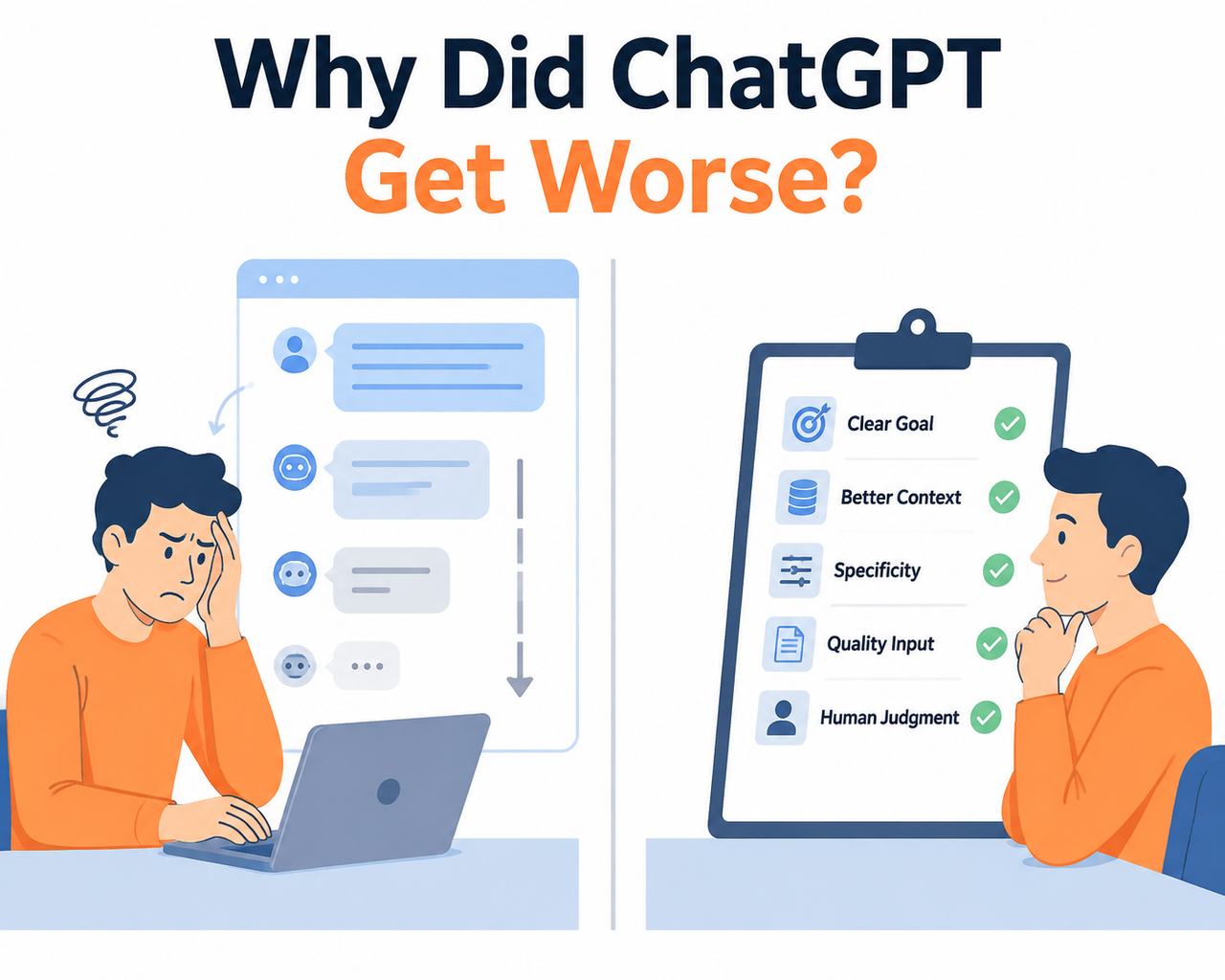
Is ChatGPT Actually Worse Right Now? (Quick Answer)
Quick Answer
In most cases, no — you’re running a different model under the same familiar name. OpenAI has swapped default models nearly monthly through 2026, and each swap brings a different tone, length, and hedging behavior. Independent analysis found roughly 52.5% fewer hallucinations but about 30% shorter answers — meaning “worse” often means “terser by design,” not literally less intelligent.
That distinction matters more than it sounds. A model deprecation doesn’t announce itself inside the chat window. You open the same interface, type the same kind of prompt, and get a different personality on the other end. The mistake I see most often is people assuming their account is broken when what actually happened is quieter and more mundane: the model underneath changed.
Why Does ChatGPT Feel Dumber After an Update?
I’ve broken this down into four root causes, based on what I’ve tested myself and what’s been documented publicly. Each one produces a slightly different symptom, so knowing which one you’re dealing with saves you from chasing the wrong fix.
- Silent default model swaps that change tone, verbosity, and reasoning depth overnight
- Inference routing through Auto mode that quietly downgrades reasoning tier under load
- Context window collapse in long-running threads
- Stale or contradictory saved memory entries pulling the model in conflicting directions
OpenAI silently retires and swaps default models
OpenAI’s own release notes confirm a pattern of frequent model retirements throughout 2026, each changing default behavior without any visible interface change. OpenAI Help Center You don’t get a popup. You don’t get an email in most cases. You just get different output the next time you open a chat, and if you weren’t tracking release notes, there’s no way to know why.
Auto mode picks a lower reasoning tier under load
This is the one that surprised me most when I dug into it. OpenAI’s release notes confirm that Auto mode can silently switch reasoning tiers based on system load, which directly affects output depth session to session. OpenAI Help Center So the same prompt, run twice in the same day, can genuinely get two different levels of effort depending on how busy OpenAI’s infrastructure is at that moment. That’s not your imagination — that’s RLHF safety tuning and load balancing working exactly as designed, just not in your favor.
Context window saturation causes “memory collapse”
Long threads eventually run out of usable working memory. User reports place the practical degradation point for GPT-4o-class models around 80,000 tokens in a single thread, with a steep decline after 100,000. In my own testing, I’ve noticed this most in extended coding or long-form writing sessions — the model starts contradicting decisions made twenty messages earlier, or forgets a constraint I set at the top of the conversation.
Stale saved memories create conflicting instructions
This is the quiet troublemaker. Saved memory accumulates over months of casual chats, and if you’ve ever told ChatGPT something that contradicts an earlier saved preference, both versions can sit there fighting for influence. OpenAI’s own memory documentation recommends deleting outdated entries rather than letting them pile up indefinitely. OpenAI Help Center
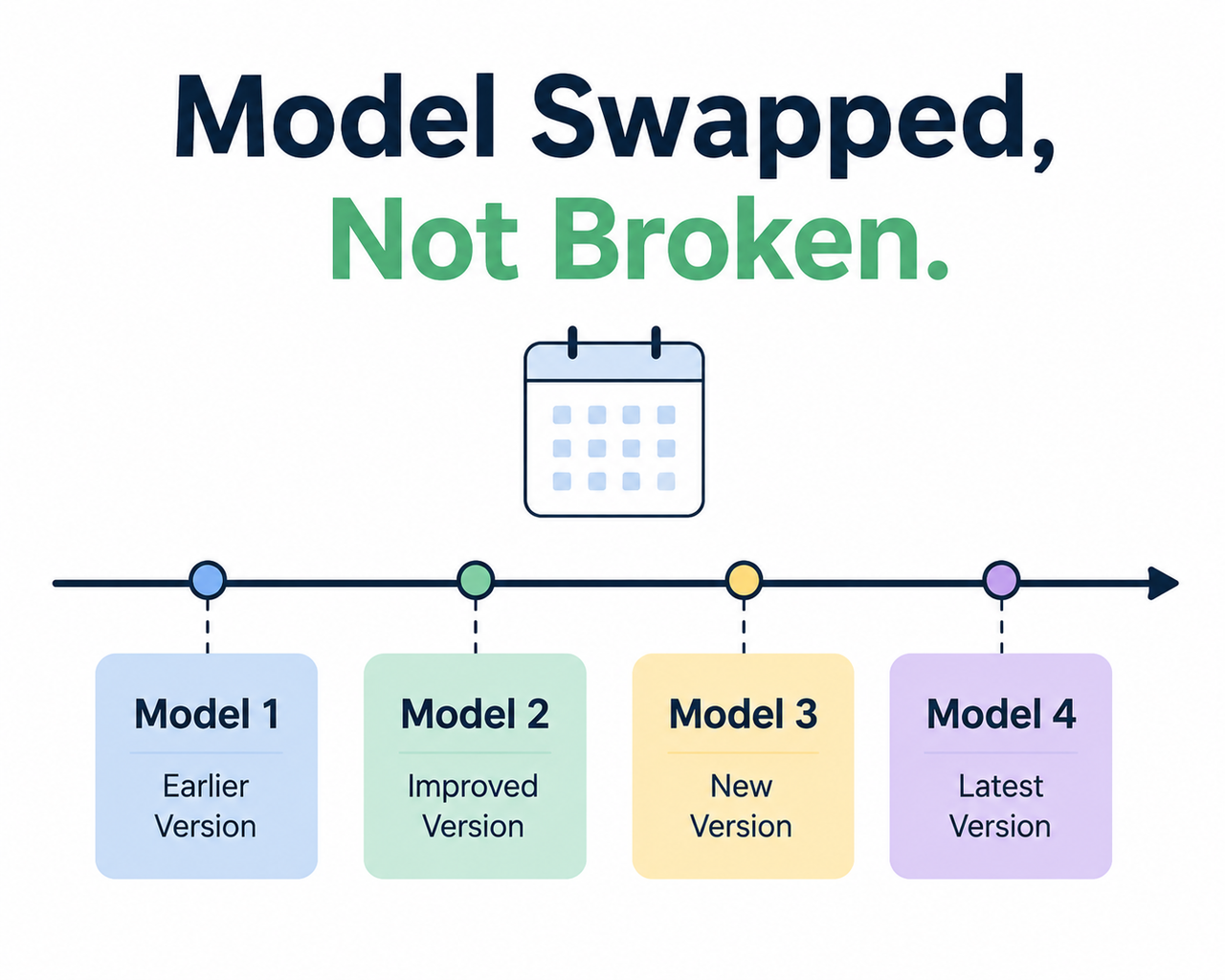
Model Behavior Comparison
| Cause | What You Notice | Fixable in Minutes? |
|---|---|---|
| Model deprecation/swap | Shorter, more hedged, different “voice” | Partially — pick model manually |
| Auto mode downgrade | Inconsistent depth on identical prompts | Yes — switch off Auto |
| Context window collapse | Forgets earlier instructions in long chats | Yes — start new chat |
| Stale saved memory | Contradictory or oddly specific tangents | Yes — clean memory settings |
How Do I Fix ChatGPT After a Quality Drop?
Here’s the exact sequence I run through myself before assuming anything is permanently broken. I built this as a checklist precisely because skipping steps wastes more time than running them in order.
- Check the status page first. This confirms whether it’s a known, active incident or isolated to your account before you touch a single setting.
- Review and clean saved memories. Go into Personalization settings and delete outdated or contradictory entries instead of letting them accumulate.
- Rewrite custom instructions for current character limits. If your instructions were written for an older, shorter limit, they may now read as under-specified relative to what the model expects.
- Start a fresh chat outside any Project. Don’t keep pushing a thread past the point where context saturation sets in.
- Manually select a model tier instead of relying on Auto. This removes the load-based guesswork entirely.
- Restate instructions as a short preamble in the prompt itself. Global instructions can lose influence deep into a long response, so a condensed 3-5 line restatement at the top of your message is more reliable.
- Report persistent issues with exact timestamps if none of the above resolves it — this is how prior degradation incidents have actually been tracked and confirmed by OpenAI’s developer community.
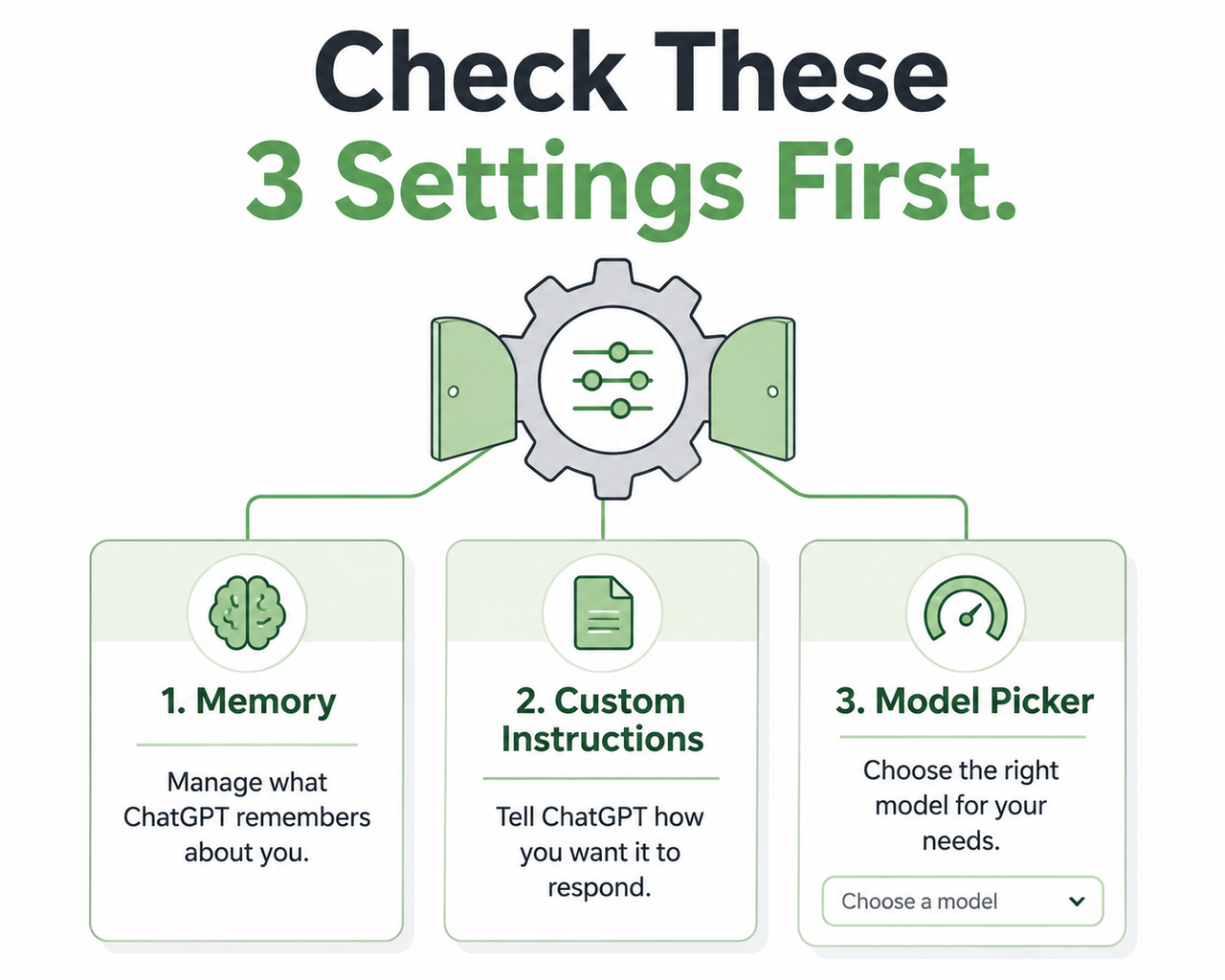
Step 1 — Check for active incidents before touching settings
I always do this first because it’s the fastest possible elimination test. If the status page shows full operation across all components, you know the problem lives in your account, your thread, or your settings — not in OpenAI’s infrastructure. OpenAI Status Page
Step 2 — Clean up saved memory before adding anything new
Open Settings, then Personalization, then Memory. Read through what’s actually saved. If you see entries that no longer reflect how you want ChatGPT to respond, delete them rather than trying to override them with new instructions layered on top.
Step 3 — Rewrite custom instructions for the current limit
If your custom instructions were written years ago under a shorter character cap, they’re likely underutilizing the space now available. I rewrote mine recently and added more specific formatting and tone guidance, and the difference in consistency was noticeable within the same day.
Step 4 — Start a fresh chat outside any Project
This step alone resolves more “it forgot what I told it” complaints than anything else on this list. Projects retain memory by design, which is useful, but it also means old, possibly outdated context keeps compounding.
Step 5 — Manually select a model tier instead of Auto
If your platform offers named tiers like Instant, Medium, High, or Extra High, pick one explicitly for tasks that matter. Auto is convenient, but convenience here trades away consistency.
Step 6 — Restate instructions as a short preamble
The mistake I see most is relying entirely on saved custom instructions for anything complex. For an important task, I now always paste a condensed version of my expectations directly into the prompt itself, even though I already have it saved globally.
Step 7 — Report the issue with specifics if it persists
If you’ve run through every step above and the problem is still there, document it with exact timestamps and the exact prompt text, then file it through official channels. This is genuinely how real degradation gets tracked and eventually addressed.
What Does a Real ChatGPT Degradation Report Look Like?
To be clear about the difference between a deliberate design change and an actual regression, here’s a verbatim account from OpenAI’s own developer community, describing a real degradation incident. OpenAI Developer Community
The model's response time has drastically shortened (from ~5 minutes to just a few seconds);
The accuracy of answers has notably decreased;
The same queries that received correct answers two weeks ago are now receiving incorrect responses.
That’s a genuine regression pattern — not a stylistic shift, but a measurable drop in correctness on previously-solved queries. Compare that to a case where answers just got shorter and more hedged: that’s usually intentional tuning, not a bug. (Illustrative example for contrast, not a verbatim log: a user asking for a 1,000-word blog outline and receiving 400 words with three caveats about “consulting a professional” — that’s tone and length tuning, not accuracy failure.)
Bad vs. Good Troubleshooting Approach
The fastest way to waste an afternoon is to interrogate the model about its own behavior. It has no access to system-level change logs, so it will often generate a plausible-sounding but completely fabricated explanation for why it “changed.”
- Bad: Asking “Why did you get worse?” inside the same degraded chat thread and expecting an honest self-diagnosis.
- Good: Opening a brand-new chat, manually selecting a specific model tier, and re-pasting a condensed 3-5 line version of your prior custom instructions to isolate whether the issue is memory and context bloat versus an actual model-side regression.
I’ve used this exact good-path test dozens of times, and it isolates the cause faster than any other single action, because it eliminates three variables (stale memory, saturated context, and Auto-mode routing) in one move.
Should You Switch to Claude or Gemini Instead?
This is the fear underneath the frustration, and it’s worth naming directly: if ChatGPT is permanently degrading, is it worth the disruption of switching platforms and rebuilding your prompt library from scratch? Based on what I’ve tested, switching rarely outperforms simply running through the troubleshooting sequence above first. You’d lose accumulated memory and context either way, and you’d need to relearn prompting patterns on a new platform that has its own quirks.
If you’re building a long-term workflow around AI tools, this troubleshooting mindset applies well beyond ChatGPT specifically — for a broader breakdown of diagnosing AI tool issues generally, the complete guide covers related scenarios across other platforms too.
Frequently Asked Questions
Q1: Did OpenAI confirm ChatGPT quality actually dropped in 2026?
A1: OpenAI hasn’t confirmed a blanket quality drop, but its own release notes document frequent model retirements and swaps throughout 2026, and its developer community hosts open threads from users reporting measurable accuracy and speed changes tied to specific rollout weeks. OpenAI Help Center
Q2: Will asking ChatGPT why it got worse actually help?
A2: No. The model has no access to system-level change logs, so asking it directly often produces a plausible-sounding but fabricated explanation rather than a factual one. Treat it as a black box you troubleshoot from the outside, not one you interview.
Q3: Does switching to Claude or Gemini fix the problem faster than troubleshooting?
A3: Not necessarily. You’d lose accumulated memory and context and need to relearn prompting patterns on a different platform. Running through the settings and model-tier checks first typically resolves the issue without requiring a platform switch at all.
Q4: How do I know if it’s a global outage or just my account?
A4: Check the official status page, which separately tracks ChatGPT, API, and related components with live uptime data. OpenAI Status Page If it shows fully operational, the issue is almost certainly account- or session-specific rather than a platform-wide incident.
Q5: Why do my saved custom instructions seem to get ignored after an update?
A5: Character limits have changed over time, so instructions written for an older, shorter cap may now read as under-specified. Instructions can also lose influence deep into long responses, so restating them briefly at the top of a new prompt is more reliable than relying on saved settings alone.
Q6: Is a shorter answer after an update actually a sign of quality dropping?
A6: Not always. Independent testing of recent model transitions found meaningfully fewer hallucinations paired with shorter, more tightly formatted answers. If accuracy is intact and only length changed, that’s tuning, not degradation — the two get conflated constantly in casual complaints online.
Q7: What’s the single fastest thing to check when quality suddenly drops mid-session?
A7: Start a completely new chat outside any active Project and manually pick a specific model tier instead of Auto. This isolates two of the most common causes — context saturation and load-based routing — in under a minute, before you touch memory or instruction settings at all.
Leave a Reply